Restore job
Introduction
The restore job in Backup Administration for Microsoft 365 is used to regenerate a mailbox, SharePoint site, OneDrive, or team from the backup. This processing type is useful when an entire mailbox, site, OneDrive, or team has been deleted, or when one or more folders or items have been deleted and need to be restored from the backup storage.
The Restore job page in Backup Administration for Microsoft 365 allows administrators to create restore jobs for mailboxes, SharePoint sites, OneDrive, and teams, and it explains the restore job configuration.
Important: Please note that restore jobs are not available for private chats.
Create a restore job
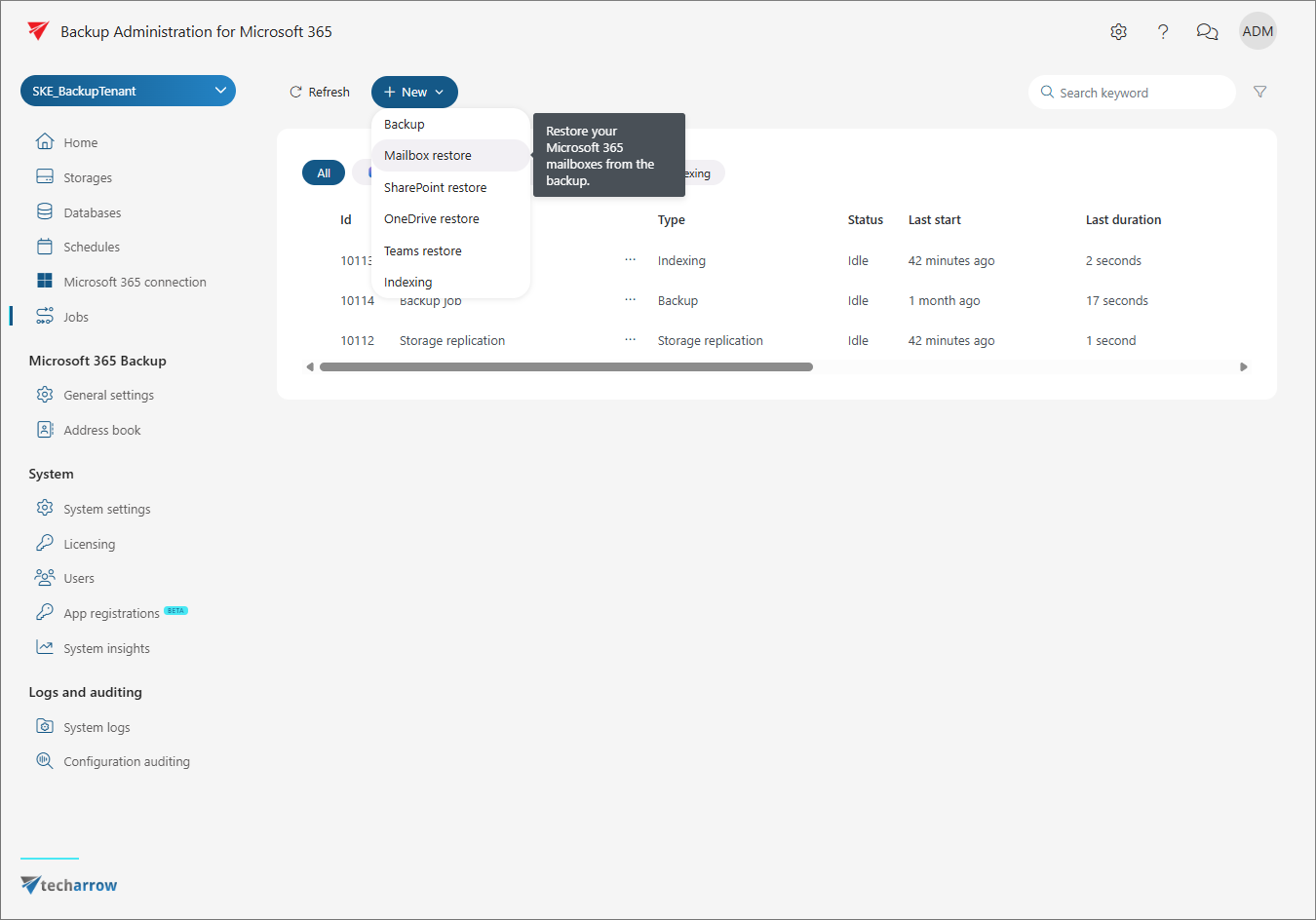
To create a restore job, navigate to the Jobs page on the left-side menu and click + New. In the dropdown menu, select the restore job for the model from which you want to restore the deleted items.
Once you select the desired option, the Job configuration window appears. The configuration page may vary depending on what you want to restore.