Configuration auditing
Introduction
This page describes the Configuration auditing feature in Backup Administration. It explains how to view and search configuration changes, how to export audit data, and how to filter entries by scope, object, operation, date, and initiating user.
Overview
The Configuration auditing feature captures all configuration changes made in Backup Administration for Microsoft 365. It allows you to identify which user made a change, what was changed, and when the change occurred.
To view and search the auditing data, navigate to the Configuration auditing page.
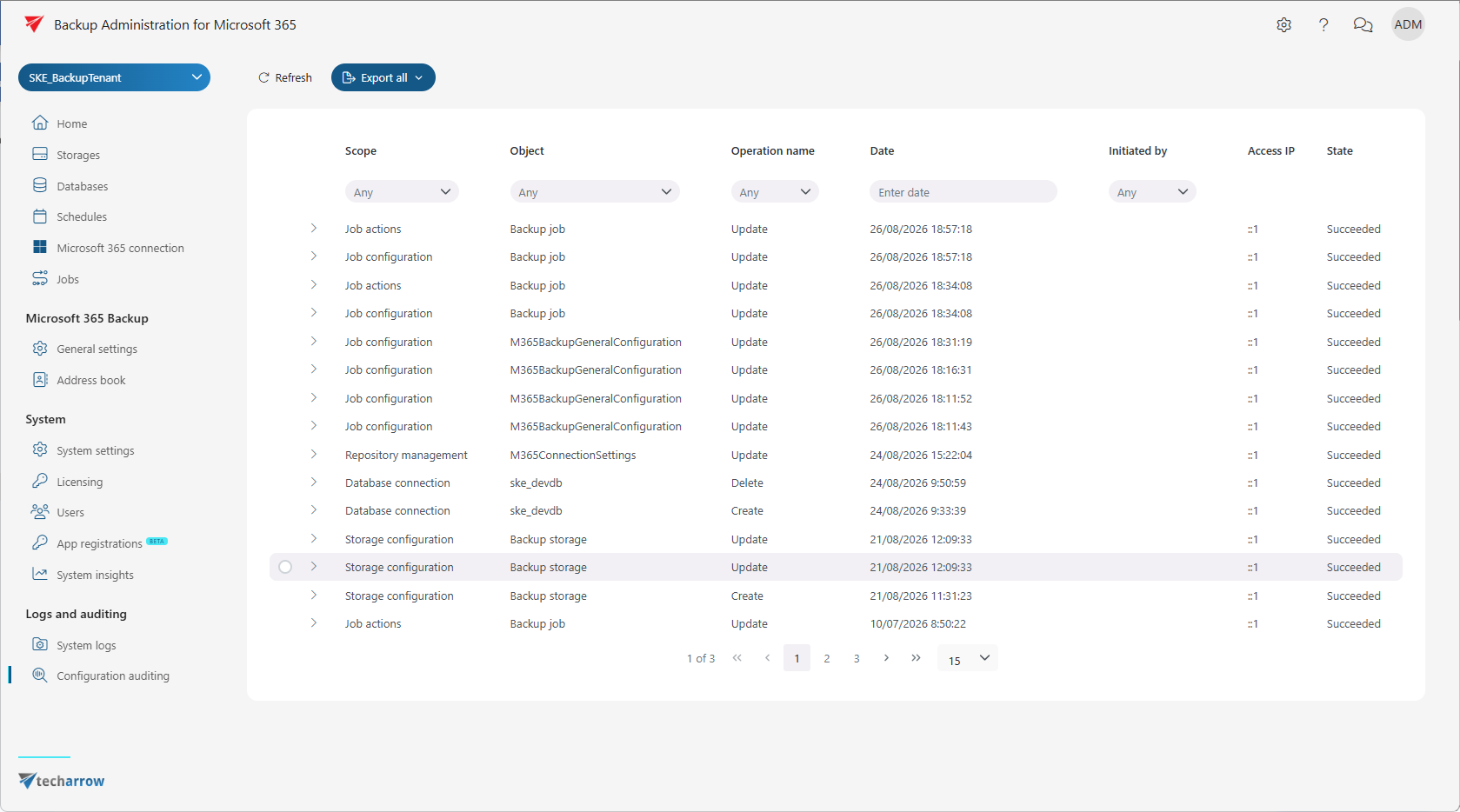
Configuration auditing interface
The Configuration auditing page consists of the following components.
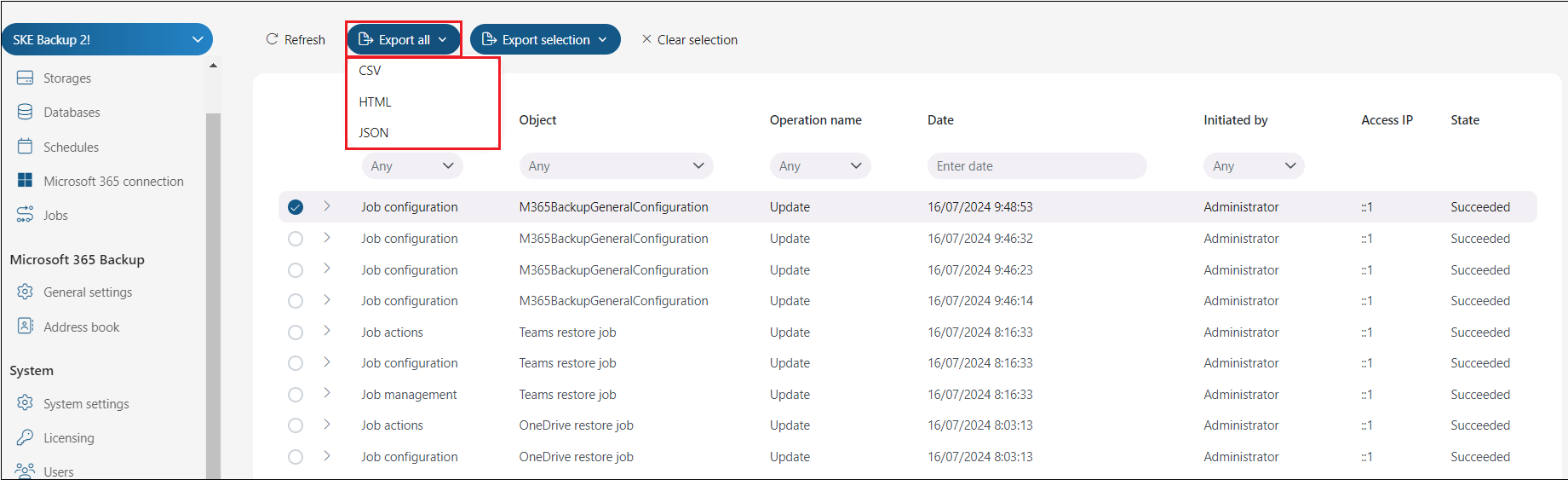
Export all and Export selection
The Export all button is always visible. The Export selected button is only active when one or more items are selected. These functions allow you to save audit data into CSV, HTML, or JSON files for review. The exported report contains all necessary information — Scope, Object, Operation name, Date, Initiated by, Access IP, and State — to provide the required details.
Auditing data
The auditing data grid allows you to monitor configuration changes in Backup Administration.
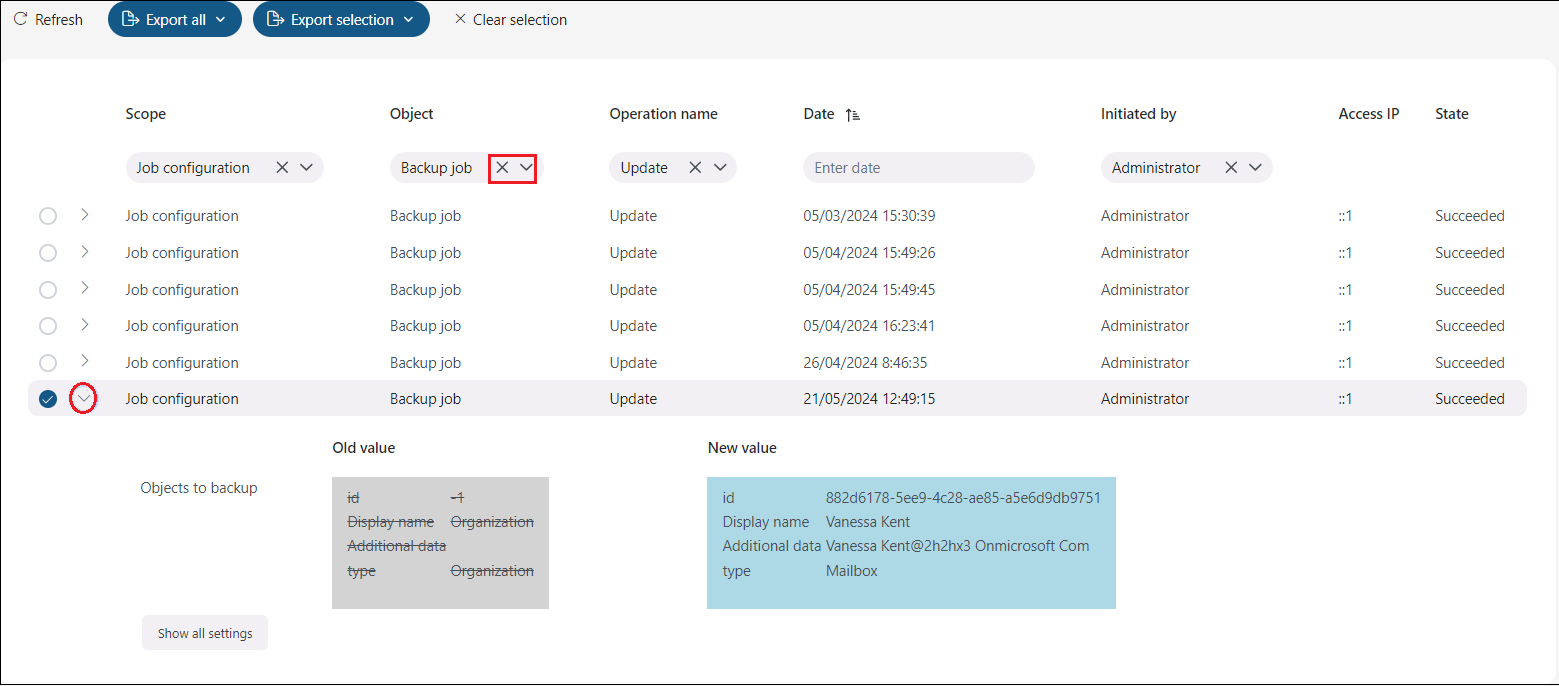
- Click Refresh to reload and capture the most recent changes.
- Use the collapse/expand button to view the details of each change. If the previous values are known, both the old and new values are displayed side by side.
Filtering
You can filter auditing entries by the following criteria:
- Scope – the area of Backup Administration where the change occurred (for example: Storage configuration, Login management, Role assignment).
- Object – the type of object affected (for example: role, job, user, storage configuration).
- Operation name – the type of action performed (for example: create, update, delete).
- Date – when the change occurred.
- Initiated by – the user who made the change.