Address book objects
Introduction
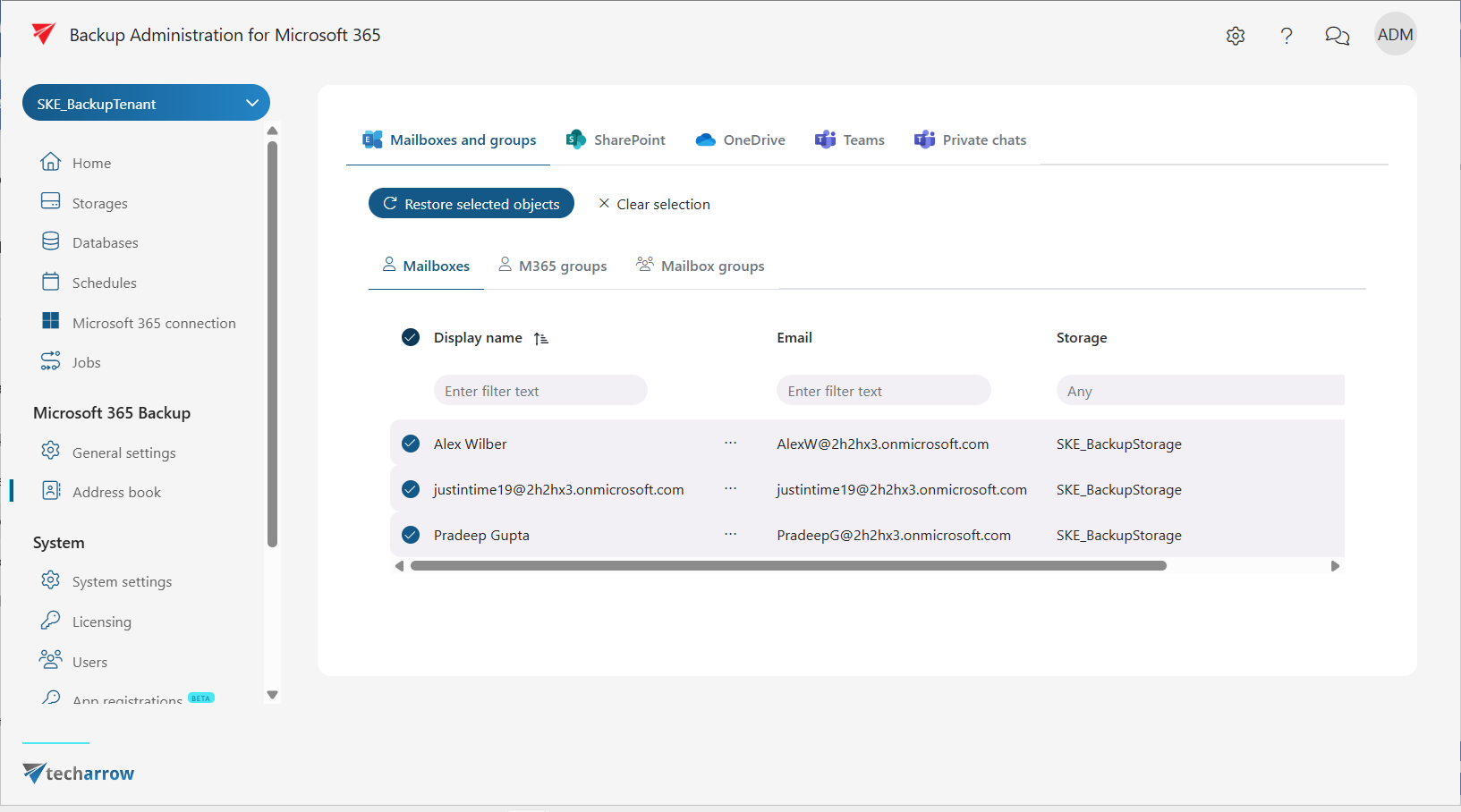
This page describes the Address book tab in Microsoft 365 Backup. It provides a read-only list of all objects processed during backup job runs, organized by entity type. The page also allows administrators to create a restore job directly from a selected object.
Address book overview
The Address book tab contains a list of read-only objects that are processed during backup job runs. The objects are organized into the following tabs:
- Mailboxes, M365 groups and Mailbox groups
- SharePoint
- OneDrive
- Teams
- Private chats
To see objects in the Address book, you must run a backup job first. Until a backup job has been run, the page will be empty.
Create restore job from selection
The Create restore job from selection button is available when you select one or more objects from the list. Clicking this button allows you to start a restore job for the selected objects.
For more information, see the Restore job section.