SharePoint tab
Introduction
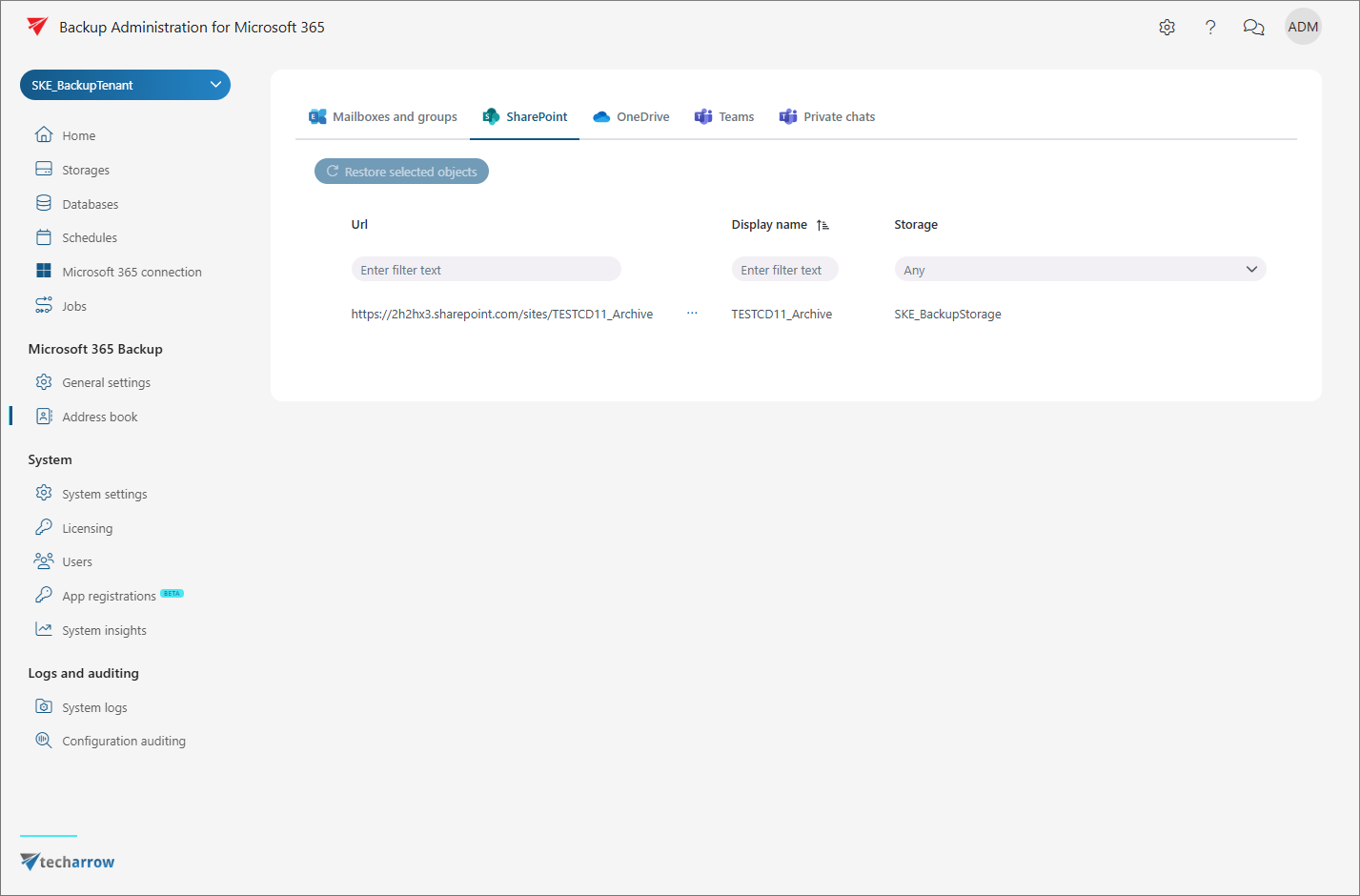
This page describes the SharePoint tab of the Address book. It explains the information displayed for each SharePoint site processed by the backup job, and describes how to view site details and use the sorting and filtering options.
Tab overview
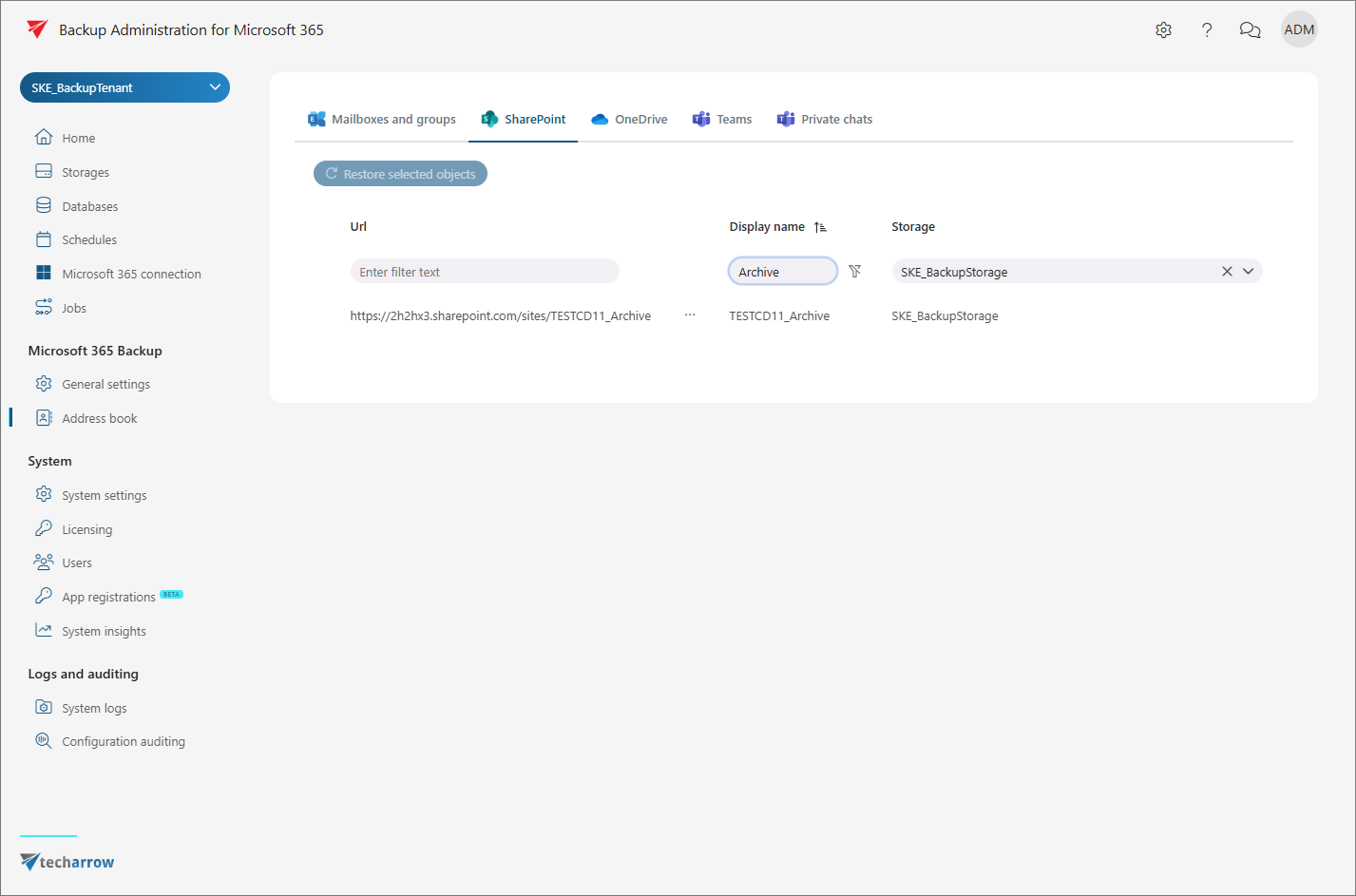
The SharePoint tab displays all SharePoint sites processed by the backup job. The following columns are shown:
- URL – the URL of the SharePoint site where its content is stored.
- Display name – the name under which the SharePoint site is listed in the Address book and in contentACCESS Portal after the backup job.
- Storage – the storage assigned to the objects. Storage is automatically assigned during the initial backup job run.
View site details
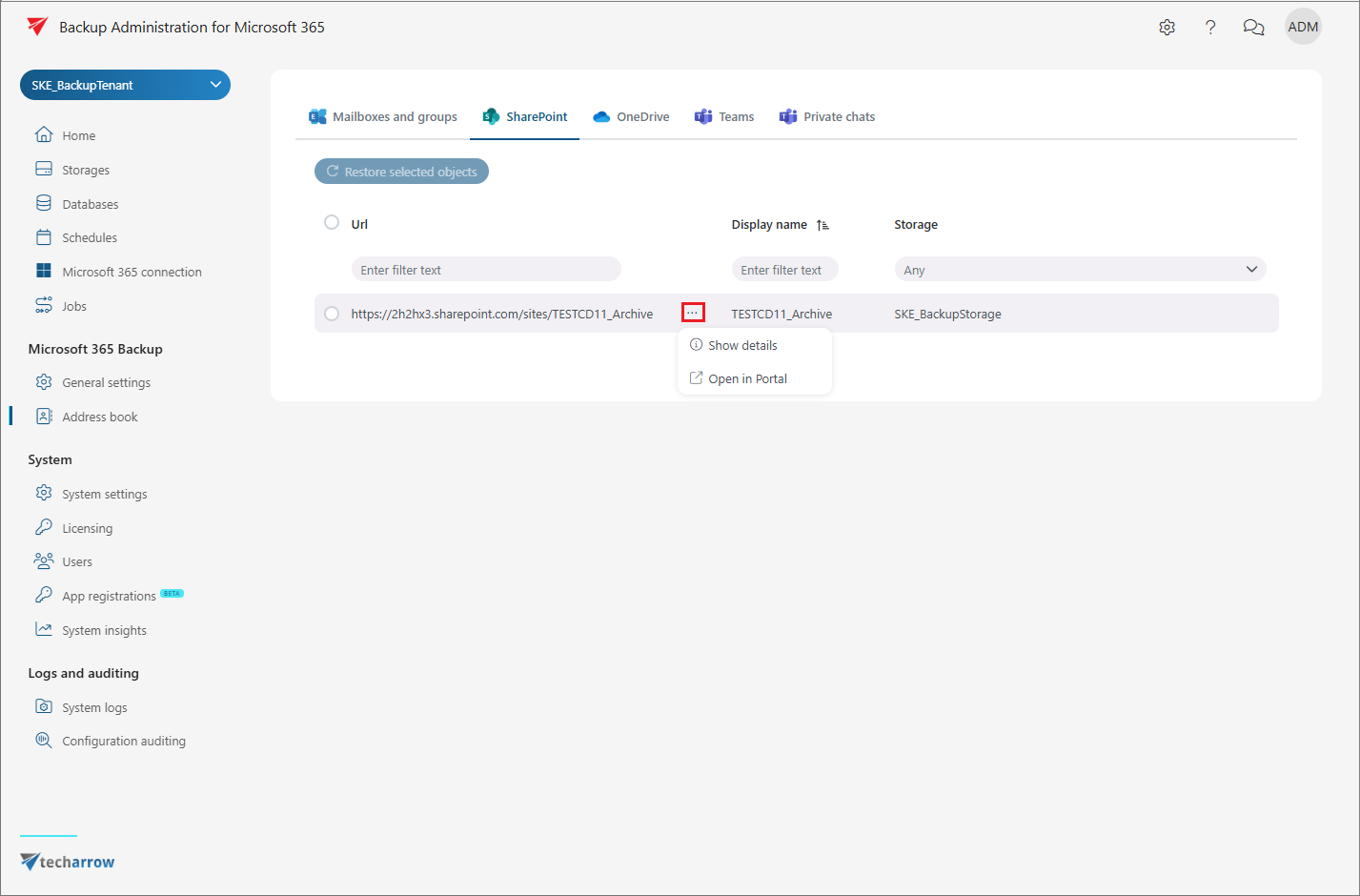
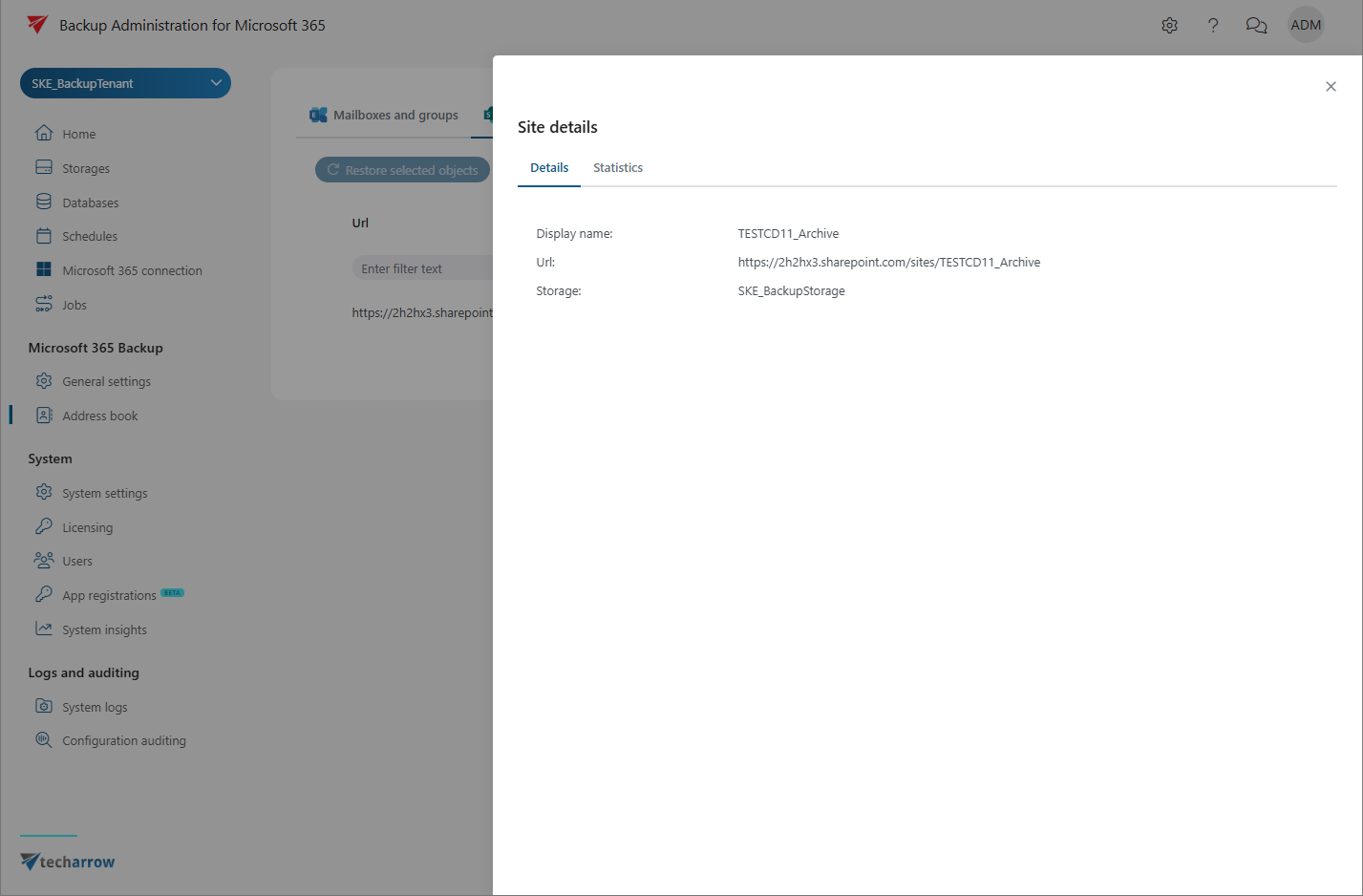
To view details of a SharePoint site, select it and click Show details from the context menu. A pop-up window opens where you can view basic information about the site on the Details tab, or check backup statistics for the selected SharePoint site.
Sorting and filtering
Both sorting and filtering options are available on the SharePoint tab.
To sort items, click a column name (URL or Display name) to switch between ascending and descending order. Sorting on the Storage column is only enabled when multiple storages are present.
Entries can be filtered by:
- entering filter text in the URL or Display name columns;
- selecting a storage from the dropdown menu.