contentACCESS Portal Automated single sign on
Third-party login providers can be set for automatic login. Automated login providers sign in the user into the contentACCESS Portal archive interface without any further interaction with the selected provider. The following login providers can be automatized: Microsoft 365, Google, Windows and any other third-party authentication providers. Datengut and Forms providers cannot be automatized. (Read more about login providers here.)
To automatize one of the above mentioned login providers, select it in the Auto login column on the Login providers page (System tab => Security group => Login providers button in the Central Administration).
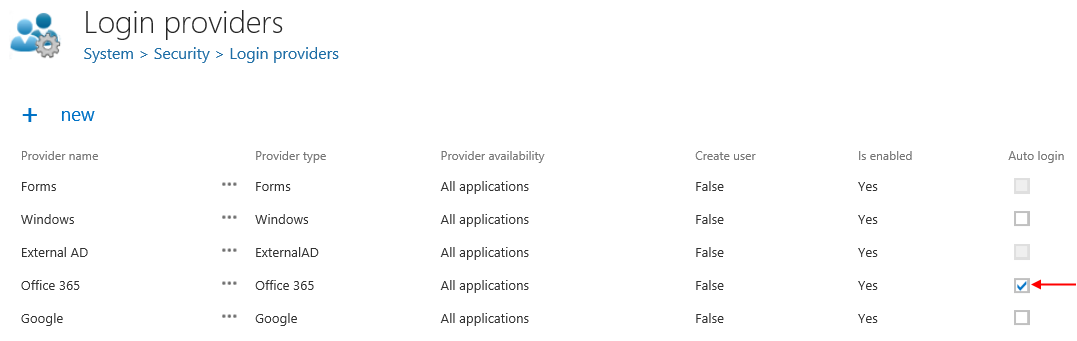
Please note, that only one login provider can be selected at the same time.
To change the user who is logged in to contentACCESS Portal with his auto login provider (e.g. with Microsoft 365 in this use case) open the user menu in the upper right corner and click option "Change user".
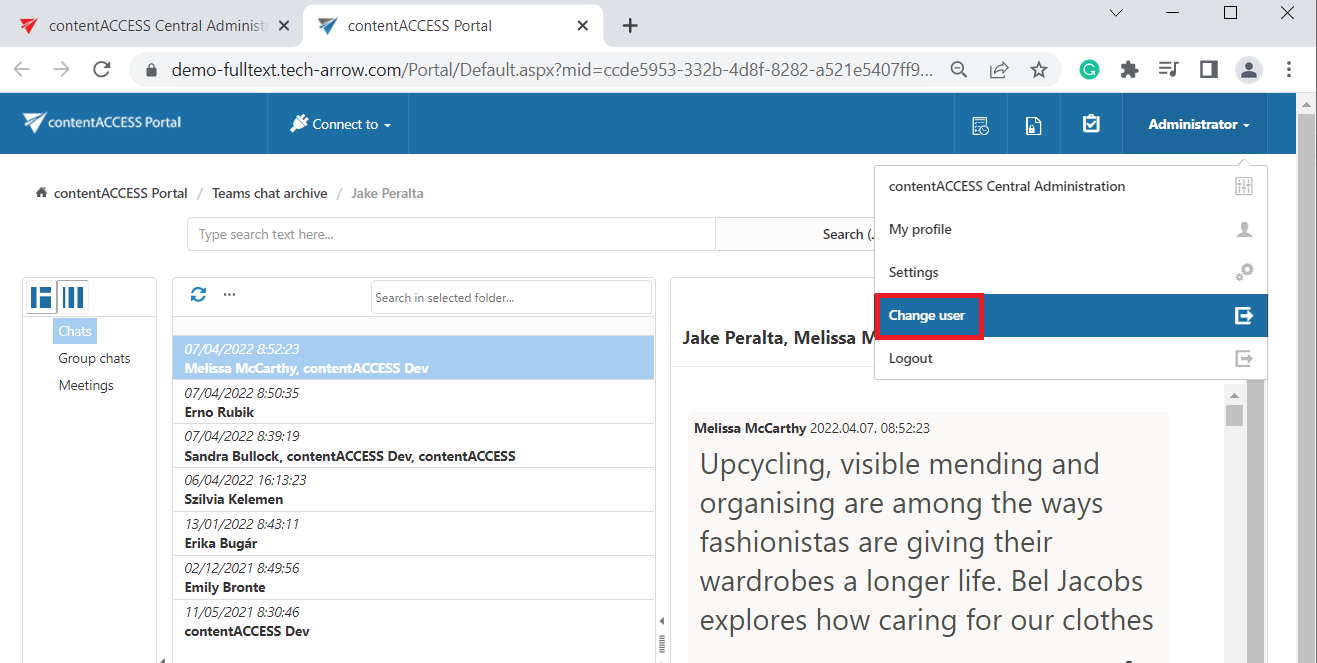
Logout from contentACCESS Portal works the same way as the logout from the contentACCESS Central Administration.