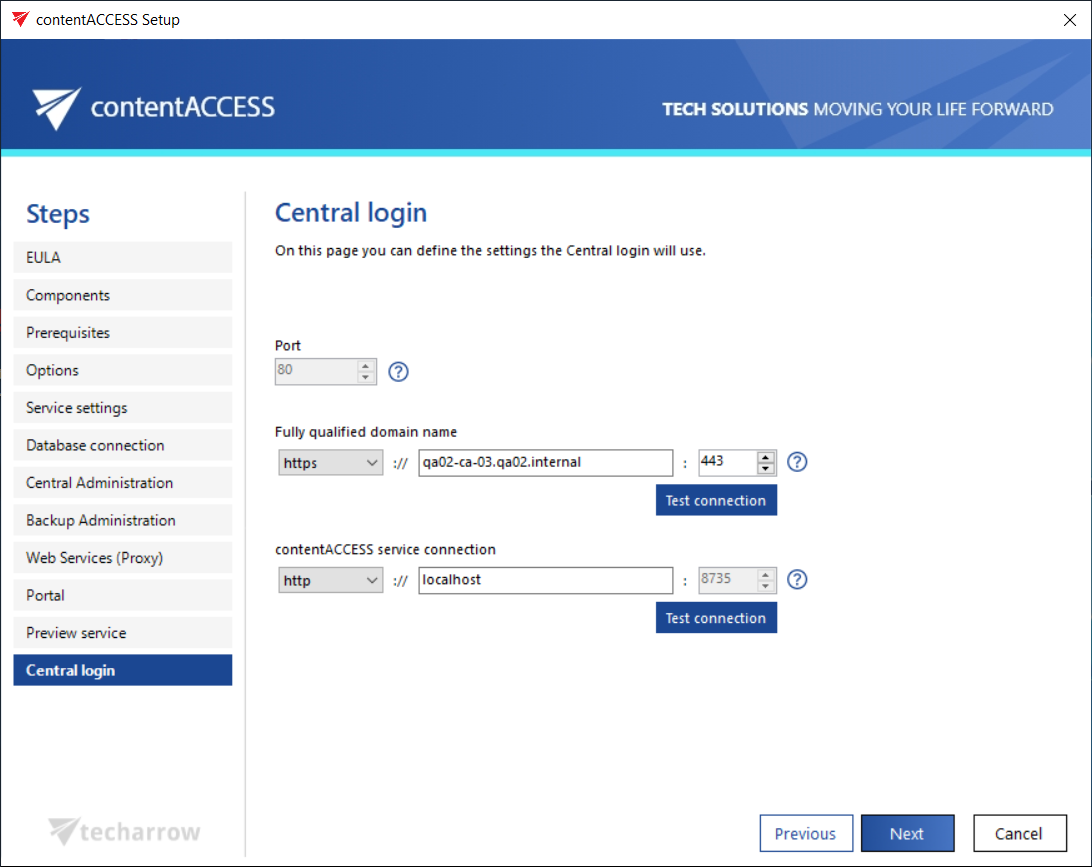
Central login
On this page you can specify the settings that the Central login page will use. Same rules apply as for the connection settings of components from above. The FQDN that's first configured is written by the setup to the System settings of the Central Administration (System tab => Services group => System page, section External accessibility settings: Central login). It can be changed on the respective page of the Central Administration at any time, and the new configuration will be then read and prefilled by the setup when updating the product.