Overview
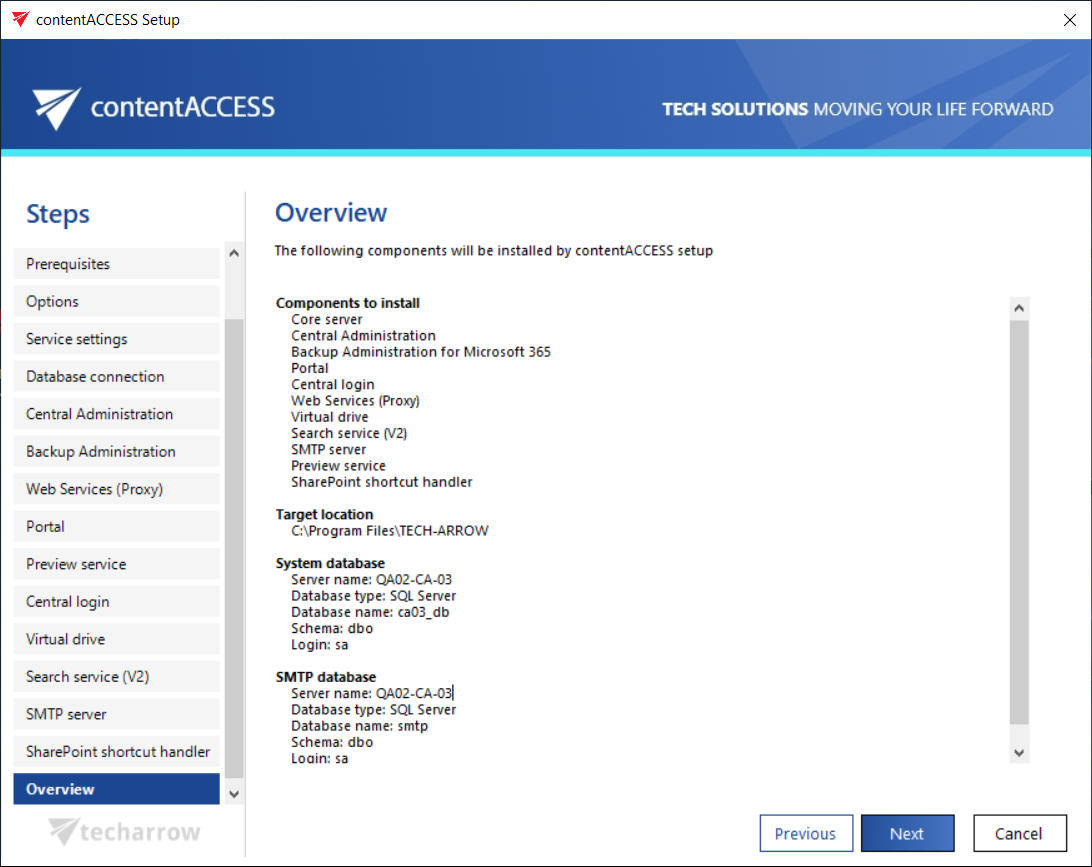
In this step the contentACCESS setup gives a general overview about the components that you have selected to install on server. Click NEXT.
info
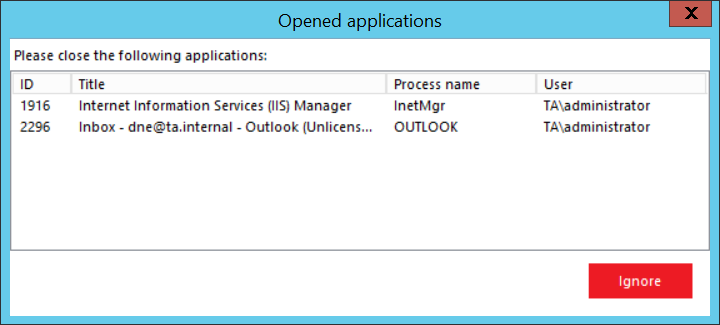
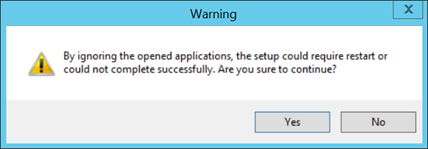
Note: In case that there are unwanted applications running in the background, the setup will warn the user about this. Unwanted applications are: MS Outlook, Services and Internet Information Services. It is possible (but not recommended!!) to kill these applications directly from this window by right clicking on the application in the list and selecting "Kill". The best approach is to close the running applications manually. You can also skip closing the applications by clicking the “Ignore” button in the pop-up window.