How to use contentACCESS Outlook add-in
Important: For now, contentACCESS Outlook add-in works only with Windows authentication. It means that Windows authentication should be set up correctly and Windows user should be present in contentACCESS.
When a user forwards or replies a message archived using HTML or Normal shortcut, the records are updated in the archive database with the appropriate changes, and also the shortcuts are updated in the owner's mailbox.
Some possible scenarios are:
- Shotcut is in the primary mailbox – add-in updates shortcut in the primary mailbox
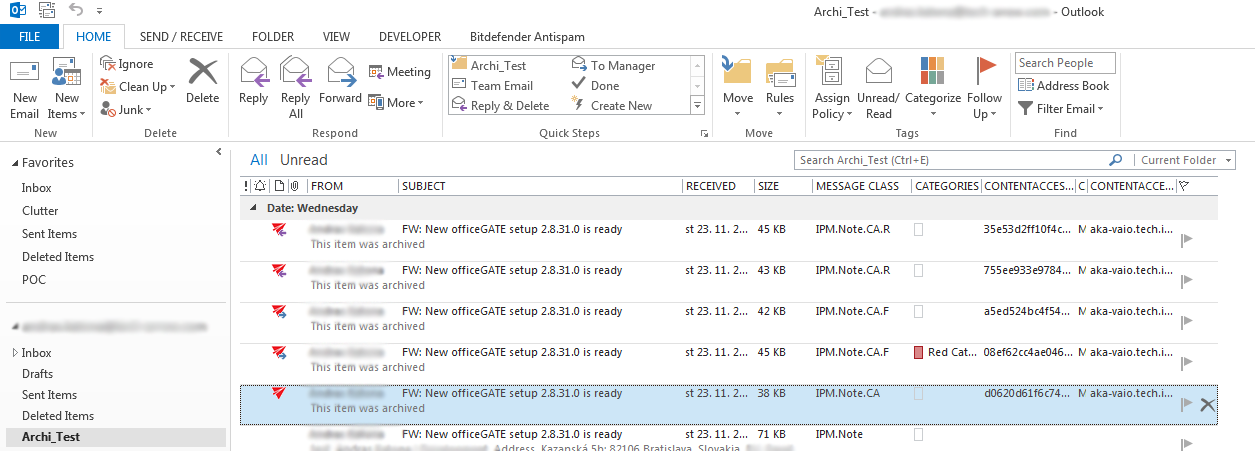
Screenshot.1. Shortcut in primary mailbox (message class IPM.Note.CA)
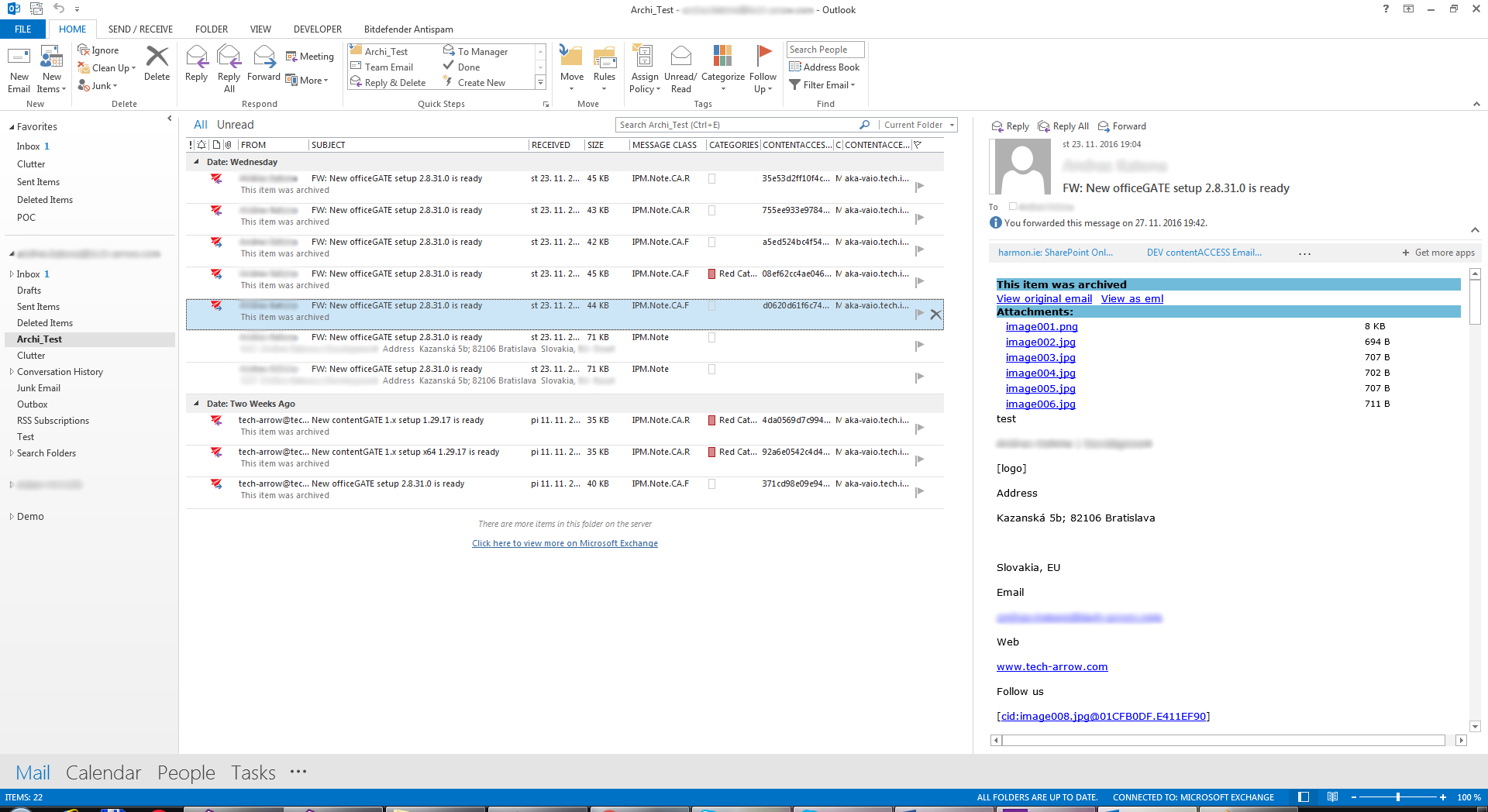
Screenshot.2. Shortcut in primary mailbox after retrieve and forward (message class IPM.Note.CA.F)
- Shortcut is in the additional mailbox or shared folder – add-in updates shortcut in the shortcut’s owner mailbox
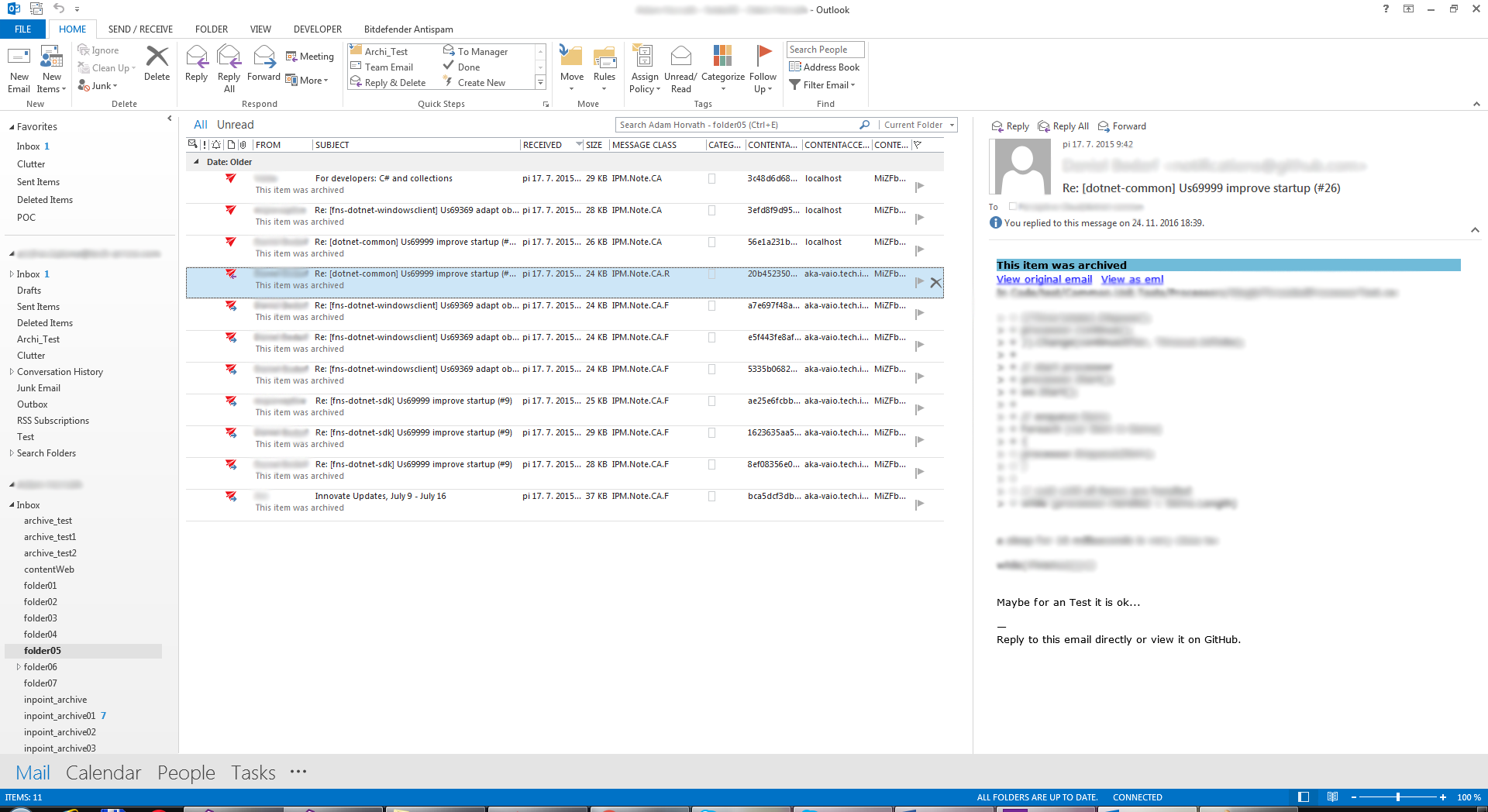
Screenshot.3 Shortcut is in additional mailbox (org. message class is IPM.Note.CA.R)
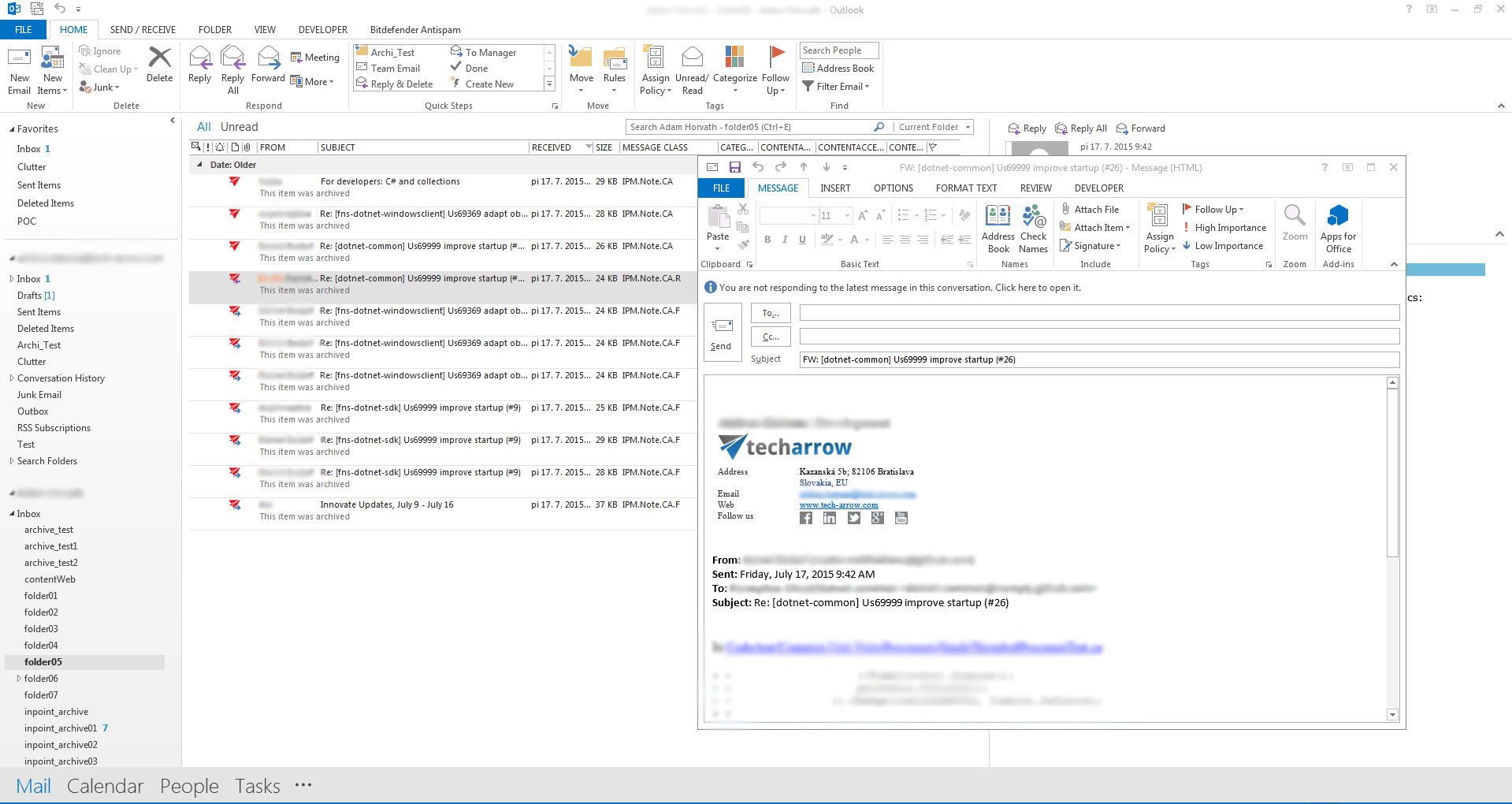
Screenshot.4. Call forward straightaway on the shortcut item, the Forward inspector is shown
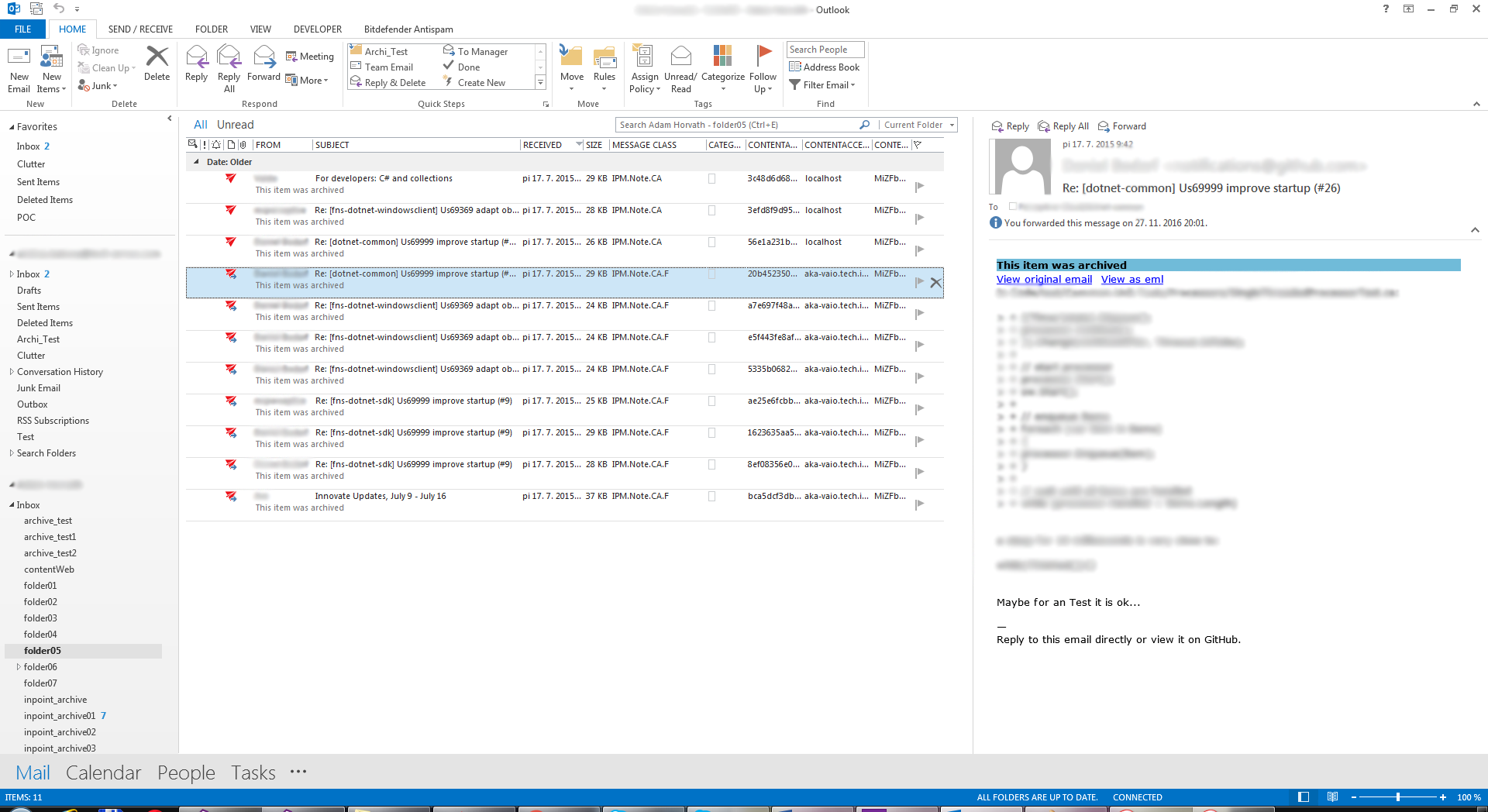
Screenshot.5. Shortcut in the additional mailbox after forwarding (message class is IPM.Note.CA.F)
- Shortcut is in the public folder – add-in updates shortcut in the Public Folder
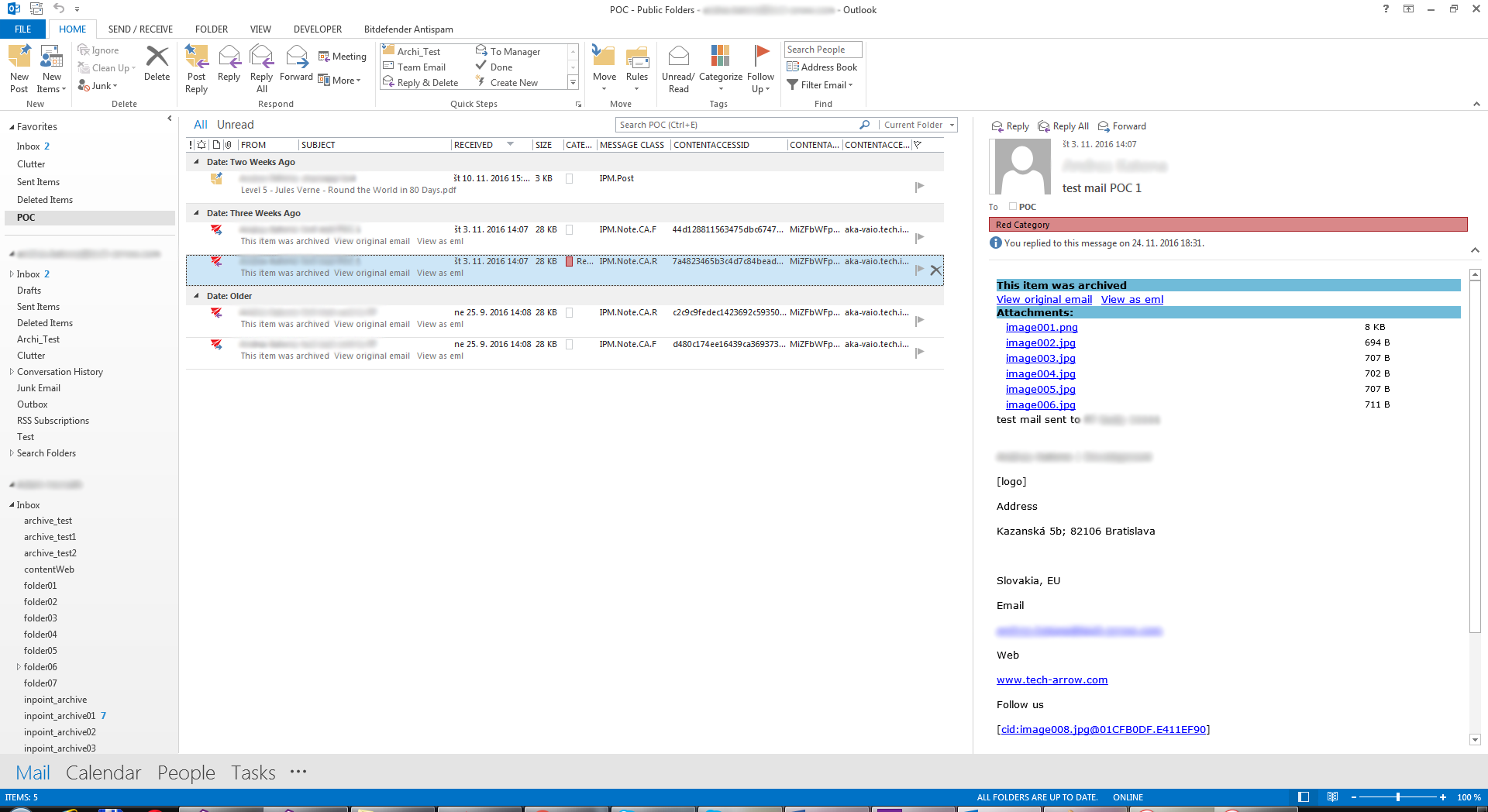
Screenshot.6. Shortcut is in Public Folders (original message class is IPM.Note.CA.R)
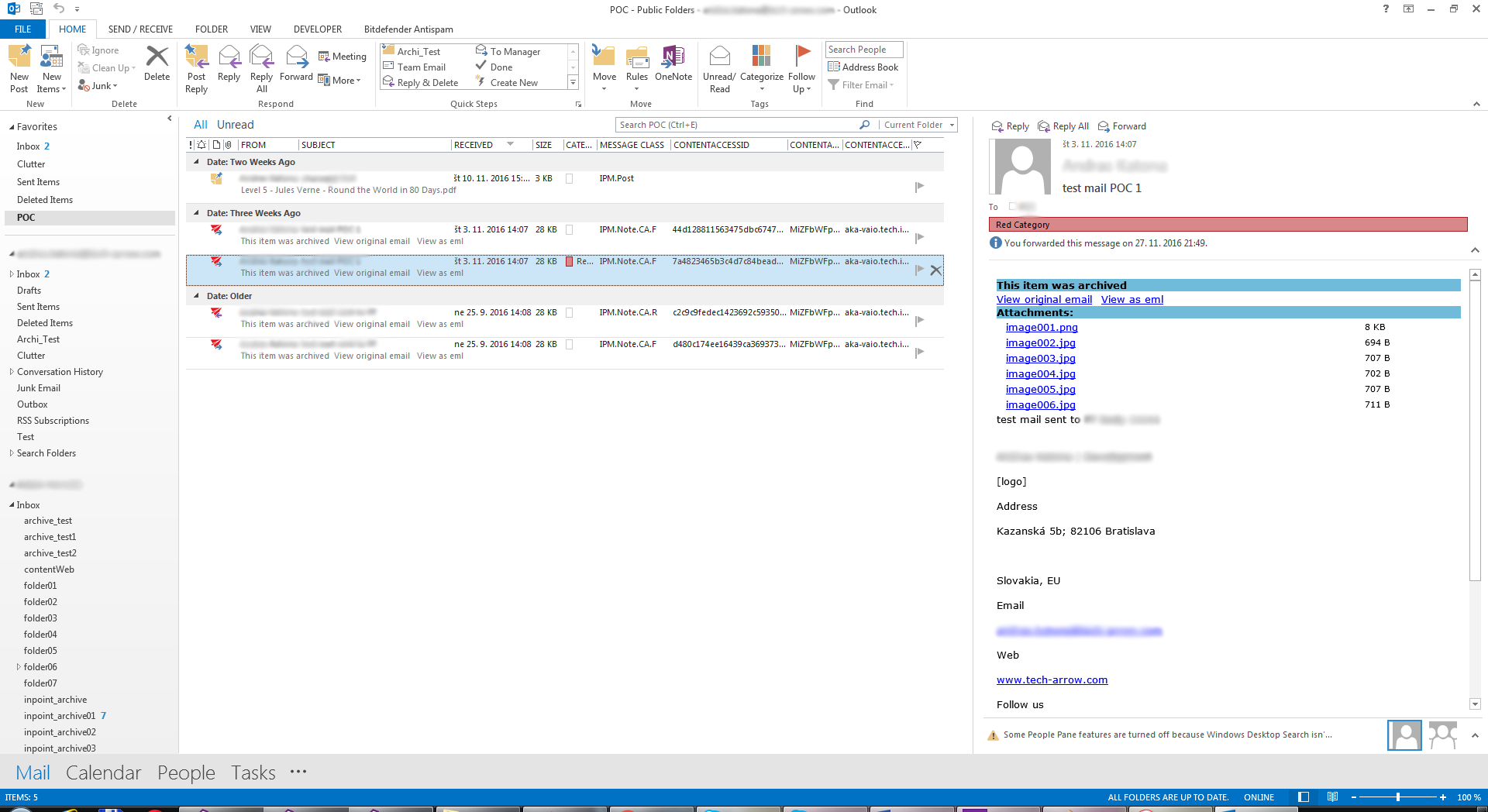
Screenshot.7. Shortcut’s changed message class to IPM.Note.CA.F