Adding address book objects manually
All objects can be added in Basic or Advanced mode. The settings that must be specified are marked with *.
Basic mode
Adding mailboxes
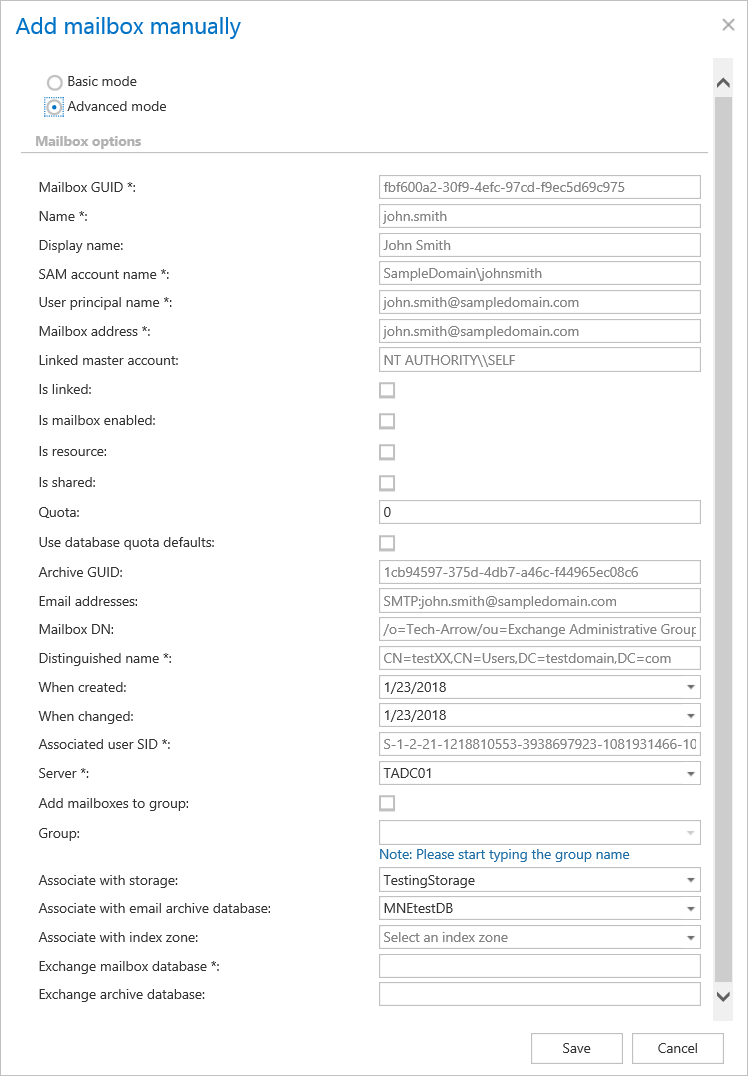
The basic mode is used for creating virtual mailboxes, which can be later used by the SMTP server based archiving. The advanced mode allows the user to add a mailbox, which is needed to be archived from a real Exchange server, with all of its options.
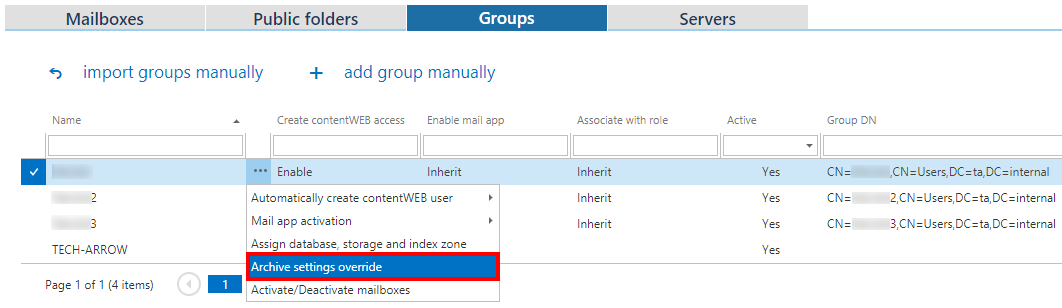
In the Server option the user can select an existing Exchange server from the dropdown list or he can type in any server name and a model server with that name will be created. If the Add mailboxes to group checkbox is unchecked, the Group dropdown list will be disabled.
Adding groups

Adding servers

Advanced mode
Adding mailboxes
The advanced mode allows the user to add a mailbox, which needs to be archived from a real Exchange server, with all of its options.
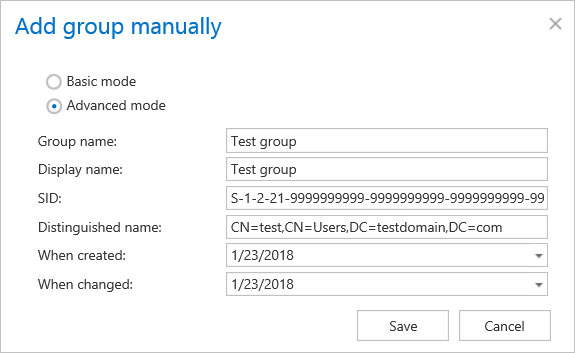
Adding groups
Adding servers
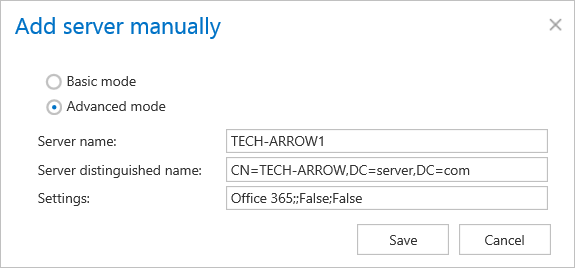
The Settings have to be copied from the actual settings of the Office365 Exchange server.