How to assign database, storage and index zone to a mailbox?
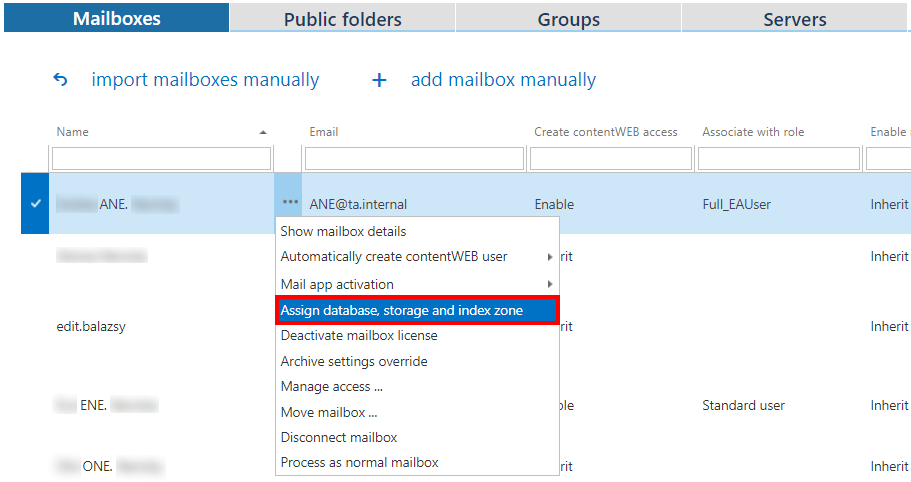
It is also possible to assign a database, storage and index zone to a single mailbox. Select a mailbox under the Exchange mailboxes, click on … and select Assign database, storage and index zone option from the list.
Fill out the Mailbox configuration window (Screenshot A). If you want to edit these settings in the future, a pop-up window will warn you that changing the database containing already archived items will make these items unaccessible for the user(s) (Screenshot B).

Screenshot A

Screenshot B
The information about the assigned database, storage and index zone will be located in the columns:
