Recommendations after turning on journal archive
In this section, we would like to talk about some actions that we would recommend doing after turning on journal archive.
Additional tasks after turning on journal archive
Turning on the journal archiving or SMTP archiving applies only to emails sent/received after the feature is turned on. The emails that were sent/received prior to this feature need to be archived differently. This section will help you to configure the archive.
What to do with emails prior to Journal activation?
Definition of term: Journal activation is the date/time when the journaling or SMTP archiving was activated.
If the older emails do not need to be archived
No additional configuration is needed.
If the older emails need to be archived as well
We recommend creating a new email archive job for these emails, with a filter: archive emails older than the Journal activation date. This archive job should NOT use the option "Use journal archive to build folder structures of mailboxes". By turning this option off, the archive job will process all emails prior to Journal activation as regular user emails.
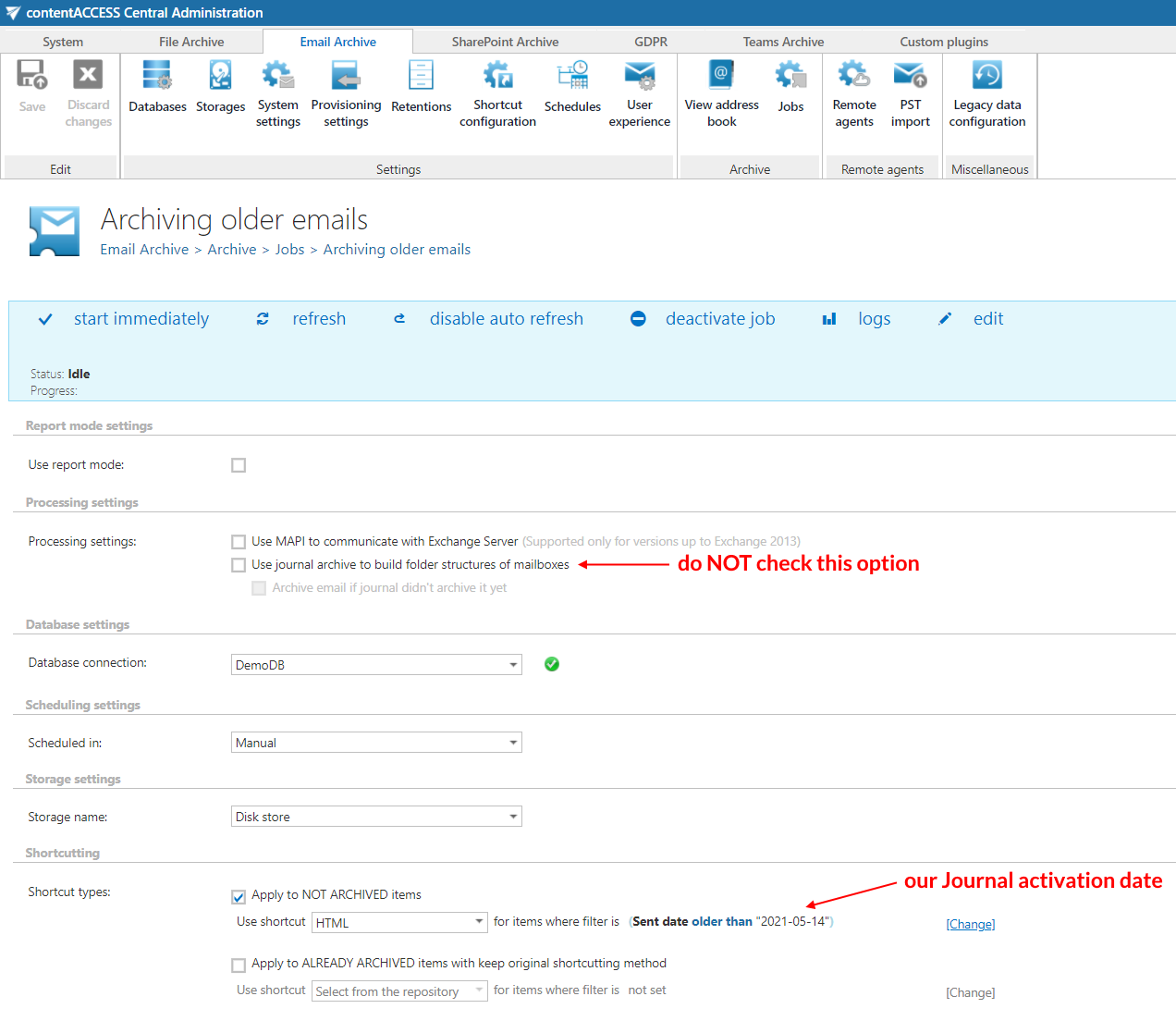
Once the older emails are covered, the journal-based archive jobs will cover the new emails.
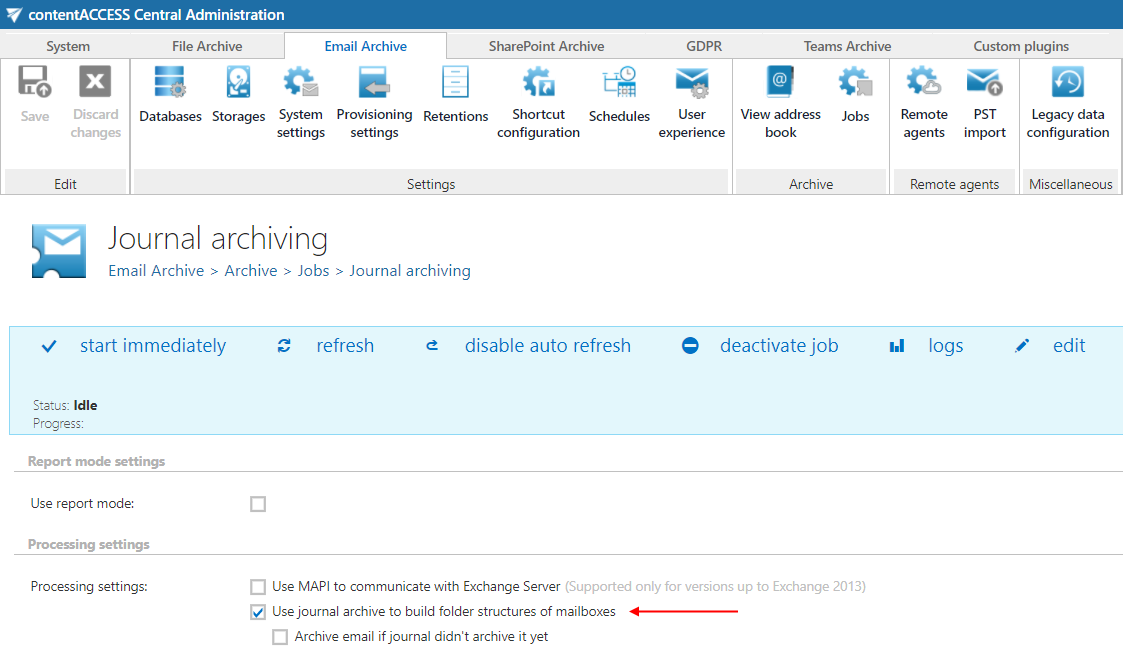
Note: If you miss this step, the job in report mode will not be able to distinguish between the mails prior and after the Journal activation, resulting in misleading numbers in the report.