Public folders in the contentACCESS Portal archive
The archived public folder mailbox can be accessed from contentACCESS Portal just like a regular mailbox – the logged on user needs to have permission on the public folders – then the public folder permissions are evaluated on each folder and only the correct ones can be accessed.
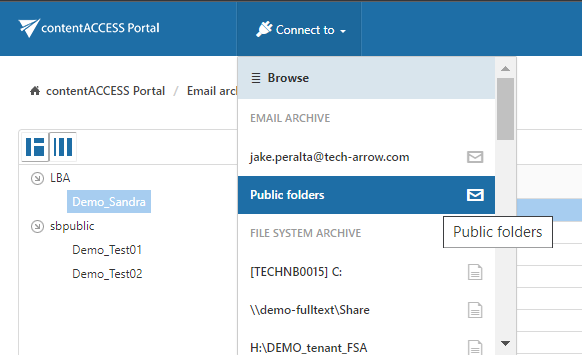
The public folders are displayed like "Public Folders" in the connection list:
The contentACCESS Portal user has the possibility to manually recover the archived public folder items in contentACCESS Portal back into the original location. When folders are recovered, the top level folders must exist.