Configuration of jobs available in contentACCESS File Archive
Once all the necessary settings are done, select the tenant and navigate to the File Archive tab. Under File Archive ⇒ Archive group click on the Jobs control button, then click on + new option.
info
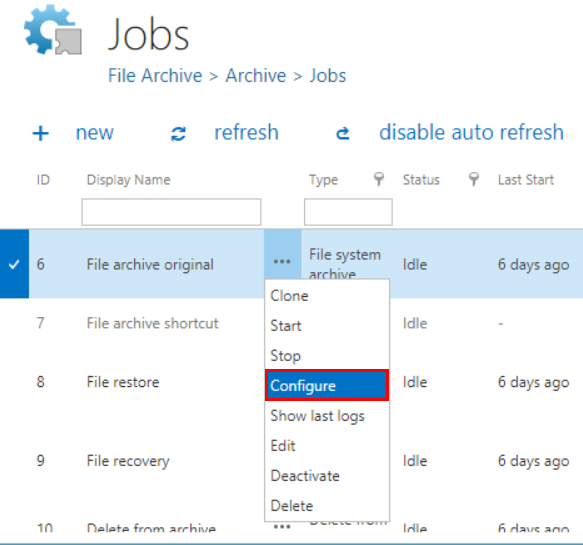
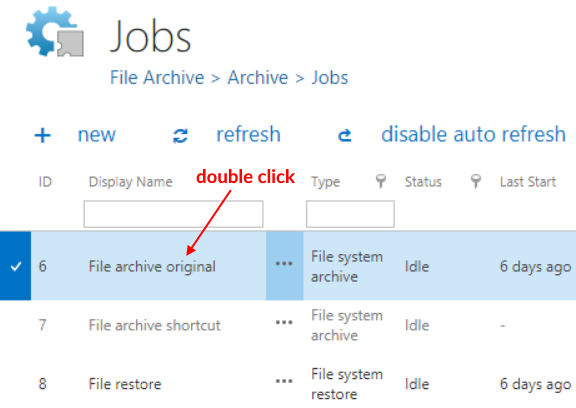
Note: You can configure a file system job either immediately, or later on by navigating to the file system jobs' page, using the "Configure" option in the given job’s context menu. The job configuration page can be also opened with a double click on the selected job in the jobs’ grid.

Screenshot A: Configure the job configuration page immediately when it is created
Screenshot B: Opening the job’s configuration
Screenshot C: Opening the job’s with a double click in the grid