External login provider configuration
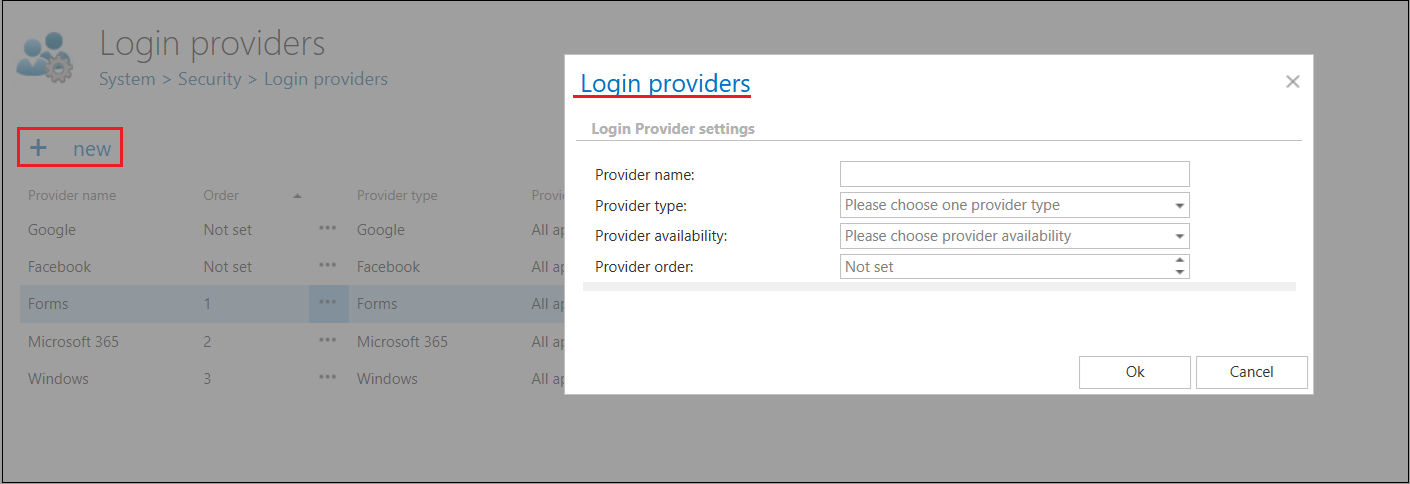
To configure a new login provider, click +new on the Logins provider page. The Login providers dialog will open. It requires to:
- name the provider,
- choose a supported external provider from the Provider type list,
- set the provider availability – here you may set the applications that will use the given provider
- set the provider order – the order determines how the configured login providers are displayed on the login page (Providers left as Not set automatically appear at the bottom of list.)
- fill the required fields – detailed below for the provider types
- and click on OK to save the settings.