How to provide access to a tenant (adding new tenant administrators)
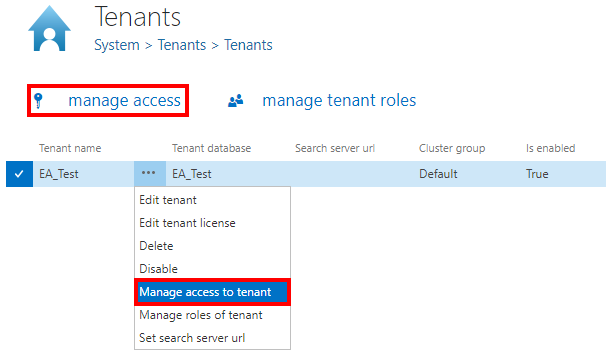
A tenant can have one or more tenant administrators. If you want to provide access to a tenant for one or more users except of the tenant administrator, open the Tenants page, (System ⇒ Tenants ⇒  Tenants), select the tenant from the list, with a left click on ellipsis (…) open its context menu and choose option Manage access to tenant.
It is also possible to manage access to the tenant with clicking on the  manage access option on the same page. The button is active if the tenant is selected in the grid.
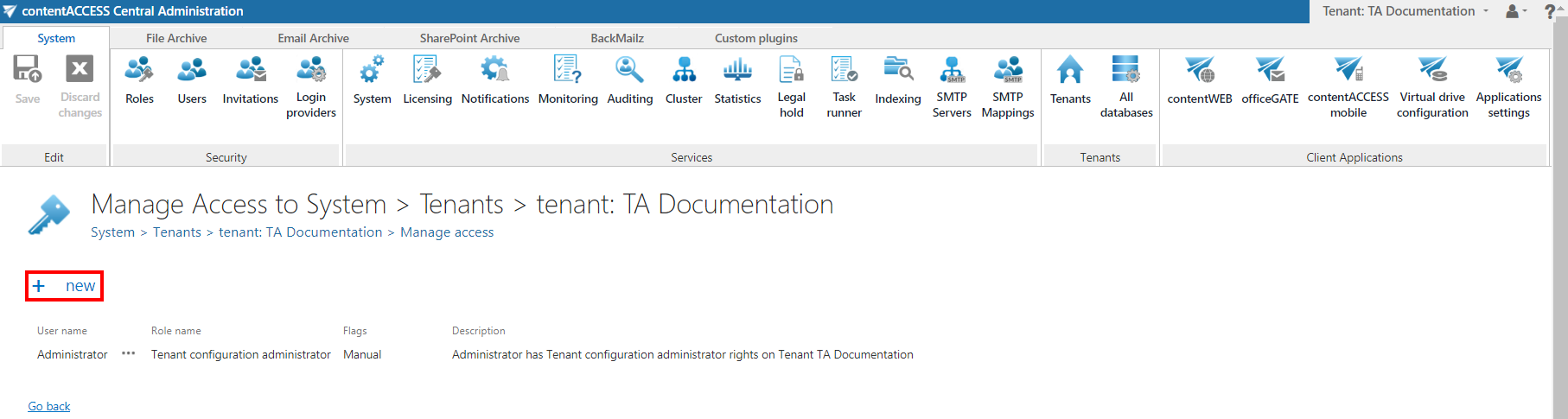
With this action you will be redirected to the manage access page of the selected tenant. All currently existing tenant administrators of this selected tenant can be seen on this page. To add a new tenant administrator to the list, click on + new on this page.
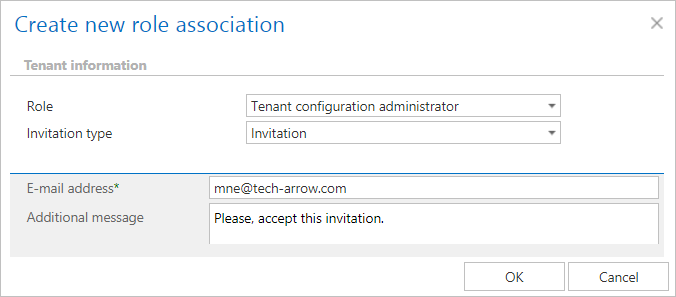
The Create new role association window will open. There are multiple options how to add a new tenant administrator.