ThreatTest User experience
On this page it is possible to install and enable the ThreatTest app for the users.
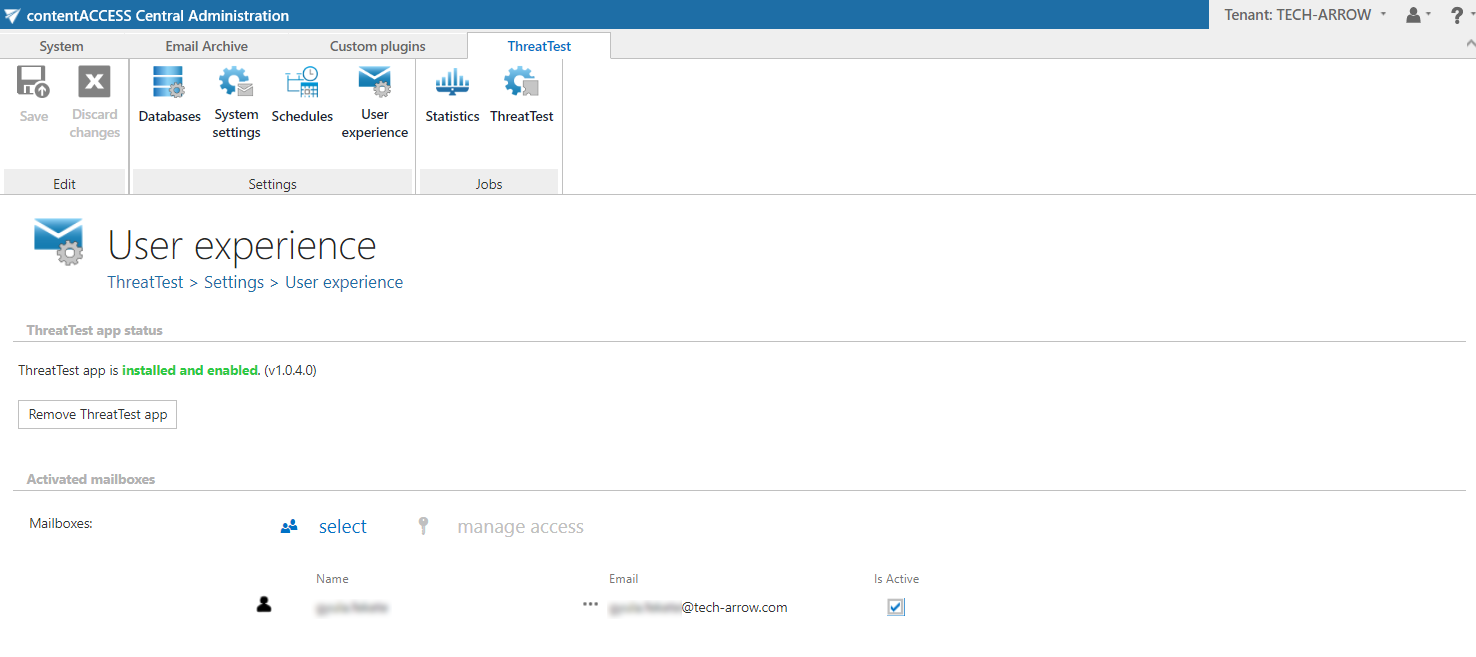
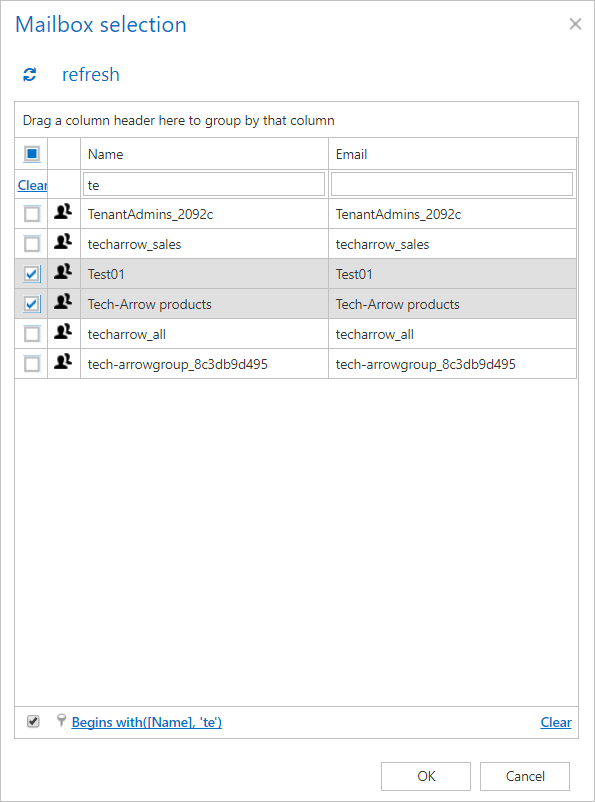
To enable the app for new users, click on the  and select the desired mailbox(es) (similar to mailbox selection in Email archive).
At the next run of the Notification job, the users that were added here will get a notification email and they can start using the ThreatTest app/add-in!
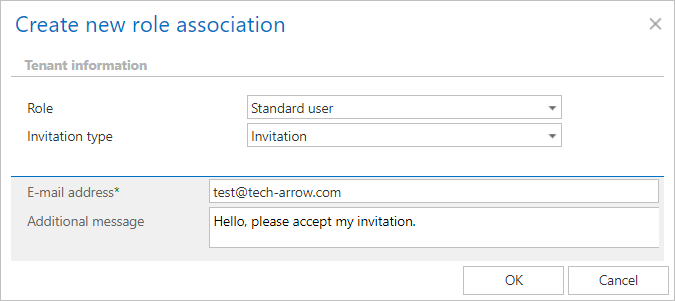
It is also possible to assign a contentACCESS role to a user from here. Select him/her and click on  . This will redirect you to the Manage Access to Object page. Here, click on + new and select the role and invitation type. Roles define the permissions that a certain contentACCESS user has in the entire system (read more here). Invitation informs the user about a role being created for him/being invited to contentACCESS (read more here – part Creating/inviting contentACCESS users).