Installation of contentACCESS
Introduction
The contentACCESS installation process allows administrators to deploy contentACCESS using the provided setup package. It covers downloading and unzipping the installation files, launching the installation wizard, and the update restrictions and prerequisites that apply when upgrading from older versions of contentACCESS.
Download and unzip the setup package
- Download the setup package,
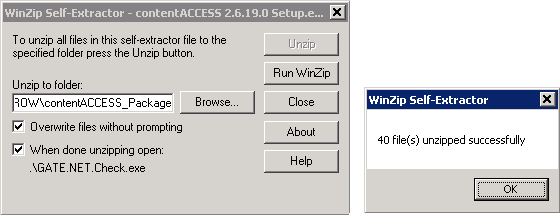
contentACCESS X.X Setup.exe, and run it. - By default, the package unzips to the
C:\TECH-ARROW\contentACCESS_Packagefolder. Use the Browse button if you want to change the destination directory. - Click Unzip.
- After the files have been successfully unzipped, click OK.
Start the installation wizard
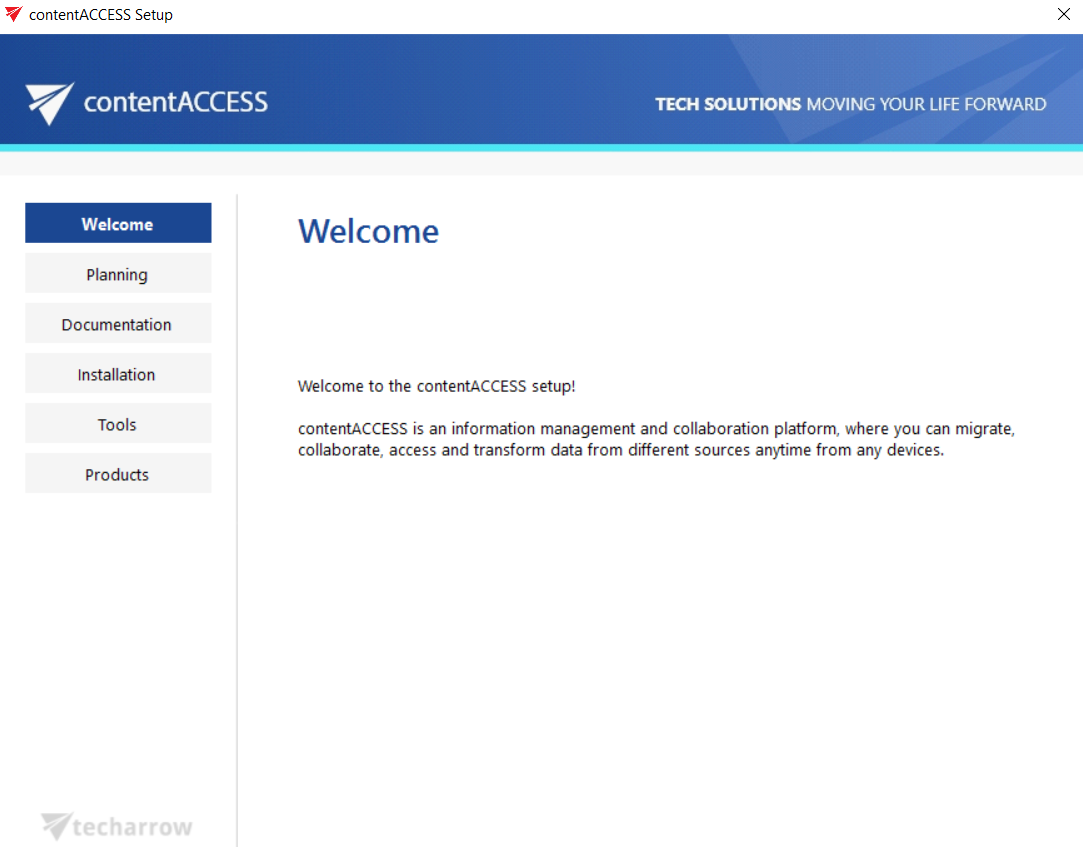
Once the files are unzipped, the contentACCESS installation wizard opens and guides you through all the steps of the deployment process. All components of contentACCESS can be deployed during this process.
On the Welcome page, click Installation.
Update restrictions for older versions
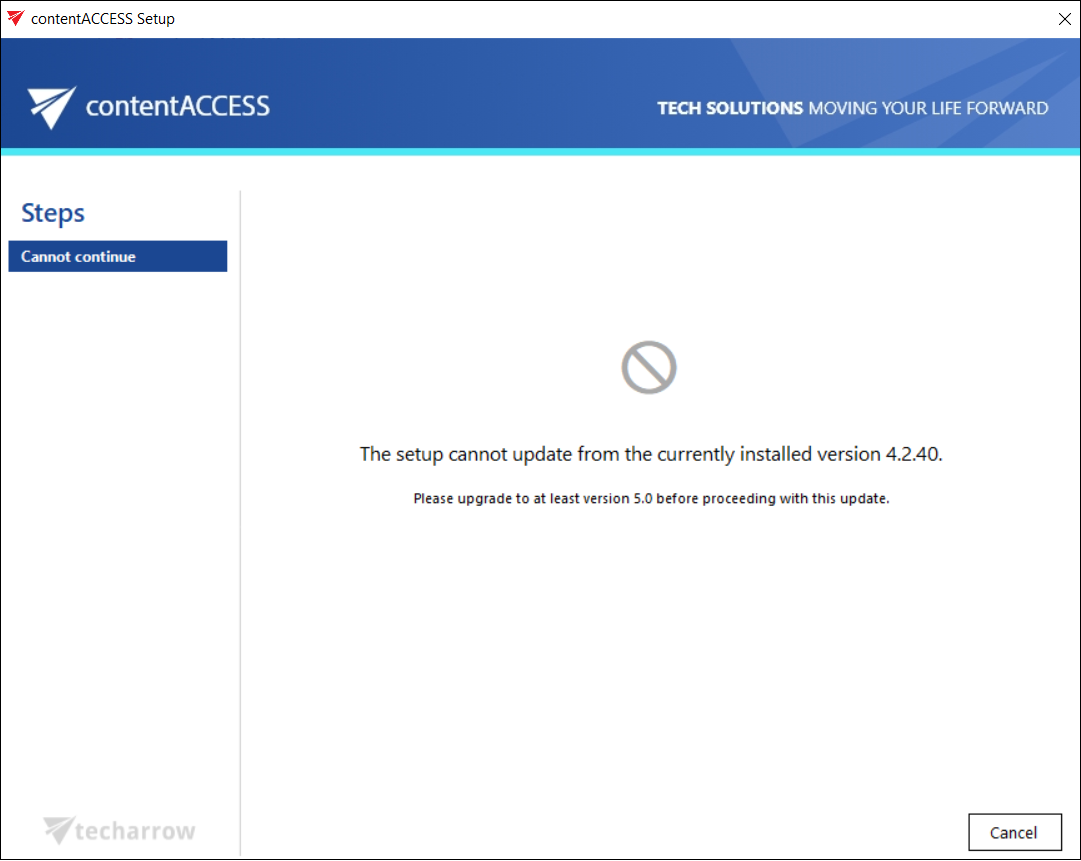
Updating to the latest contentACCESS version is not possible directly from versions older than 5.0. Before performing the update, you must first upgrade the older version to at least version 5.0.
Important: Update is supported from contentACCESS version 3.1 and later. Older versions must first be updated to contentACCESS 3.1, and then from version 3.1 to the latest version.
If the update is performed from a version earlier than 3.3, some new features must be configured manually after the update. One of these features is the Task runner, which requires a resource storage where the export files will be stored. This storage must be configured under System → System → Resource storage settings. It must be accessible by all contentACCESS nodes inside a cluster, so it is highly recommended to use a network share.
If the update is performed from a version earlier than 3.4, internal changes to the email archive shortcut format require that the Outlook forms be updated to the latest version to maintain correct functionality.