Central login
Introduction
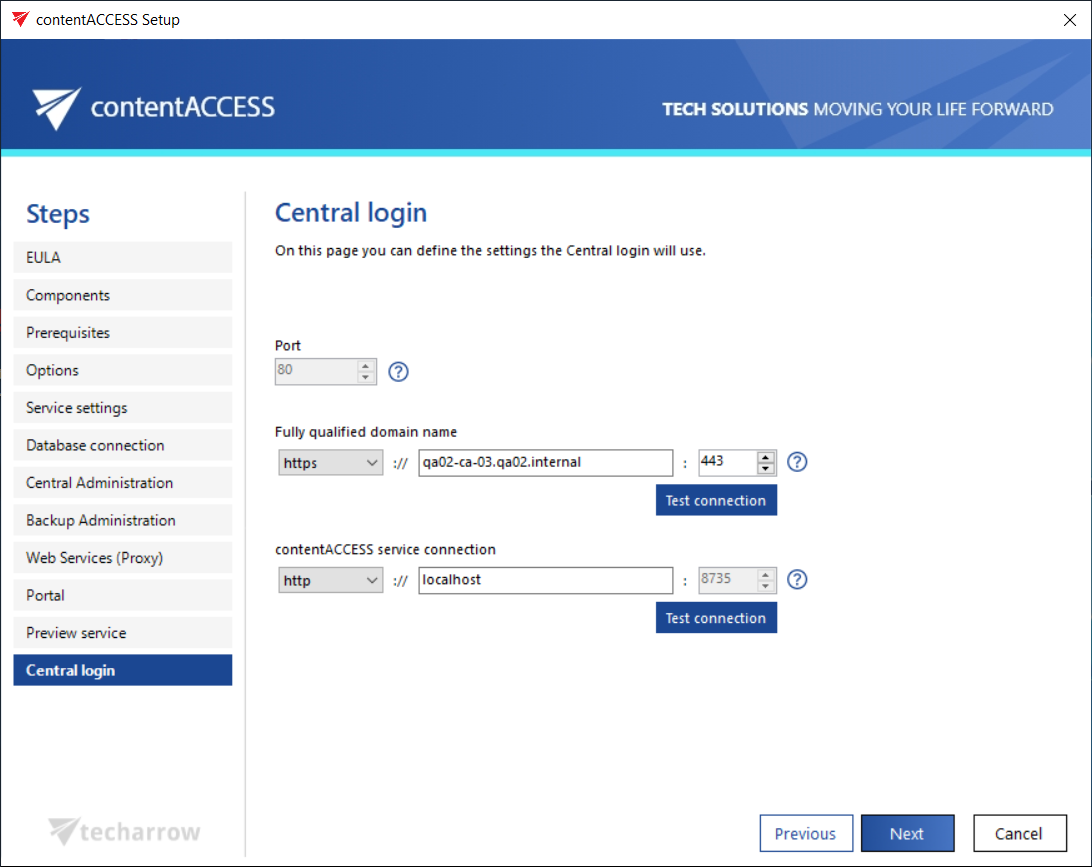
The Central login page in the setup allows you to configure the connection settings that the Central login component will use.
Configure Central login settings
The same rules apply as for the connection settings of the components described in the previous setup pages.
The fully qualified domain name (FQDN) that is configured first is written by the setup to the System settings of Central Administration (System tab → Services group → System page, section External accessibility settings: Central login).
info
Note: You can change this setting at any time on the corresponding page in Central Administration. When the product is updated, the setup will read the updated configuration and prefill it accordingly.