License Key
Introduction
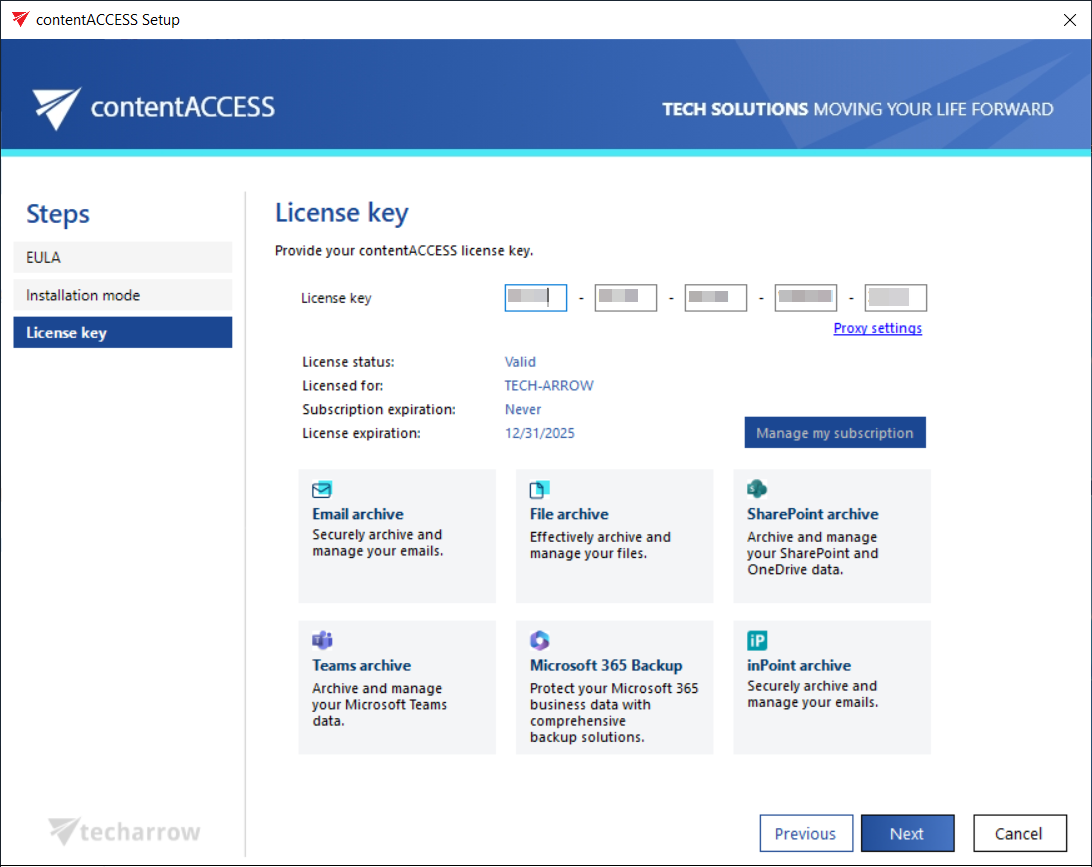
The License Key page in the contentACCESS setup package allows you to enter your license key during installation. This page is available only in Basic installation mode. In Advanced mode, the license key must be entered on the Components page instead.
Once a valid license key is entered, the page displays the license information along with the contentACCESS features included in the license.
Enter the license key
- Enter your license key in the field provided.
- Review the displayed license information and the list of contentACCESS features included in the license.
- Click NEXT to proceed to the Settings page, where you configure contentACCESS using Basic installation.