Sharing job
Introduction
The Sharing job collects files, such as large files that cannot be sent as email attachments, and enables them to be shared with other users. The job only collects these documents; the actual sharing process is performed by officeGATE, TECH-ARROW's genuine Microsoft Outlook add-in.
This page describes how to set up a Sharing job in contentACCESS. Once the job is configured, it appears in officeGATE's navigation pane in Microsoft Outlook, allowing users to share files directly from their mailbox.
Configure the Sharing job
-
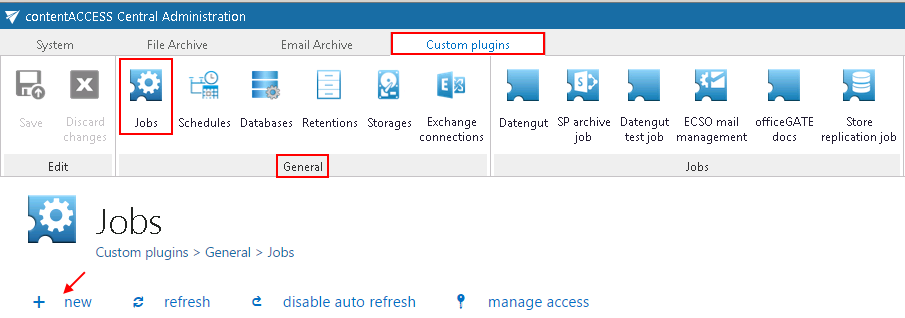
Navigate to Custom jobs ⇒ General ⇒ Jobs on the Central Administration web interface to open the Jobs page.
-
Click + new.
-
In the Add new job instance window, select Sharing from the list of available jobs, give it a name, and add it to the jobs list.
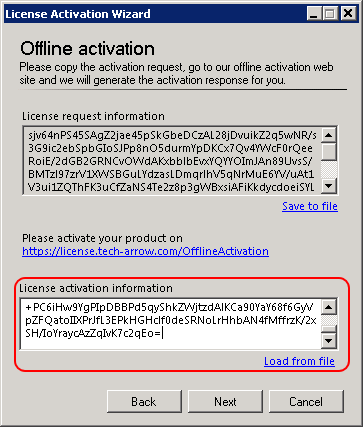
contentACCESS will prompt you to configure the job instance now.
-
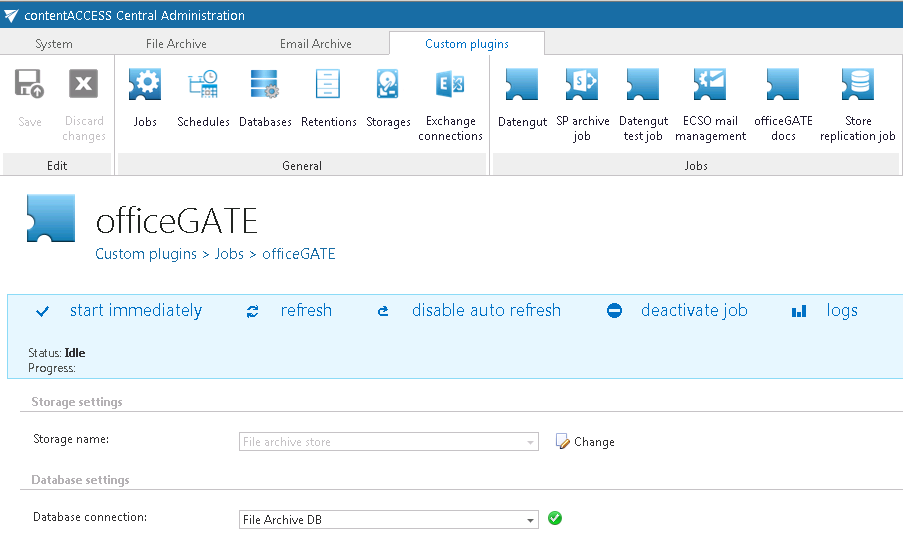
On the job's configuration page, configure a database and a storage for the Sharing job.
-
Click Save.
Once configured, users can access the sharing function in officeGATE directly from Microsoft Outlook.