Database settings
Introduction
The Database settings page in Email Archive allows administrators to view and manage the databases configured for storing processed metadata for the tenant. From this page, administrators can see all accessible databases and determine whether metadata is stored on premise or in the cloud.
Access database settings
To access the database settings, navigate to Email Archive ⇒ Settings ⇒ Databases.
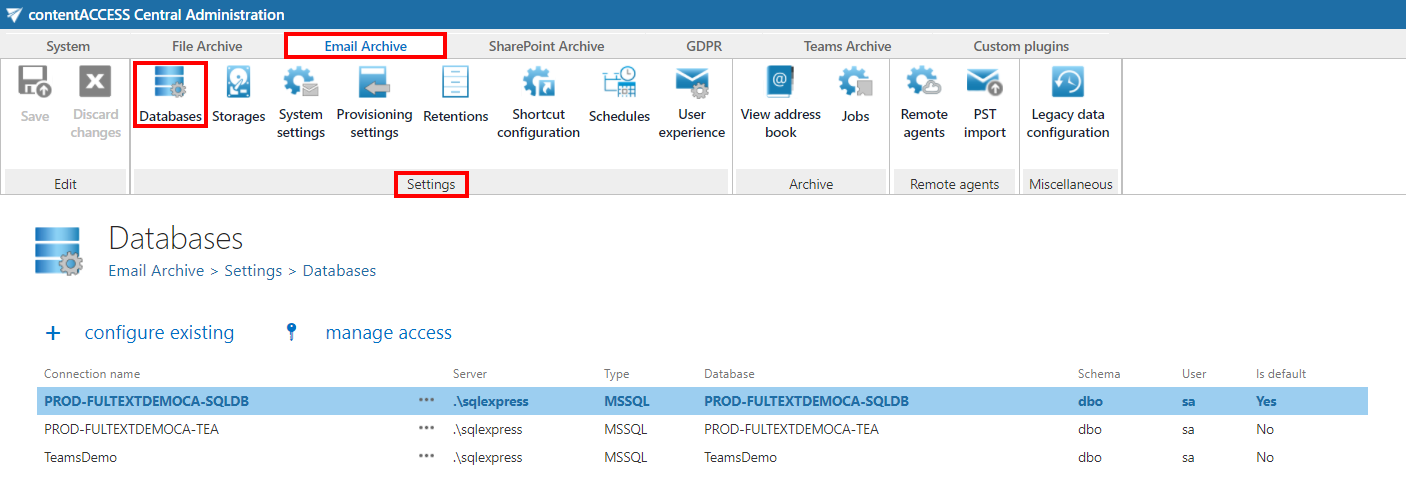
This page displays the full list of databases configured and accessible for the tenant.
Configure the metadata destination
On the Database settings page, you can set the destination for storing processed metadata as either:
- On premise
- Cloud
info
Note: For information on how to add new databases and configure database settings, see the Databases page.