Storing archived emails
Introduction
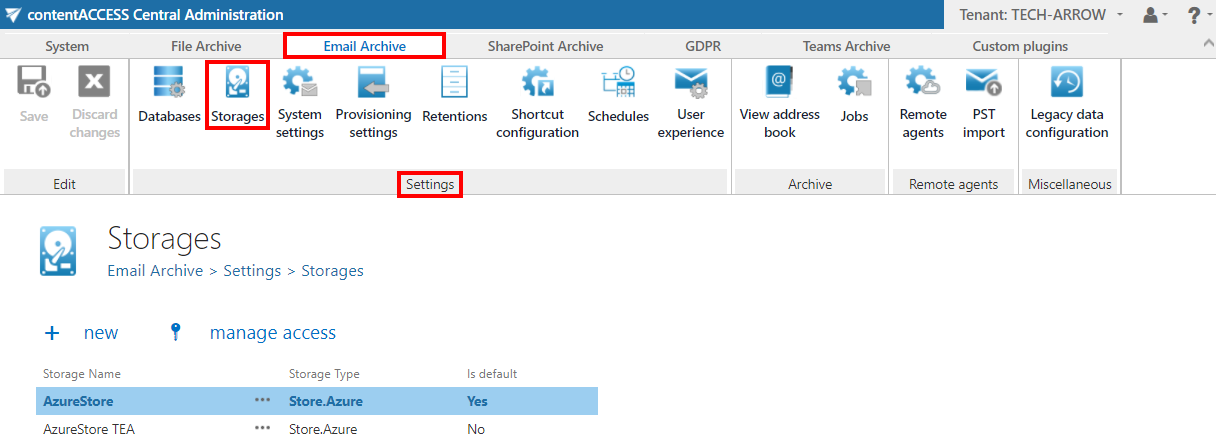
The Storages page under Email Archive ⇒ Settings allows administrators to configure and manage the storages used for archiving email data. This page displays a grid of already configured email archive storages, where the binaries are stored during the archiving process, and provides access to set up new storages.
Configure email archive storages
Navigate to Email Archive ⇒ Settings ⇒ Storages to view the grid of already configured email archive storages.
From this page, you can set up a new storage to store the binaries generated during the archiving process.
info
Note: For detailed information on how to set up new storages, see the Storages section.