Unable to open shortcuts of archived files on the server side
Introduction
This page describes how to resolve an issue where shortcuts to archived files cannot be opened on the server side because shares with alias names cannot be accessed locally.
Problem
Shares with alias names cannot be opened on the server.
Solution
To resolve this issue, at least the following registry key must be set:
-
Open the command prompt as administrator.
-
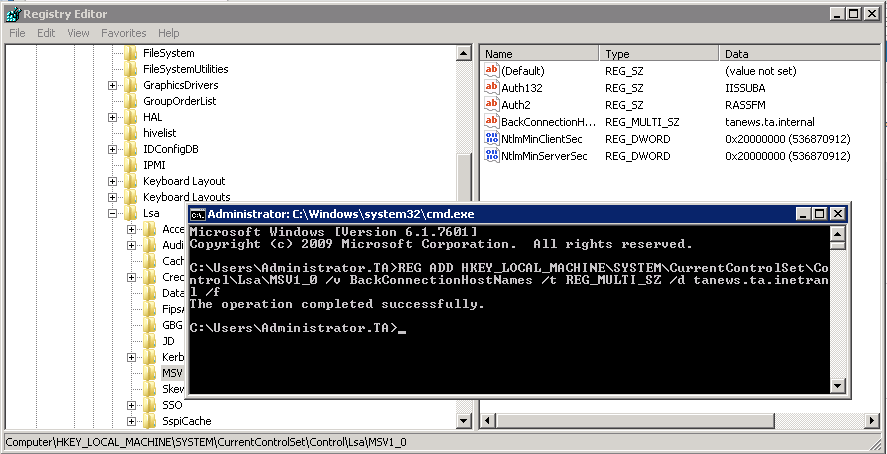
Type the following command:
REG ADD HKEY_LOCAL_MACHINE\SYSTEM\CurrentControlSet\Control\Lsa\MSV1_0 /v BackConnectionHostNames /t REG_MULTI_SZ /d [MycontentACCESSServerName.domain.com] /f -
Press Enter.
-
The registry key is written to the registry editor.
-
Restart the system.
info
Note: Replace [MycontentACCESSServerName.domain.com] with the actual server name and domain of your contentACCESS server.