Exchange login provider
Introduction
The Microsoft Exchange login provider is one of the external authentication providers available in contentACCESS. It allows users to log into contentACCESS using their email address and mailbox password.
With this method, contentACCESS uses the entered credentials to try to open the user's mailbox through Exchange Web Services (EWS). If the attempt succeeds, the user is logged into contentACCESS. The user's password is not stored inside contentACCESS — it is managed only by Exchange.
This page explains the prerequisite for using the Microsoft Exchange login provider, how to configure it, and the available methods for creating contentACCESS Portal users with this login type.
Note: Users with the Microsoft Exchange login type can also be created manually.
Prerequisites
- Email archive must be configured for the tenant.
Configure the Exchange login provider
-
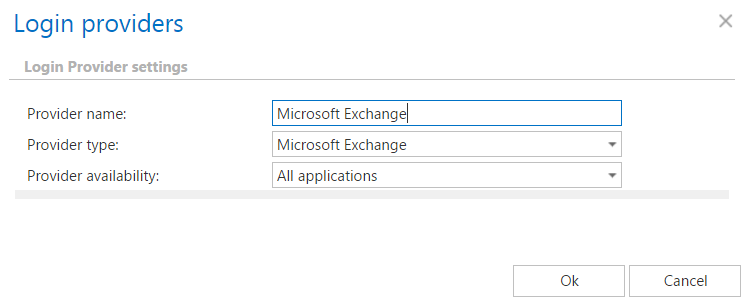
Create a Microsoft Exchange login provider. For more information, refer to the Login providers section.
-
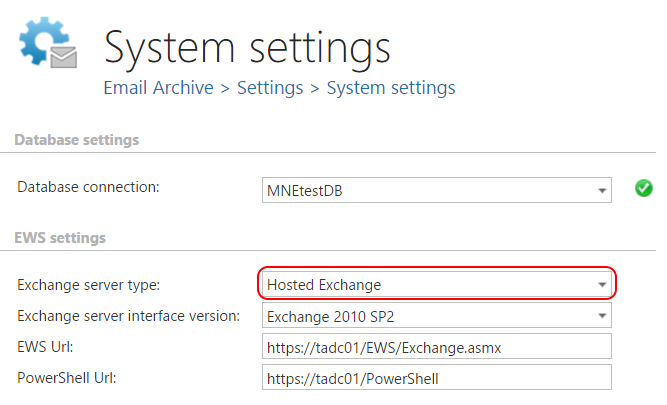
Configure the Exchange settings in Email archive System settings.
 info
infoNote: If you want the Email archive Provisioning job to create contentACCESS Portal users with the Microsoft Exchange login provider, Hosted Exchange must be selected in Exchange server type.
Create contentACCESS Portal users with the Microsoft Exchange login provider
Users with the Microsoft Exchange login provider can be created either automatically or manually.
Automatic creation
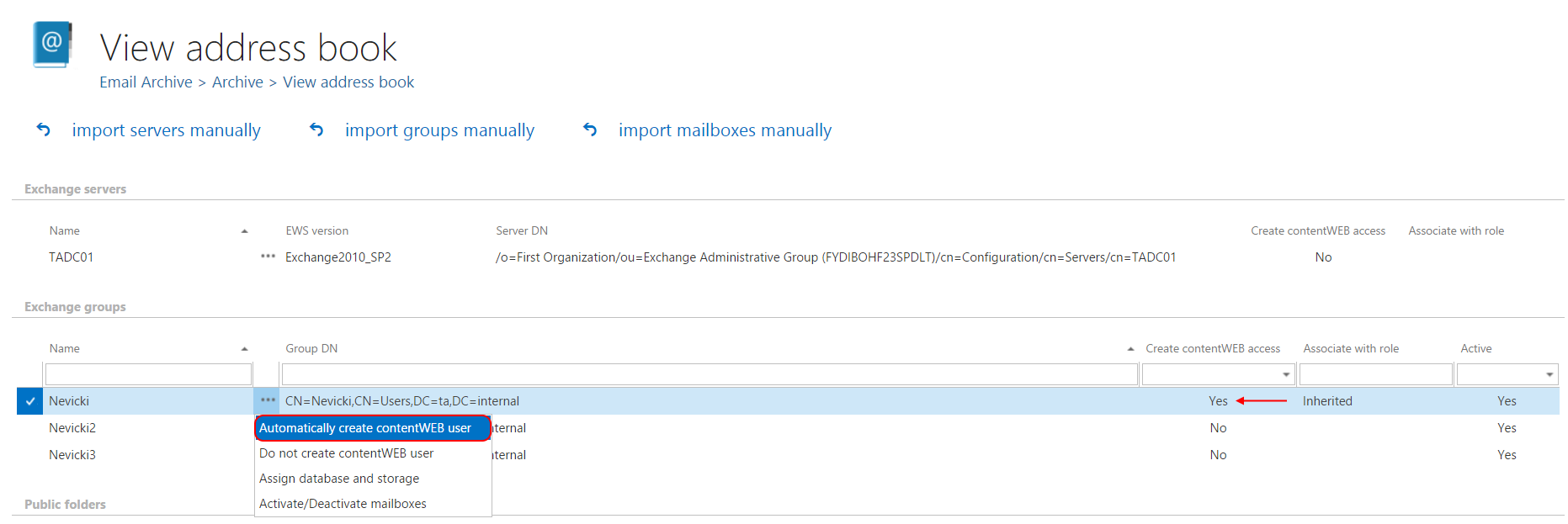
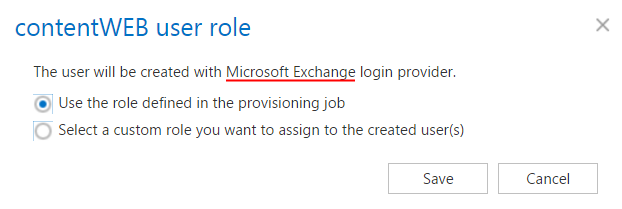
Go to Address book and select Automatically create contentACCESS Portal user.
Manual creation
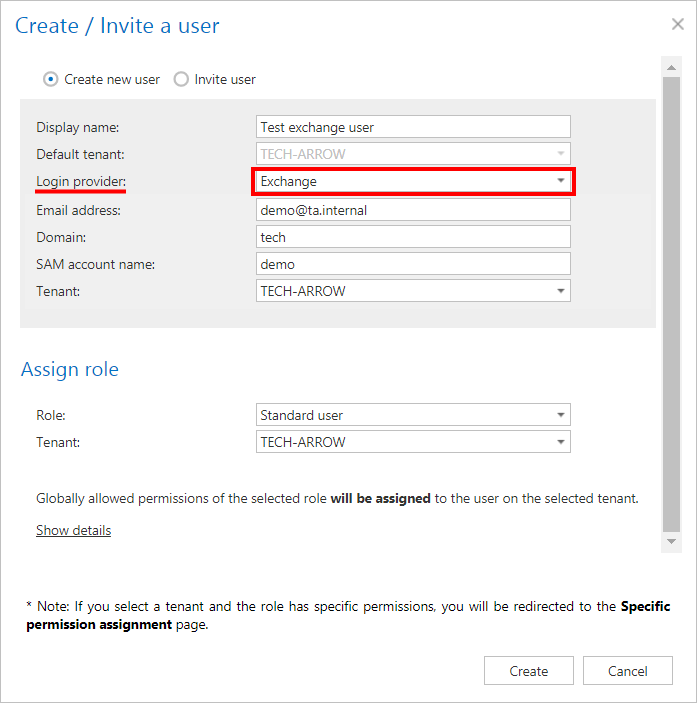
Go to System => Security => Users and click Create or invite users. For more information, refer to the Users in contentACCESS section.