Creating roles
Introduction
The Roles page in Central Administration allows administrators to create custom roles that define the permissions and access levels assigned to users. Roles can be created at two different levels:
- System-wide, from the Roles page.
- Tenant-level, from the Tenants page.
This page describes both methods for creating a new role.
Create a custom role from the Roles page
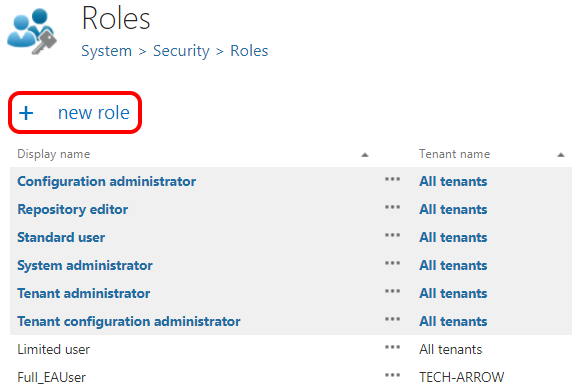
Custom roles can be created in Central Administration from the Roles page (System tab → Security group → Roles page) using the + New role option.
Create a tenant-level role from the Tenants page
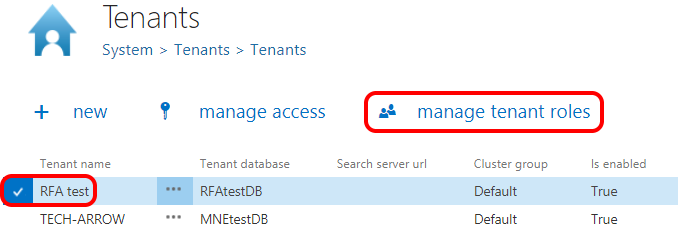
Tenant-level roles can also be created from the Tenants page (System tab → Tenants group → Tenants page) using the Manage tenant roles option.