Role cloning
Introduction
Role cloning allows administrators to quickly create a customized copy of an existing role, including the default roles defined by the system. Instead of creating a new role from scratch, administrators can clone an existing role and then modify its name, permissions, and tenant assignment as needed.
Clone a role
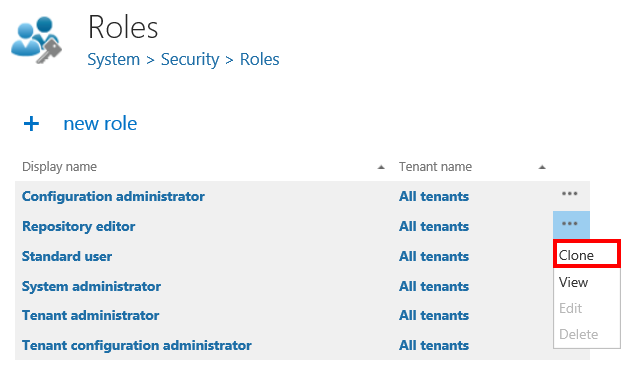
- Open the context menu of the role you want to clone.
- Select Clone.
Configure the cloned role
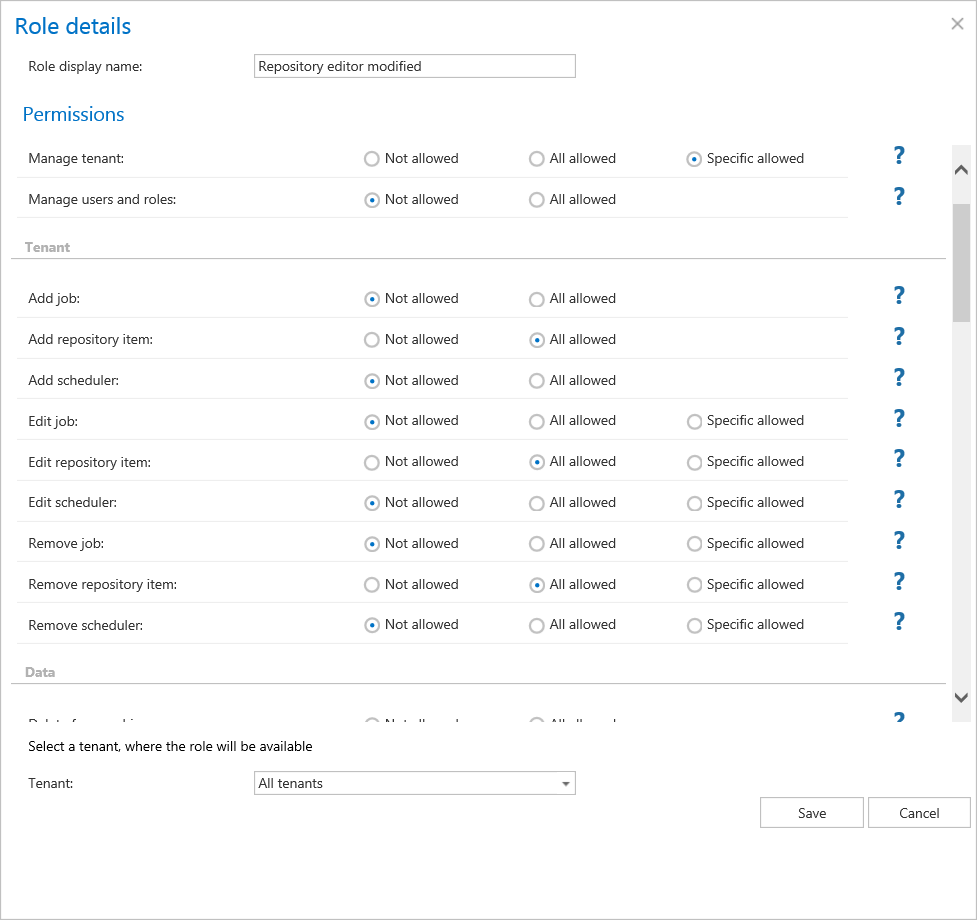
In the clone dialog, you can configure the following settings:
- Role name: Enter a name for the cloned role.
- Permissions: Modify the permissions assigned to the role.
- Tenant: Select the tenant the role applies to.
After making the desired changes, save your settings.