User interface
Introduction
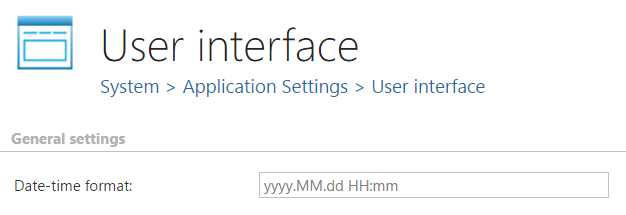
The User interface page in System ⇒ Application settings allows administrators to configure display preferences for contentACCESS Administration. Currently, this page allows you to set the date-time format used throughout the application.
Configure the user interface
To access the user interface settings, navigate to System ⇒ Application settings and click the User interface button.

On this page, you can configure the following setting:
- Date-time format: Defines how dates and times are displayed throughout the application.