contentACCESS Automated single sign-on
Introduction
Automated single sign-on allows administrators to configure a third-party login provider for automatic login. When an automated login provider is configured, users are signed into contentACCESS Central Administration, as well as into the contentACCESS Portal and Backup Administration for Microsoft 365, without any further interaction with the selected provider.
This page describes which login providers support automatic login, how to configure automated single sign-on, how to control the display order of login providers, and how to change the user signed in through an auto login provider.
For general information about login providers, see Login providers.
Supported login providers
The following login providers can be automated:
- Microsoft 365
- Windows
- Any other third-party authentication provider
Note: The Datengut and Forms providers cannot be set to automatic.
Configure automated login
To automate one of the supported login providers:
- Go to the System tab, open the Security group, and click Login providers.
- On the Login providers page, select the desired provider in the Auto login column.
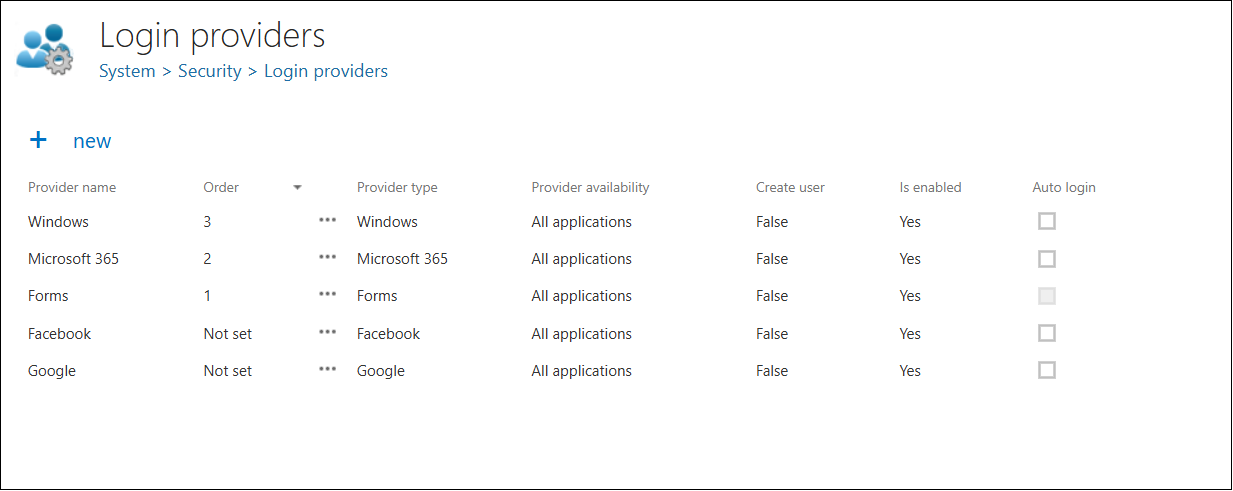
Important: Only one login provider can be selected as the auto login provider at the same time.
Configure the provider order
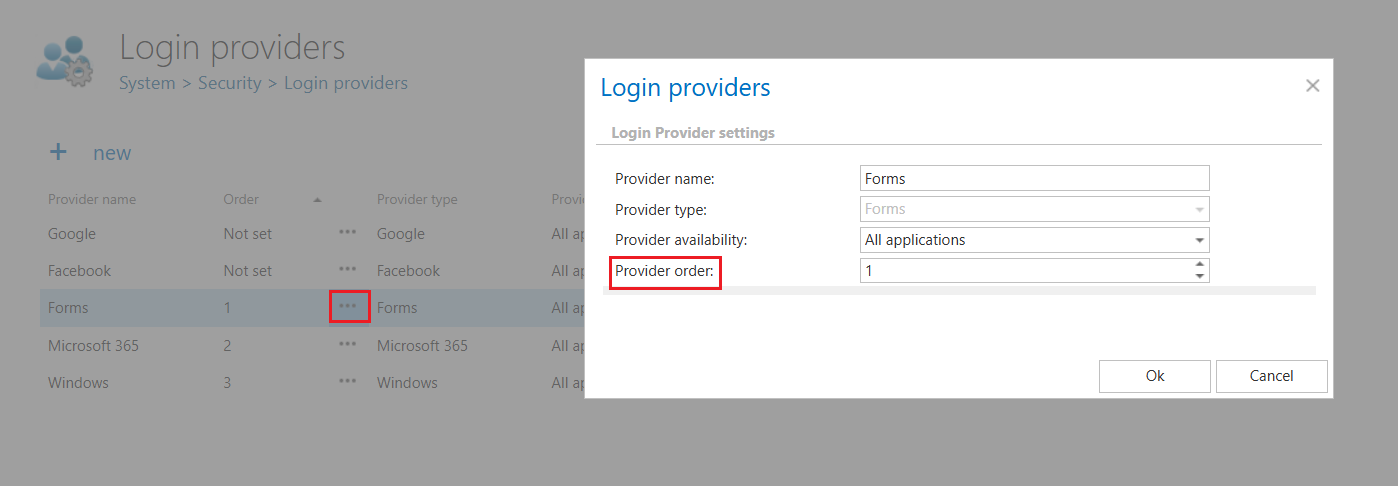
The order of login providers can be configured in the list. This order determines how the configured login providers are displayed on the login page. Providers left as Not set automatically appear at the bottom of the list.
To adjust the order:
- Open the context menu (…) of a login provider and select Edit.
- Set the desired value in the Provider order field. The Not set value corresponds to
0.
The Provider order column is also sortable.
Change the auto login user
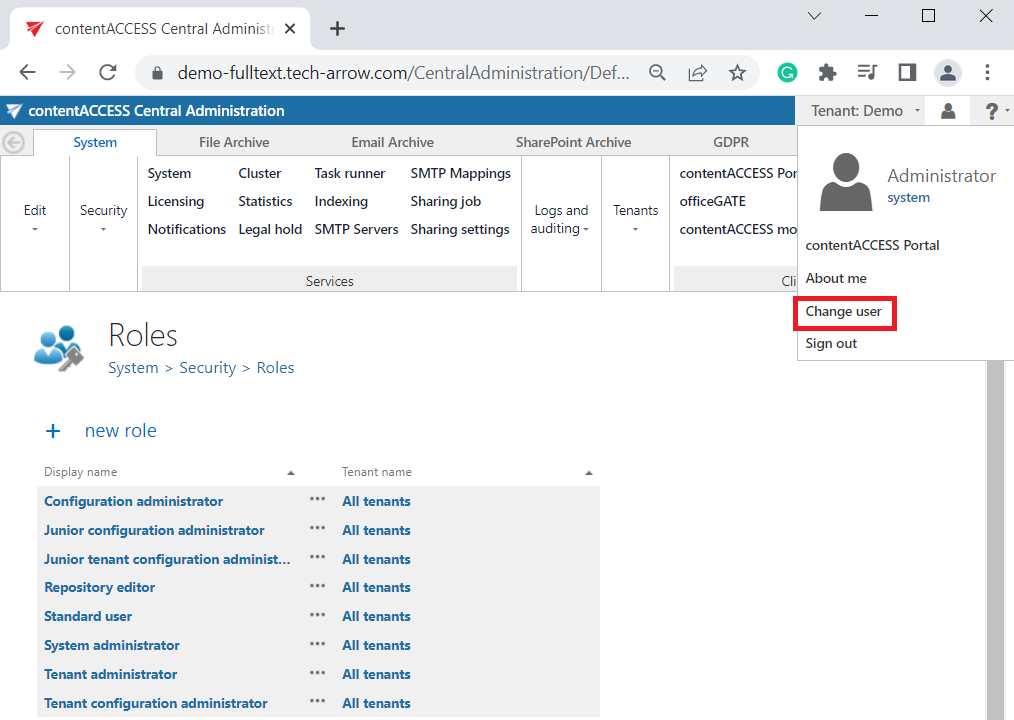
To change the user who is logged in with an auto login provider (for example, the Administrator in this use case):
- Open the user menu in the upper right corner.
- Click Change user.