contentACCESS Mobile
Introduction
contentACCESS Mobile is a native mobile device application that allows users to easily access their archived documents from contentACCESS. Offline access is also supported for read-only use.
This page describes how to obtain and install the contentACCESS Mobile application on a mobile device.
Install contentACCESS Mobile
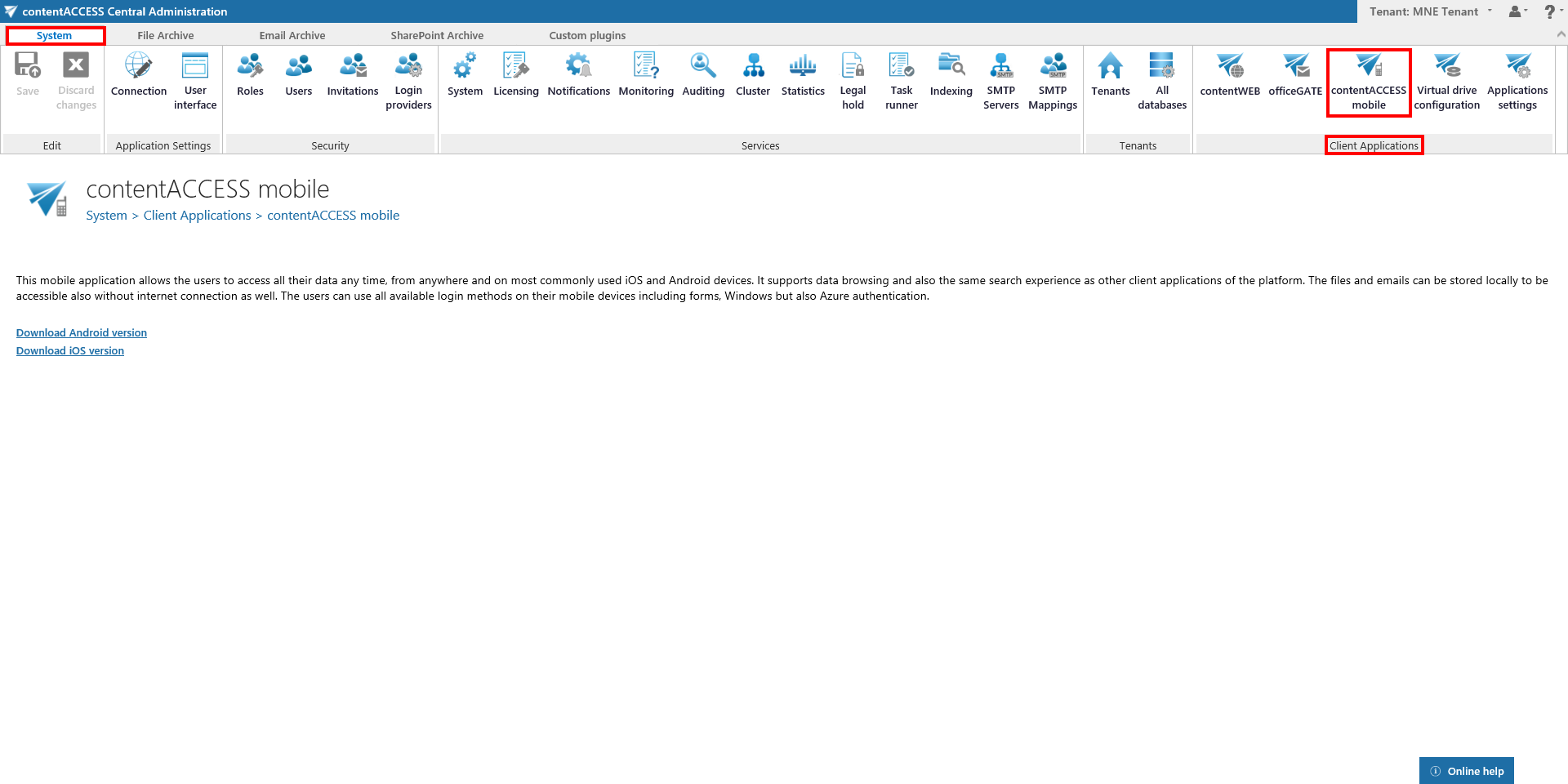
The contentACCESS Mobile application can be downloaded on a mobile device (either Android or iOS) from contentACCESS Central Administration, under System -> Client applications -> contentACCESS Mobile.
Alternatively, you can search for contentACCESS Mobile in the Play Store or Apple Store to install the app directly on your mobile device.
Once the application has been successfully downloaded and opened on the mobile device, the user is asked to enter the server name (connection URL) and their login credentials.
Note: For more information about contentACCESS Mobile, see the contentACCESS Mobile documentation.