Installation mode
Introduction
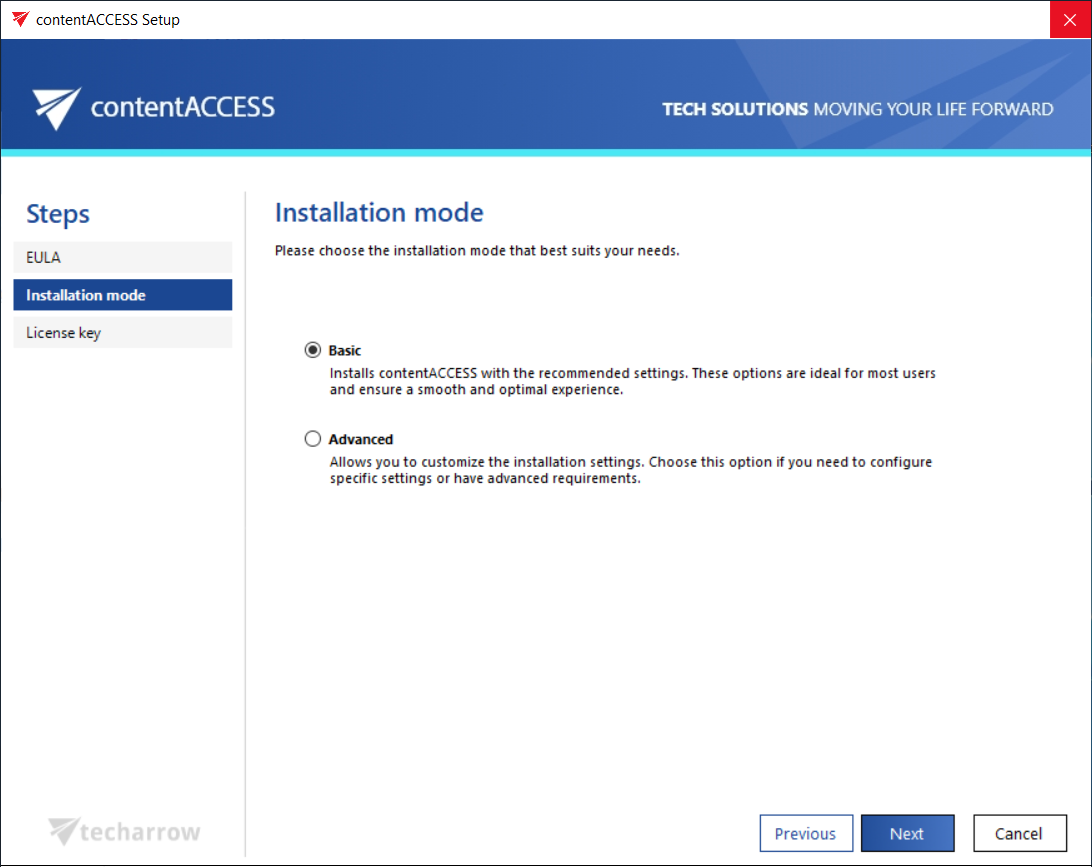
The Installation mode page allows you to choose how contentACCESS is installed on the server. You can select between Basic and Advanced installation mode, depending on how much control you need over the configuration of individual components during setup.
Select the installation mode
The following installation modes are available:
- Basic: The Basic installation mode allows you to configure all essential settings on a single page, streamlining the setup process. This option is ideal for quick installations, ensuring that all necessary configurations are in place without navigating through multiple steps.
- Advanced: Allows you to customize the installation by manually configuring each component on separate pages. This option is ideal for advanced requirements, providing full control over component selection, system checks, and detailed configuration before proceeding with the installation.
Important: If the first install is performed in Basic mode, there is an option to switch to Advanced mode during an update. However, once this switch is made, it is no longer possible to switch back to Basic mode. From that point forward, updates can only be performed in Advanced mode.
If the first install is performed in Advanced mode, there is no option to switch to Basic mode during the next (and first) update. The contentACCESS version must be updated in Advanced mode.