Installation type
Introduction
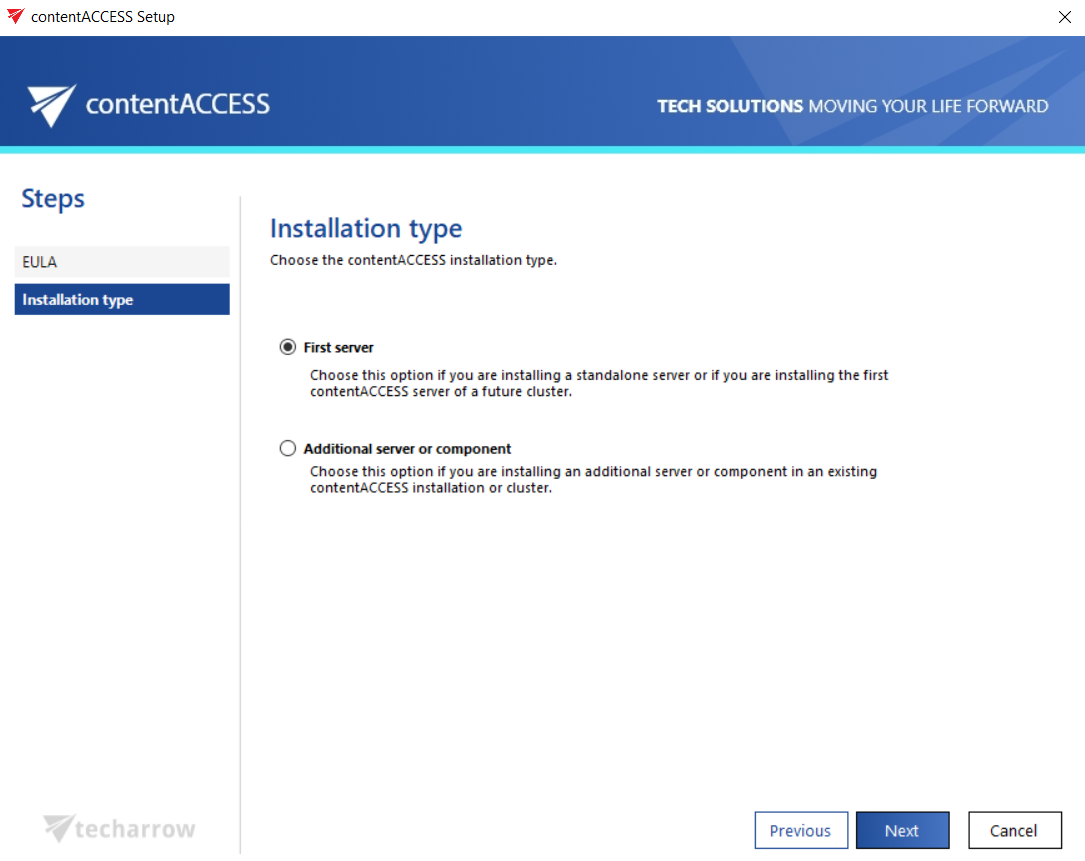
The Installation type step of the contentACCESS setup package allows you to specify whether you are installing the first server of a contentACCESS environment or an additional server or component in an existing environment. The option selected here determines whether the installer will create a new configuration database or connect to an existing one.
Note: This installation step is available only during the very first installation, and only if the installation is performed in Advanced mode. When updating the product, this step is no longer available.
Select the installation type
Choose one of the following options:
- First server – choose this option if:
- you are installing a standalone server, in which case everything will be installed on the same server; or
- you are installing the first contentACCESS server of a future cluster.
- Additional server or component – choose this option if you are installing an additional server or component (for example, Virtual Drive, Central Administration, contentACCESS Portal, etc.) in an existing contentACCESS environment or in a cluster.
Note: A cluster is a system consisting of multiple servers (nodes) tied to the same configuration database.
Configure the database connection for additional servers or components
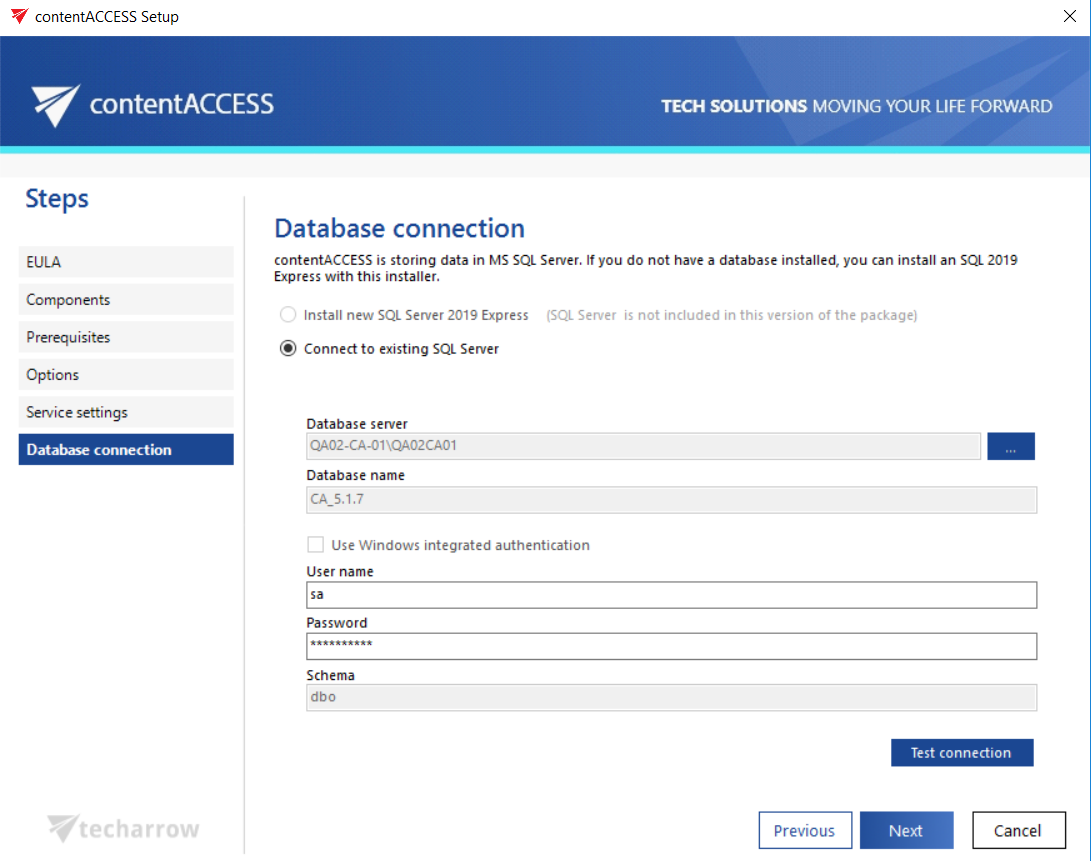
If you are installing an additional server in a cluster, or a component in an existing contentACCESS environment (that is, you selected the Additional server or component option), you will be required to set up the connection to the existing central database that you specified when installing the first contentACCESS server.
Test the connection, then click Next.