Preview service
Introduction
The Preview service page allows you to configure the connection settings the Preview service will use during installation. The settings follow the same rules as the connection settings of the other components configured earlier in the setup.
Configure the Preview service
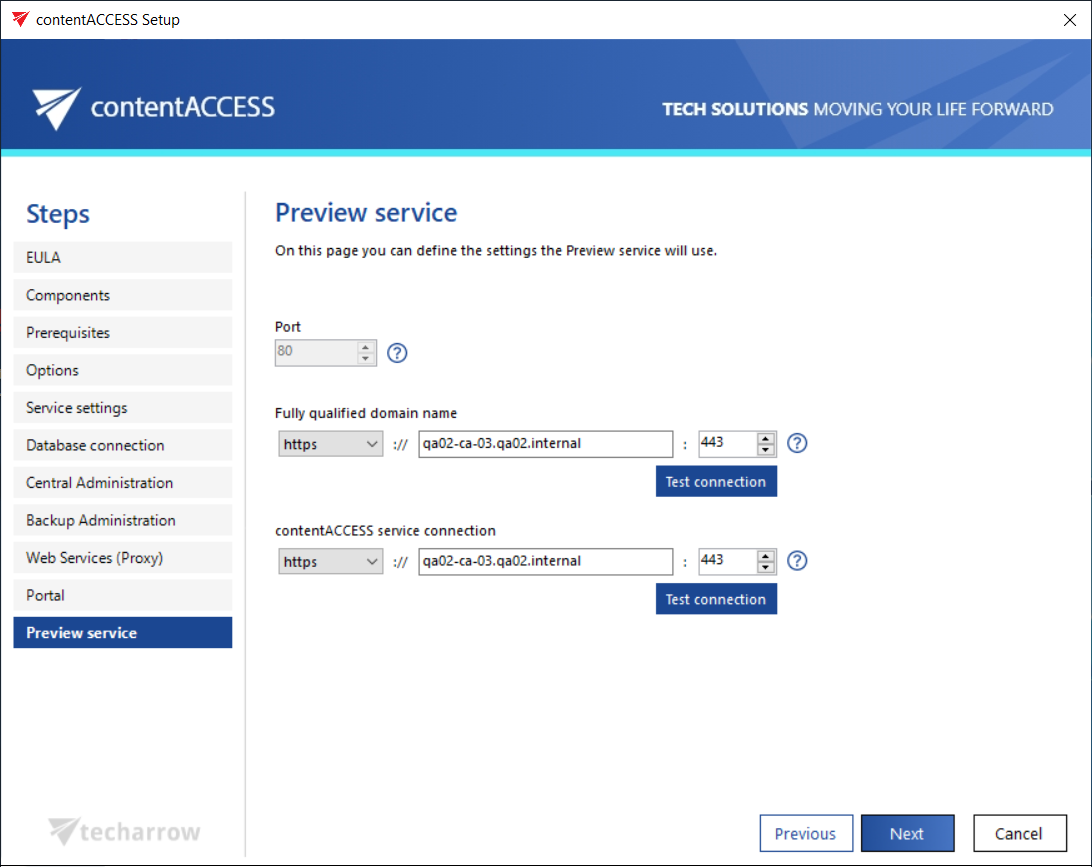
- FQDN: The fully qualified domain name used to reach the Preview service. The first FQDN configured is written by the setup to the System settings of Central Administration (System tab → Services group → System page, Preview service settings section → Preview service address).
info
Note: The Preview service address can be changed at any time on the corresponding page of Central Administration. When the product is updated, the setup reads the current configuration from Central Administration and prefills it automatically.