Basic installation mode
Introduction
Basic installation mode allows you to configure all essential contentACCESS settings on a single page, streamlining the setup process. This mode is intended for installations where a simplified, guided configuration is sufficient, reducing the number of steps compared to the Advanced installation mode.
This page describes the sequence of steps performed during a Basic mode installation and explains the conditions under which you can switch between Basic and Advanced installation modes.
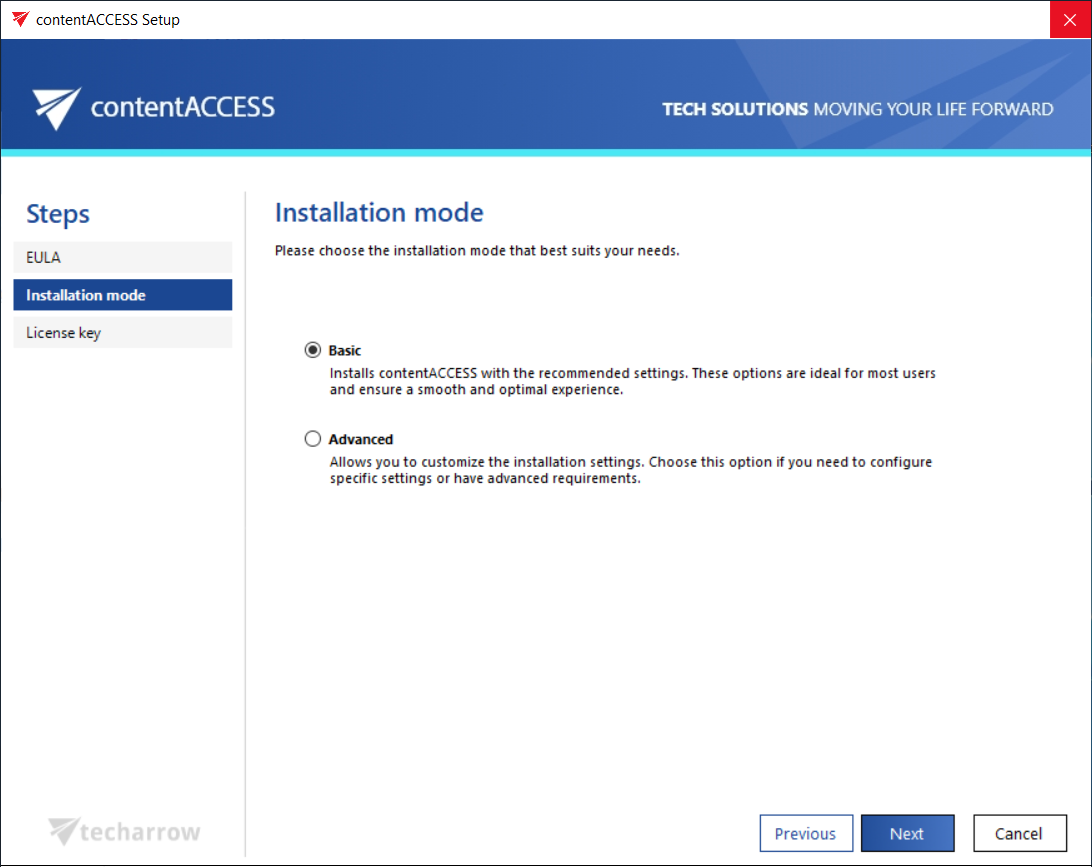
Installation steps
In Basic mode, the contentACCESS installation consists of the following steps:
- Accept the terms on the End-User License Agreement (EULA) page.
- Proceed to the License Key page, where, after entering the key, the license information is displayed along with the contentACCESS features included in the license.
- Continue to the Settings page, where you can configure the necessary settings for the installation.
- Advance to the Prerequisites step, where the wizard checks whether your system meets the software requirements. Some missing prerequisites are installed directly by the wizard during the installation.
- Review the Overview page, where you can see the contentACCESS components that will be installed.
- Follow the progress of the installation process on the Installation page. Once the installation is completed, click Finish, and contentACCESS is ready to use.
Switching between installation modes
Important: If the first install is performed in Basic mode, there is an option to switch to Advanced mode during an update. However, after switching, the user will no longer be able to switch back to Basic mode. From that point forward, updates can only be performed in Advanced mode.
If the first install is performed in Advanced mode, there is no option to switch to Basic mode during the next (and first) update. The contentACCESS version must continue to be updated in Advanced mode.