Overview
Introduction
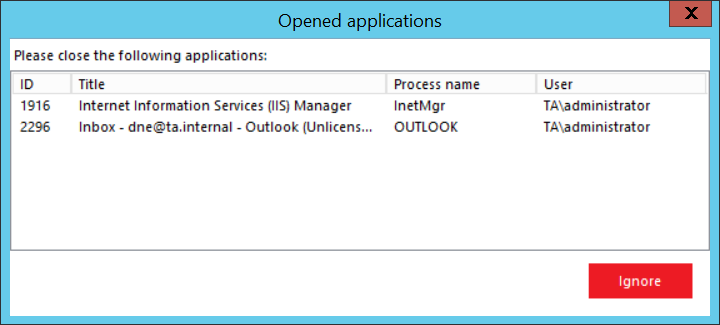
The Overview step of the contentACCESS setup displays a summary of the components selected for installation on the server. It allows you to review your selections before proceeding, and it also warns you if any applications that could interfere with the installation are currently running.
Review the installation overview
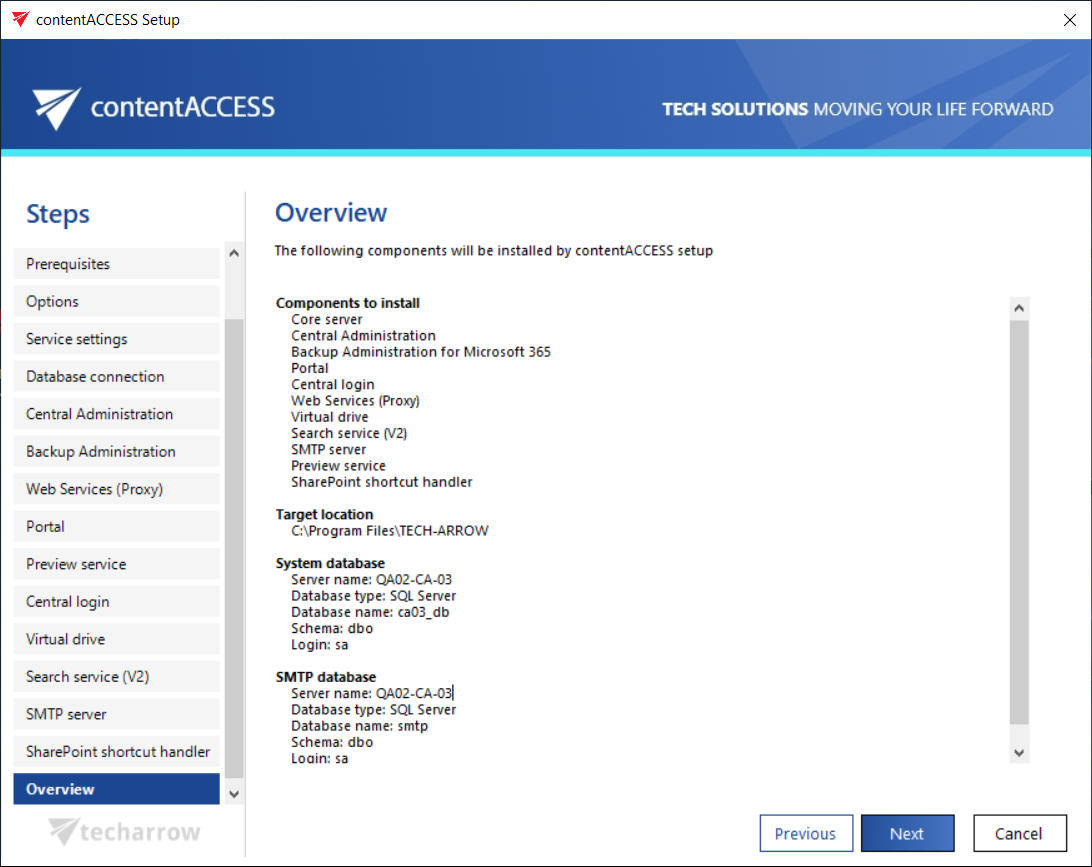
The setup displays a general overview of the components that you have selected to install on the server.
- Review the listed components.
- Click NEXT.
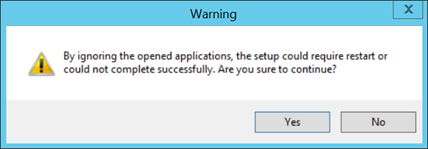
Note: If unwanted applications are running in the background, the setup warns you about this. Unwanted applications include MS Outlook, Services, and Internet Information Services. You can close these applications directly from this window by right-clicking the application in the list and selecting Kill, but this approach is not recommended. The best approach is to close the running applications manually. You can also skip closing the applications by clicking Ignore in the pop-up window.