Summary
Introduction
The Summary page is the final step of the contentACCESS installation wizard. It provides an overview of the components that have been installed and allows you to complete the installation process.
Review the installation summary
The Summary window displays an overview of the already installed products.
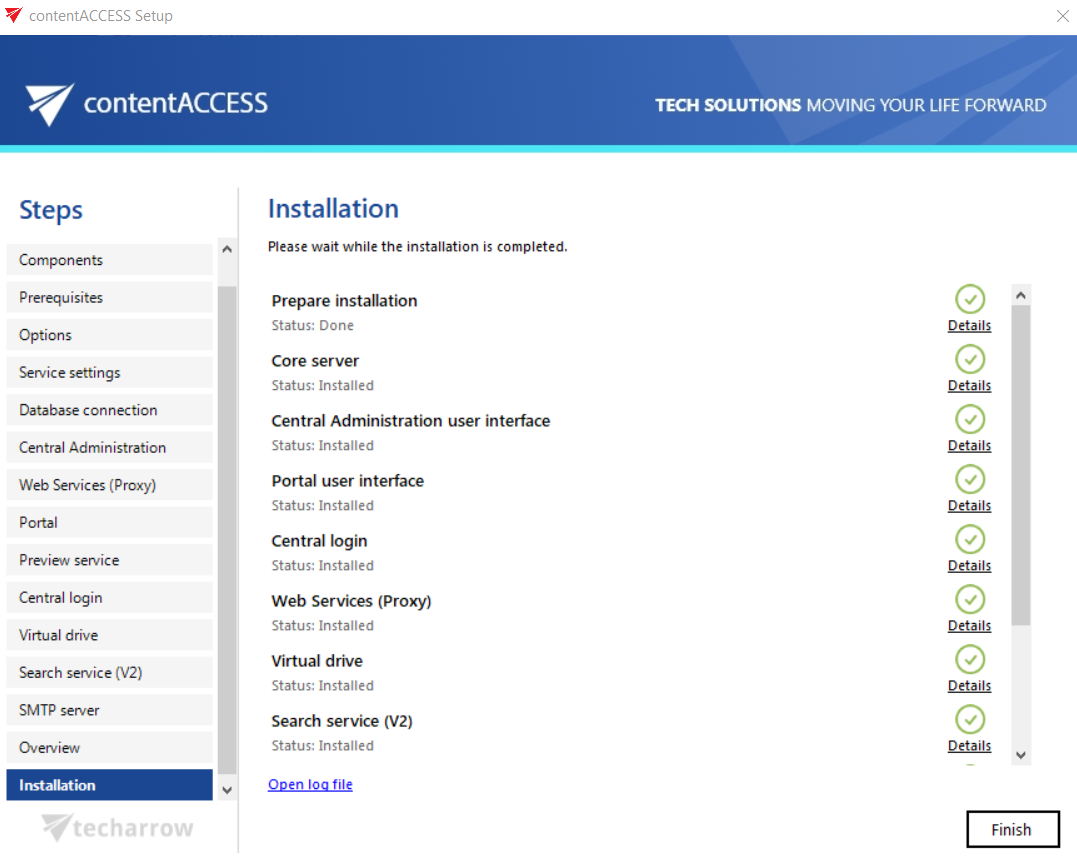
Note: If any problem occurred during the installation process, click Open log file in the lower-left corner of the last setup window (shown above). The log file may contain the reason for an unsuccessful installation.
Complete the installation
Click Finish to complete the installation process.
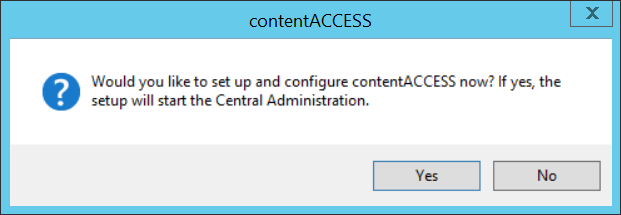
After the installation is completed, a popup window may appear asking whether you want to continue with further settings and configurations in contentACCESS Central Administration. This dialog appears if you have installed the component during this setup, or if the component was already installed on another server (distributed environment).
Click Yes to open contentACCESS Central Administration and continue with the configuration.