contentACCESS Tools
Introduction
The contentACCESS setup package is extended with a set of additional tools that provide access to archived data from different clients and platforms, such as Microsoft Outlook, Microsoft Teams, and mobile devices. This page provides an overview of the available tools and links to the corresponding documentation for each one.
Available tools
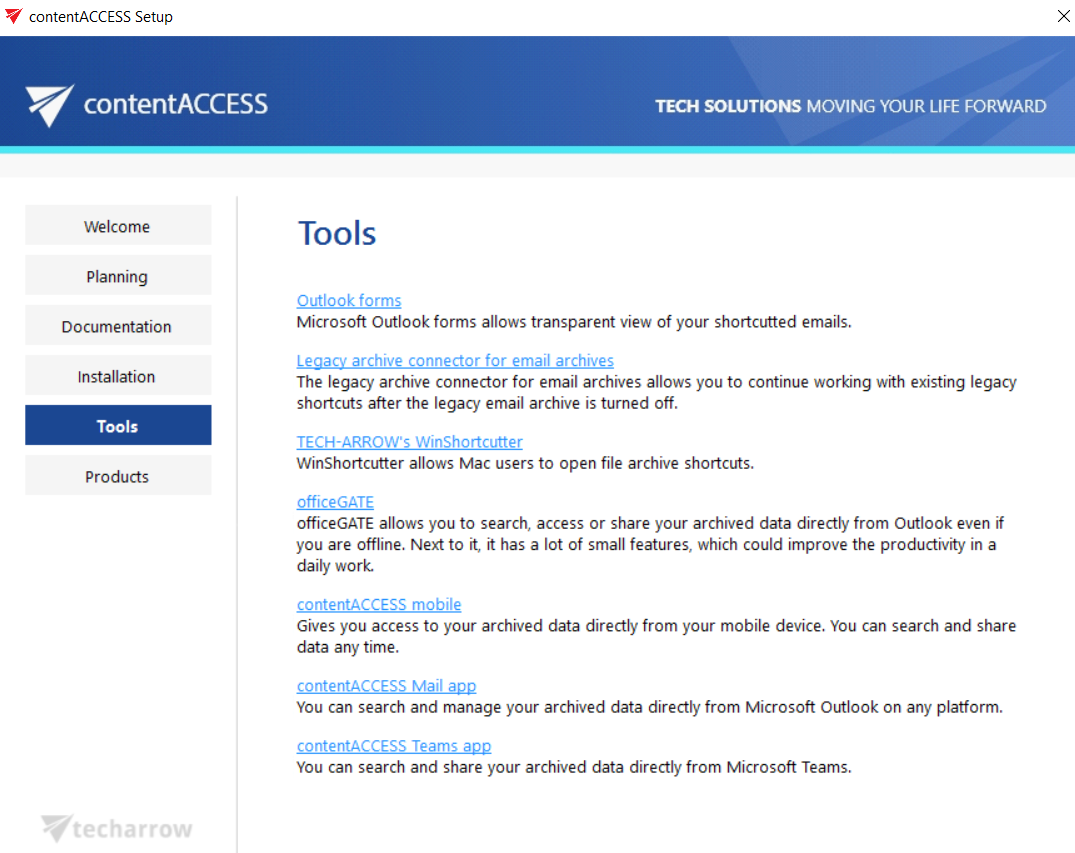
The contentACCESS setup package includes the following tools:
- Legacy archive connectors: Used to access legacy email archives (MAM EE and ELM). For more information, see Legacy email archive connectors.
- MS Outlook Forms: Further detailed in the Email Archive section.
- TECH-ARROW's Winshortcutter: For more information, see Winshortcutter for Mac OS.
- officeGATE: Allows you to search, access, or share your archived data directly from Outlook. For more information, see officeGATE.
- contentACCESS Mobile: Allows you to access your archived data, and search or share it from a mobile device. For more information, see contentACCESS Mobile.
- contentACCESS Mail app: Allows you to search and manage archived data directly from Outlook. For more information, see the Mail app documentation.
- contentACCESS Teams Search App: Allows you to search or share your archived data directly from Microsoft Teams. For more information, see the Teams Search App documentation.