Installing TECH-ARROW’s WinShortcutter
Introduction
TECH-ARROW's WinShortcutter is a utility application that allows Apple macOS users to open Windows shortcut files (.lnk files), including shortcut files created by contentACCESS File Archive. It is primarily intended for organizations operating in a Windows-dominant office environment where native macOS support for .lnk files is limited.
This page describes how to install WinShortcutter from the contentACCESS setup.
Install WinShortcutter
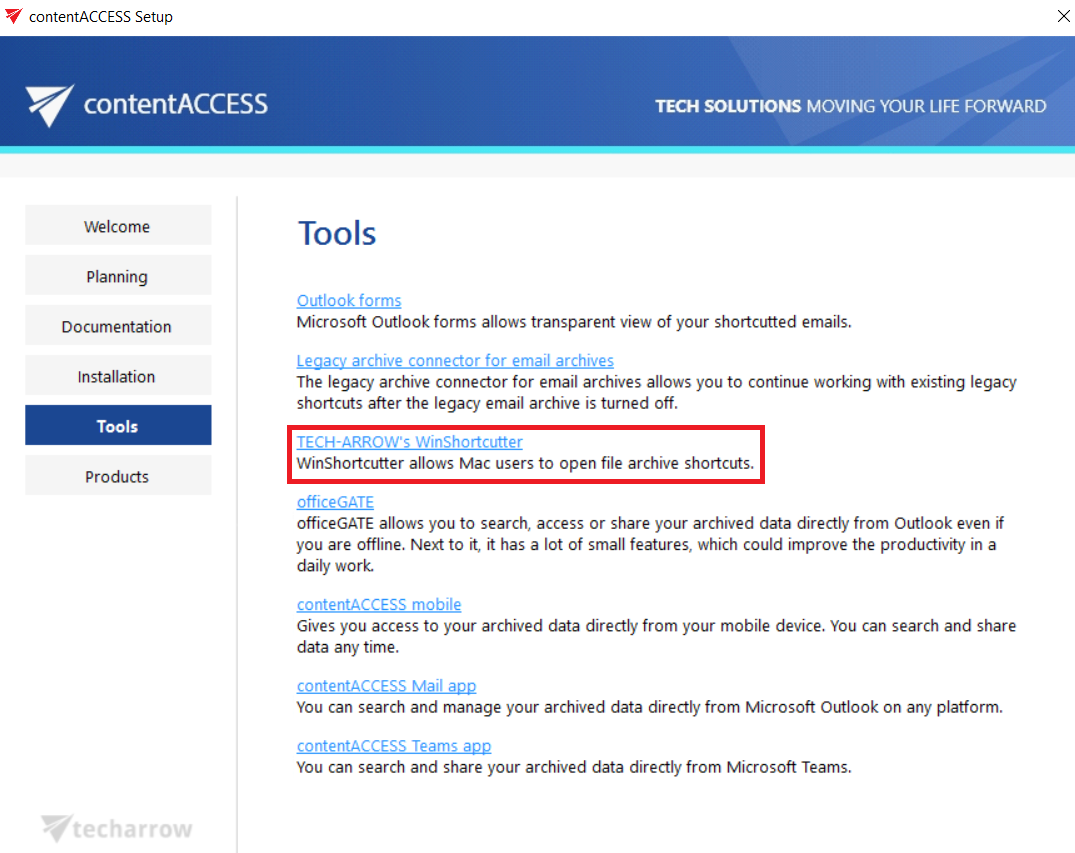
- Open the Tools section in the contentACCESS setup window.
- Click the WinShortcutter option.
info
Note: For further information about the application, refer to the TECH-ARROW's WinShortcutter Manual.