Journal post processing job
Introduction
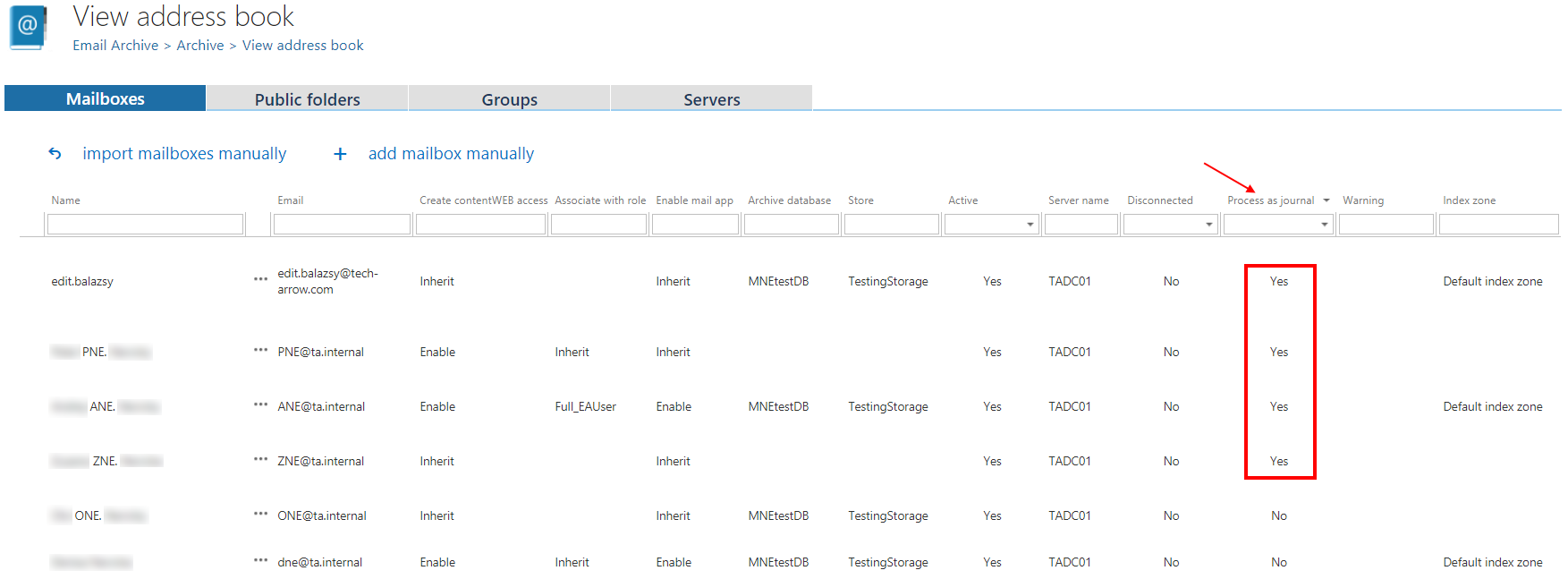
The Journal post processing job processes mailboxes that are marked as Process as journal. It reads all emails from the mailbox or mailboxes selected in the job's Address book objects to process section, checks the recipients of each email, and duplicates the email into the mailboxes of matching recipients found in the Address book.
How the job processes emails
The job checks the recipients of each email (To, Cc, Bcc) against the Address book. If a recipient mailbox is present in the Address book, the email is duplicated into that mailbox.
Group membership is also resolved: when a recipient is a group, the email is duplicated into the mailboxes of all members of that group.
Important: Duplicating emails to group members is based on the actual (current) group membership. The job does not check whether the user was a member of the group at the time the email was sent.
Bookmarking
The job uses bookmarking: once an email has been processed, it will not be processed again, even if new mailboxes are provisioned afterward.
To duplicate already-processed emails into newly provisioned mailboxes, the bookmark must be deleted from the [JOURNAL_POSTPROCESSING_SETTINGS] database table.