Retention settings
Introduction
The Retention settings page in Email Archive allows administrators to define retention policies that specify how long email messages are stored before they can be deleted.
You can access retention settings by navigating to Email Archive ⇒ Settings ⇒ Retentions.
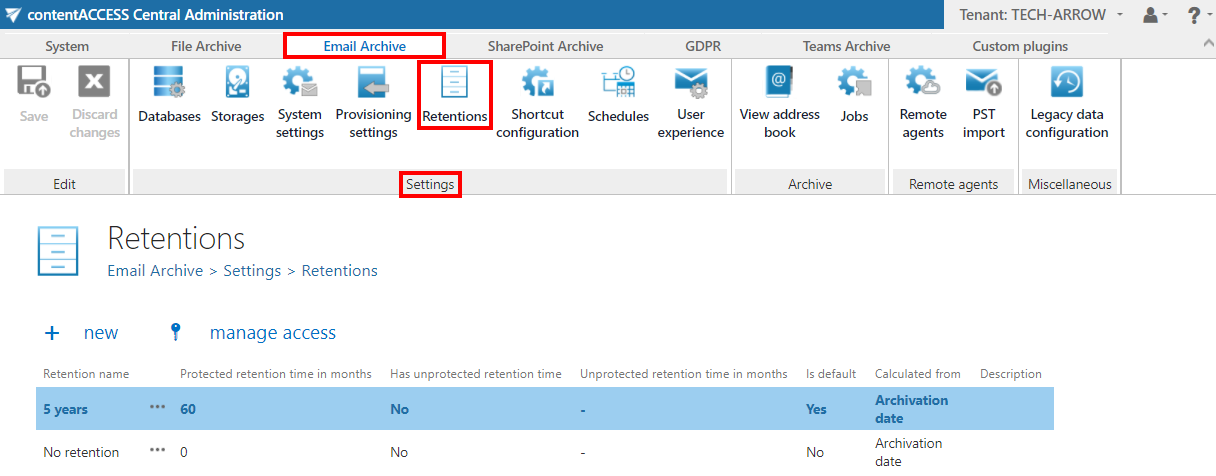
Configure retention settings
To add a new retention attribute:
- Navigate to Email Archive ⇒ Settings ⇒ Retentions.
- Click + new.
- Configure the retention attribute as described in the Retentions page.