SMTP archiving
Introduction
SMTP archiving allows contentACCESS to archive emails that are routed through an SMTP server directly to a specified entity in the archive. This page describes the prerequisites for SMTP archiving, how to create the required MX record, and how to configure SMTP servers and SMTP mappings so that incoming emails are archived correctly.
Prerequisites
To successfully archive emails via SMTP, the following must be completed first:
- contentACCESS is configured, and a default shortcut type is set for Email archive.
- At least one storage and retention are configured.
- If you want to archive to an existing mailbox, it must contain either some previously archived data, or its properties must be set in the address book.
- SMTP is configured during the contentACCESS installation.
- Ports
25,465, or587are allowed in the firewall on the server that hosts the SMTP server for incoming traffic. - An MX record is created, as described below.
Create an MX record
The MX record defines the IP address or alias of the server registered for the given domain name. MX stands for mail exchange, which handles email communication. The MX record indicates which computer is responsible for handling mail for a particular domain.
You can have multiple MX records for a single domain name, ranked in preference order. If a host has three MX records, a mailer will try to deliver to all three before queuing the mail.
An MX and A record example:
| Record FQDN | Record Type | Record Value | MX Pref. |
|---|---|---|---|
| mail.example.net | A | 123.123.123.123 | |
| example.net | MX | mail.example.net | 10 |
An "A" record maps a domain name to the IP address (IPv4) of the computer hosting the domain.
The MX and A records on azure.tech-arrow.com have the following configuration:

Configure SMTP servers
After everything is set, go to SMTP Servers. This page lists all SMTP servers registered in contentACCESS. It is also necessary to set here the domains that should or should not be used in SMTP archiving. If a domain is not white-listed here, it cannot later be used to create SMTP Mappings, and therefore cannot be used for SMTP archiving.
You can set automatic deletion of files (locally stored on SMTP) by clicking Edit in the context menu of the servers on this page.

Configure SMTP mappings
On the SMTP Mappings page, you have to map email addresses. The SMTP server archives emails based on the created mappings. The Email address processes the incoming emails and archives them to the specified folder in the Entity. Only mailboxes with an assigned Archive database and Store in the Address book can be used as Entities; however, dummy mailboxes can be used as Email addresses.
Note: To learn how to manually create mailboxes in the archive for SMTP archiving, see Adding address book objects manually.

Important: One Email address can be associated with only one Entity. However, one Entity can be associated with multiple Email addresses.
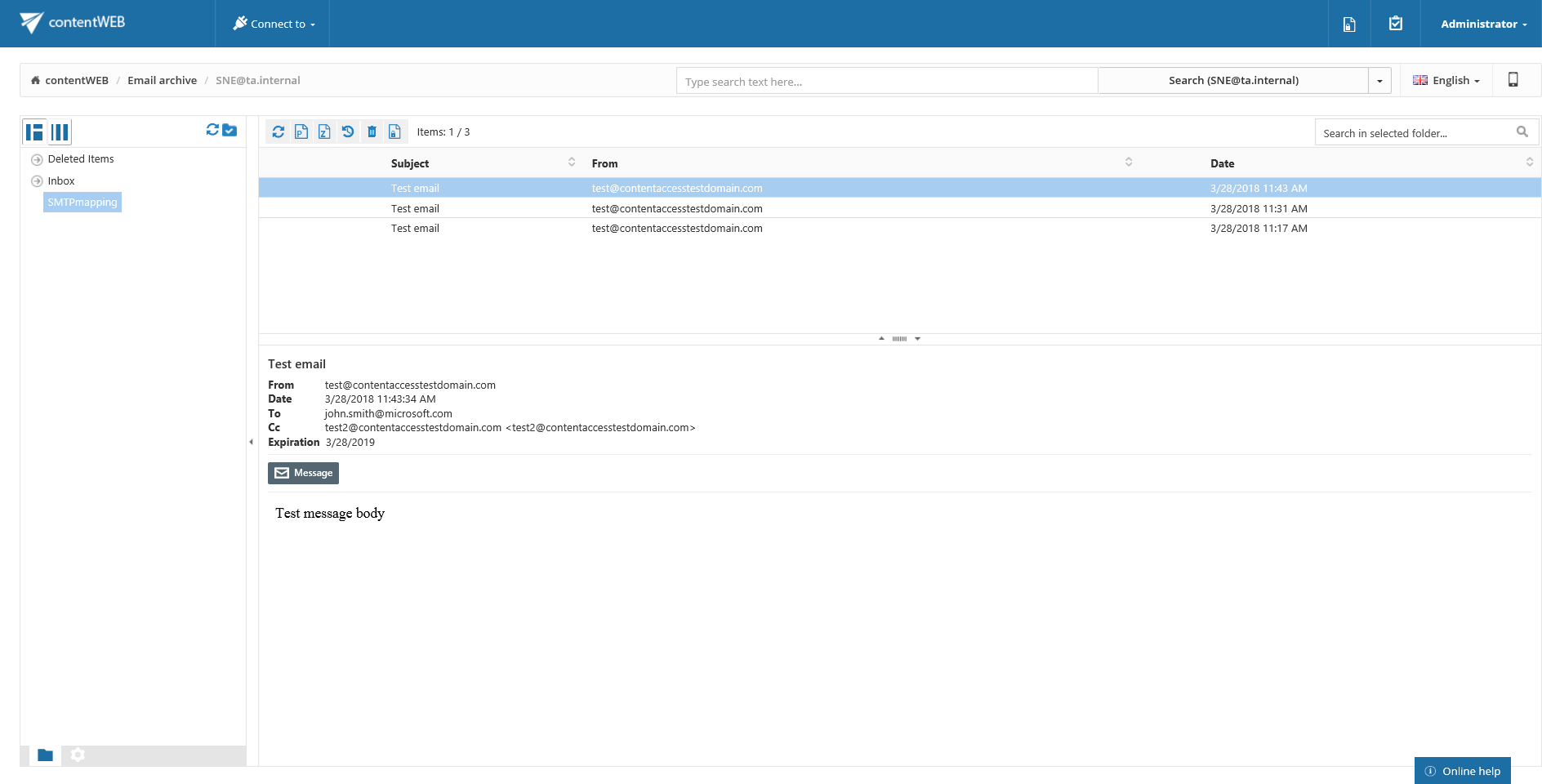
The archived emails will not be visible in the mailbox directly, but they can be viewed and worked with in contentACCESS Portal.