Configuration auditing
Introduction
The Configuration auditing page in Central Administration captures configuration changes made in contentACCESS. It allows administrators to discover which user changed a given setting, what was changed, and when the change occurred. From this page, administrators can view, filter, and export configuration auditing data.
Access configuration auditing
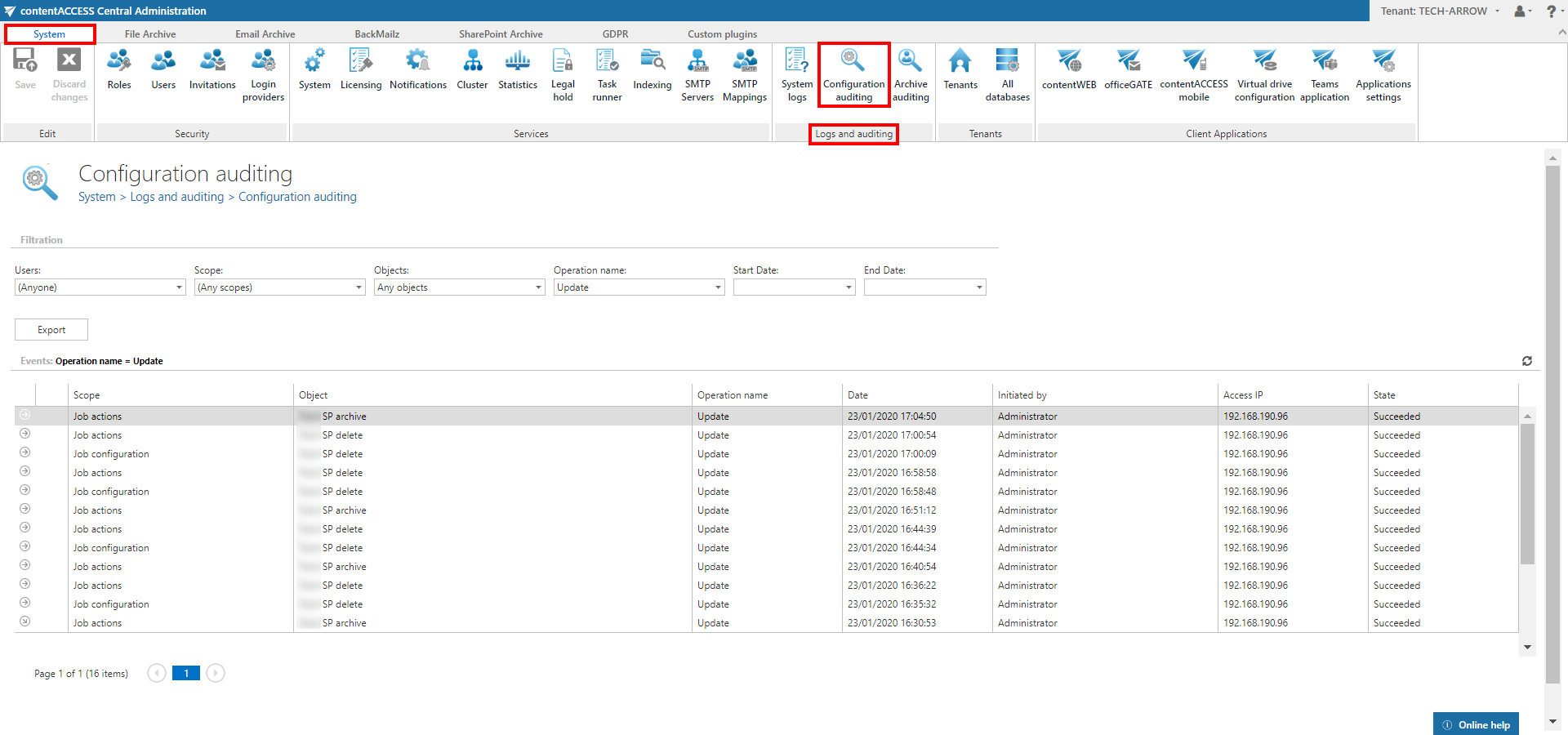
To view and search the auditing data, navigate to System -> Logs and auditing -> Configuration auditing.
Filter auditing entries
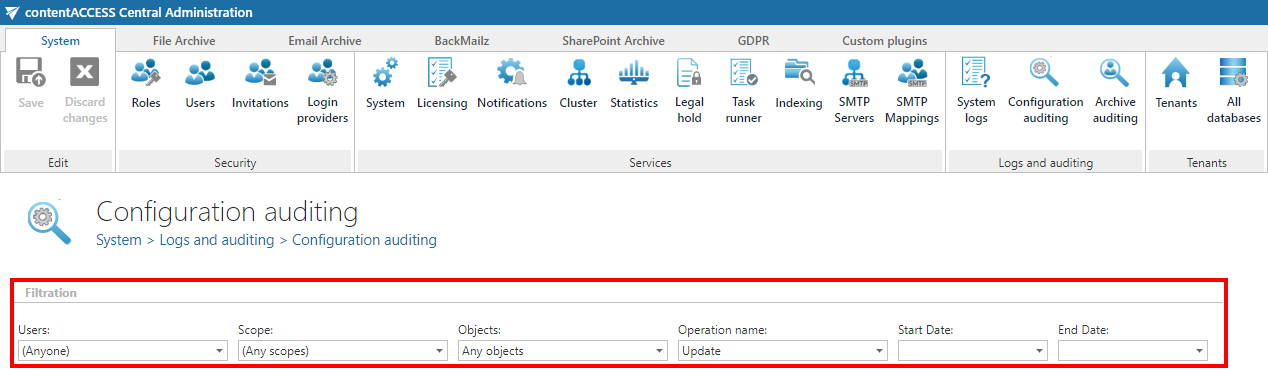
You can filter the auditing entries by:
- User: The user who made the changes. Search for users or filter them out using the checkbox.
- Object type: The type of object that was changed, for example role, job, user, database configuration, or storage configuration.
- Object: A specific object, such as a particular job, database, or storage.
- Date and action: The date of the change and the action performed — create, update, or delete.
View change details
Expanding a row shows the changes that were made. If the old values or settings are known, both the previous and the new values or settings are displayed, allowing all settings to be viewed.
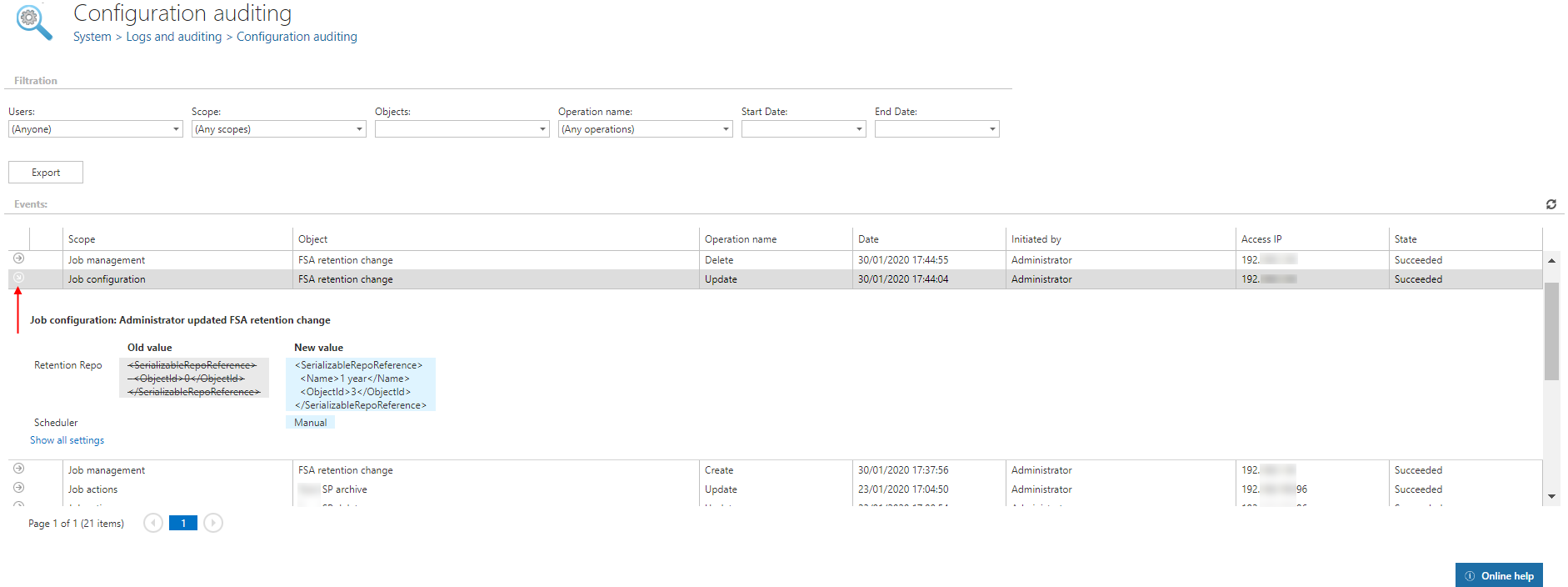
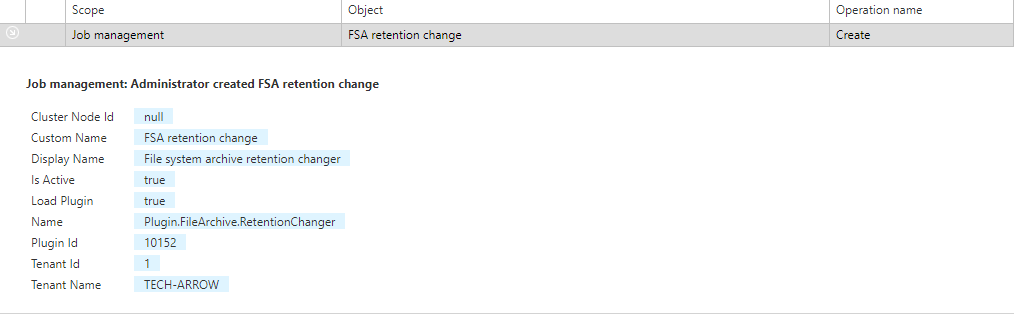 Screenshot: A job was created.
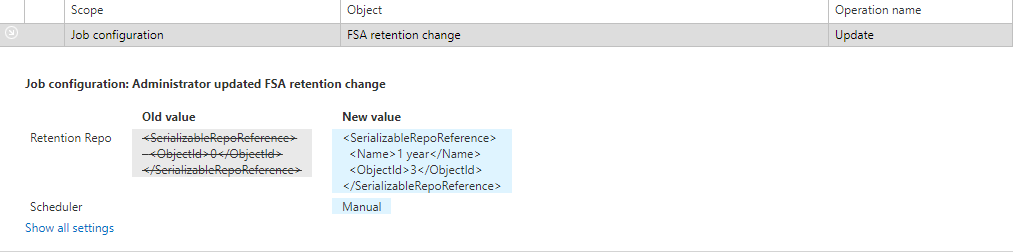 Screenshot: A job was updated.
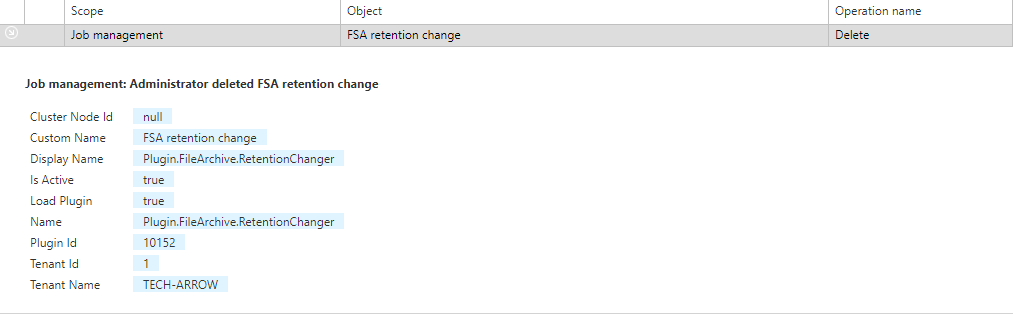 Screenshot: A job was deleted.
Export auditing entries
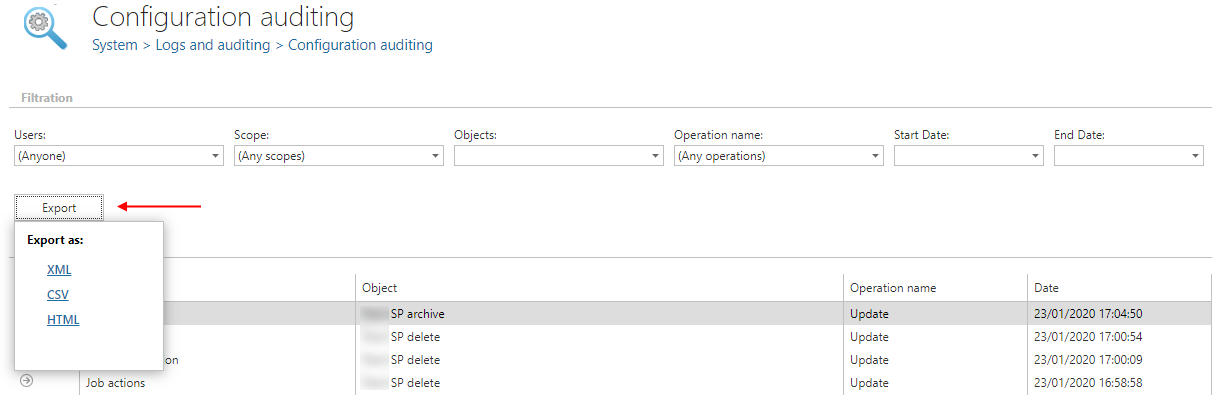
The list of auditing entries can be exported to HTML, CSV, and XML format by clicking the Export button and choosing the desired format.