Teams archive
Introduction
The Teams archive job in contentACCESS archives private chat messages, and messages of selected Teams and their channels — including message replies, reactions, files, and all tabs — as well as full SharePoint content and associated permissions. Archived items can later be viewed in the contentACCESS Portal.
This page describes how to activate and configure the Teams archive job.
Important: Teams archive and Teams chat archive jobs are not able to archive conversations with external participants coming from a different Microsoft Entra tenant. We recommend using the Teams compliance archive job for processing conversations with external participants.
Activate Teams archive
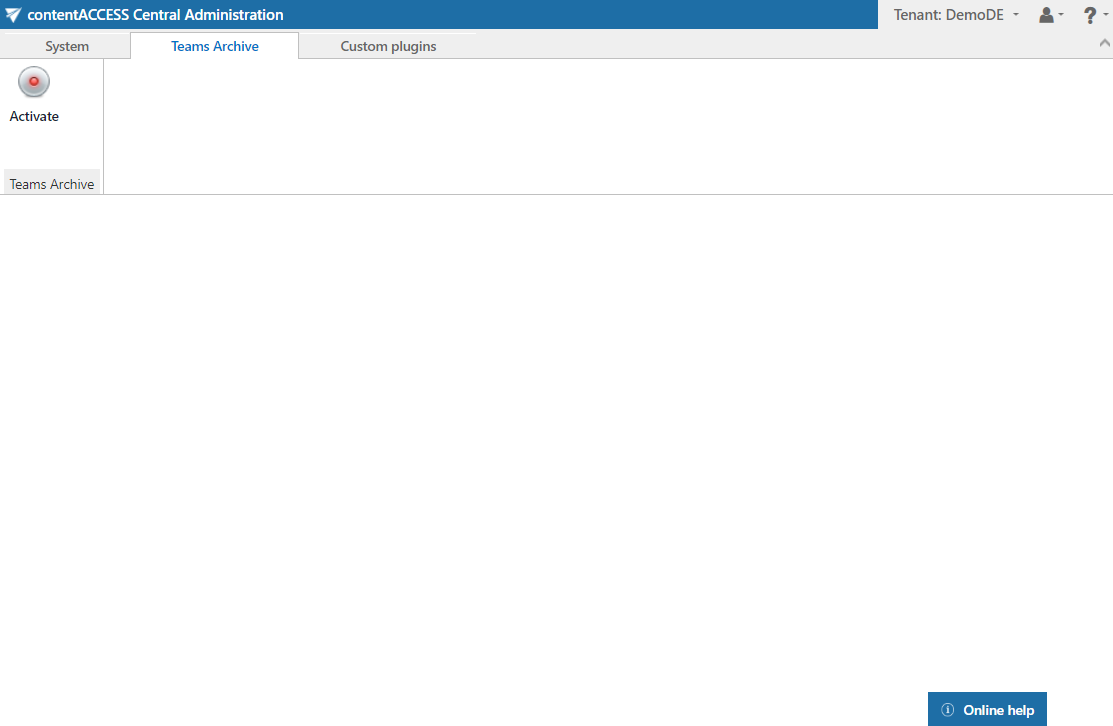
When configuring Teams archive for the first time, you need to activate it. After successful activation, the Settings of the Teams archive job are displayed.