ThreatTest User experience
Introduction
The User experience page in ThreatTest allows administrators to install and enable the ThreatTest app for users. From this page, you can select the mailboxes for which the ThreatTest app/add-in should be enabled, and assign contentACCESS roles to users.
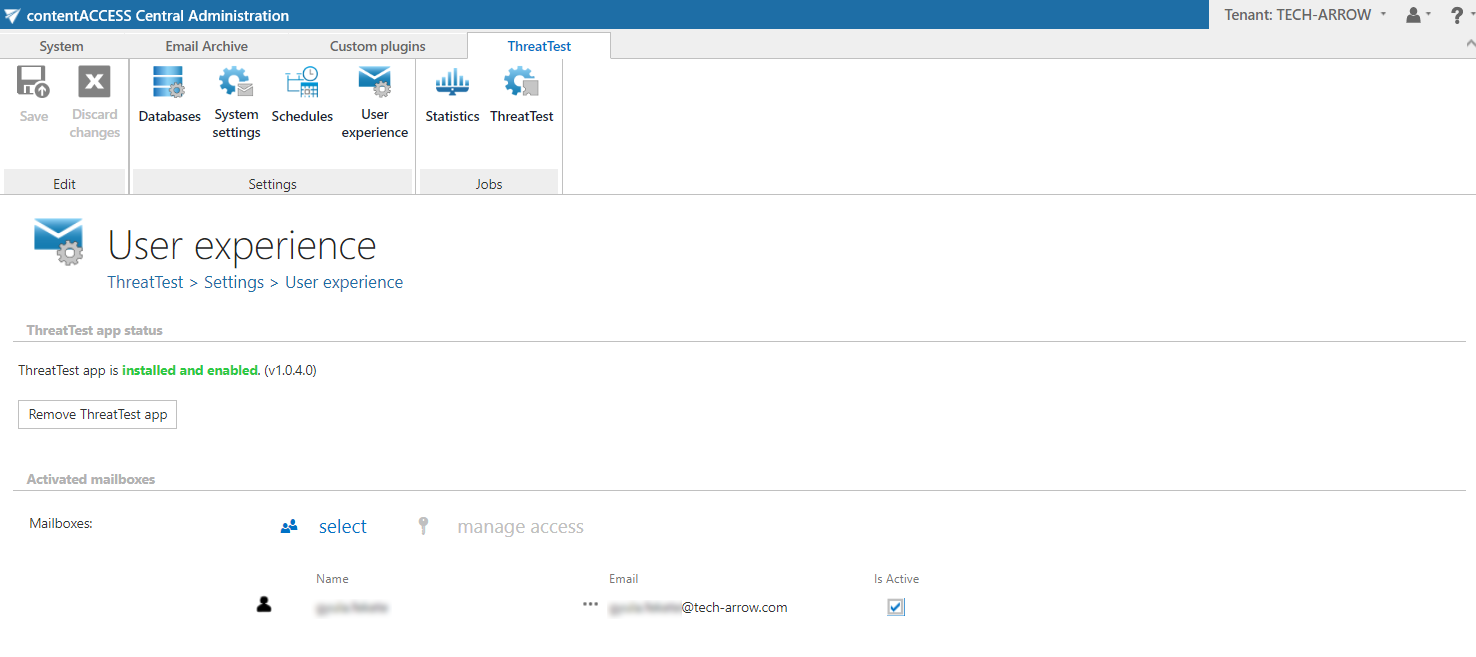
Enable the app for users
To enable the app for new users:
- Click the
 icon.
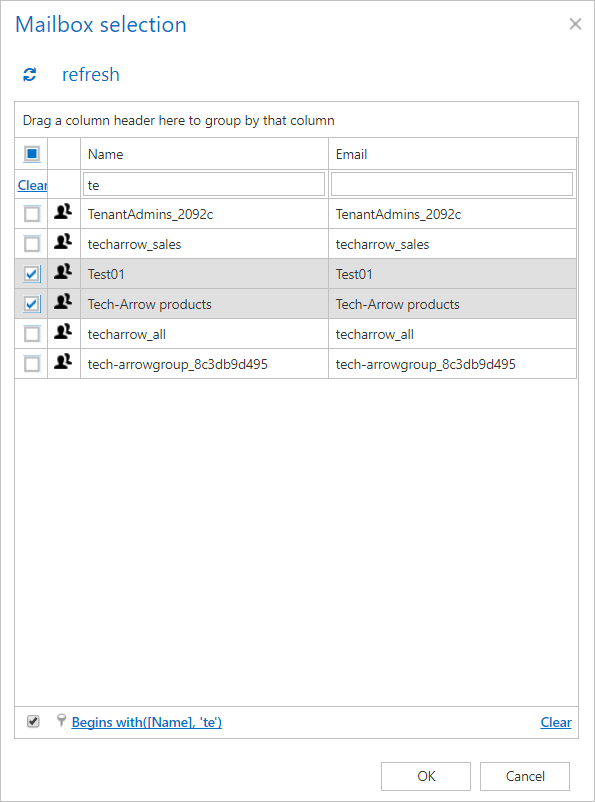
icon. - Select the desired mailbox(es). Mailbox selection works the same way as in Email archive.
info
Note: At the next run of the Notification job, the users added here will receive a notification email and can start using the ThreatTest app/add-in.
Assign a role to a user
It is also possible to assign a contentACCESS role to a user from this page.
- Select the user.
- Click
 . This redirects you to the Manage Access to Object page.
 - Click + new.
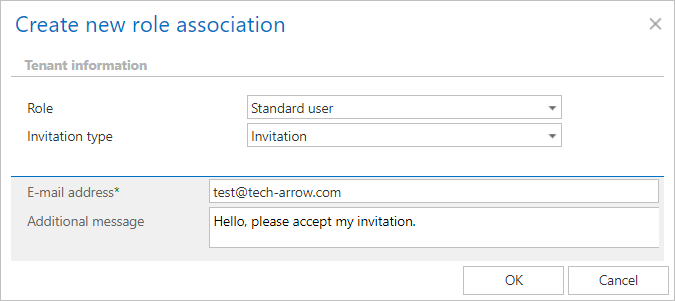
- Select the role and the invitation type:
- Role: Defines the permissions that a contentACCESS user has in the entire system. For more information, see Roles.
- Invitation: Informs the user that a role has been created for them, or that they have been invited to contentACCESS. For more information, see the Creating/inviting contentACCESS users section on the Users in contentACCESS page.