Connecting to providers
Introduction
officeGATE provider connection settings define how officeGATE connects to each available provider. The required connection parameters depend on the provider and are described in the corresponding sections of this guide.
Open provider connection settings
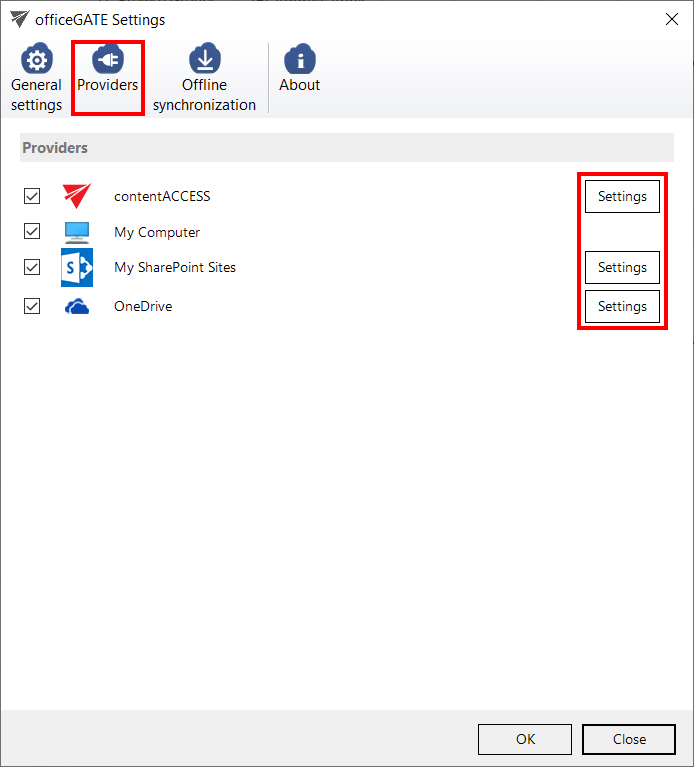
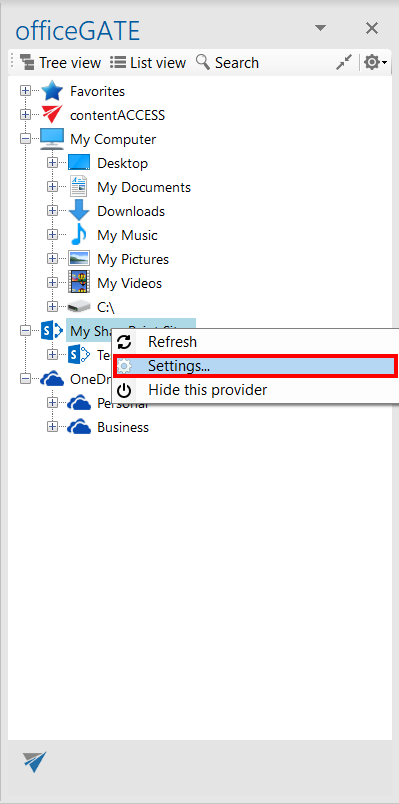
A provider's connection settings can be opened in either of the following ways:
-
From the Providers tab in the officeGATE Settings dialog.
-
From the provider's context menu in the officeGATE pane.
-
Click Settings to open the provider's connection dialog.
Each provider requires different connection parameters. The required parameters for each provider are described in the following sections of this guide.