Manual email archiving using contentACCESS
Introduction
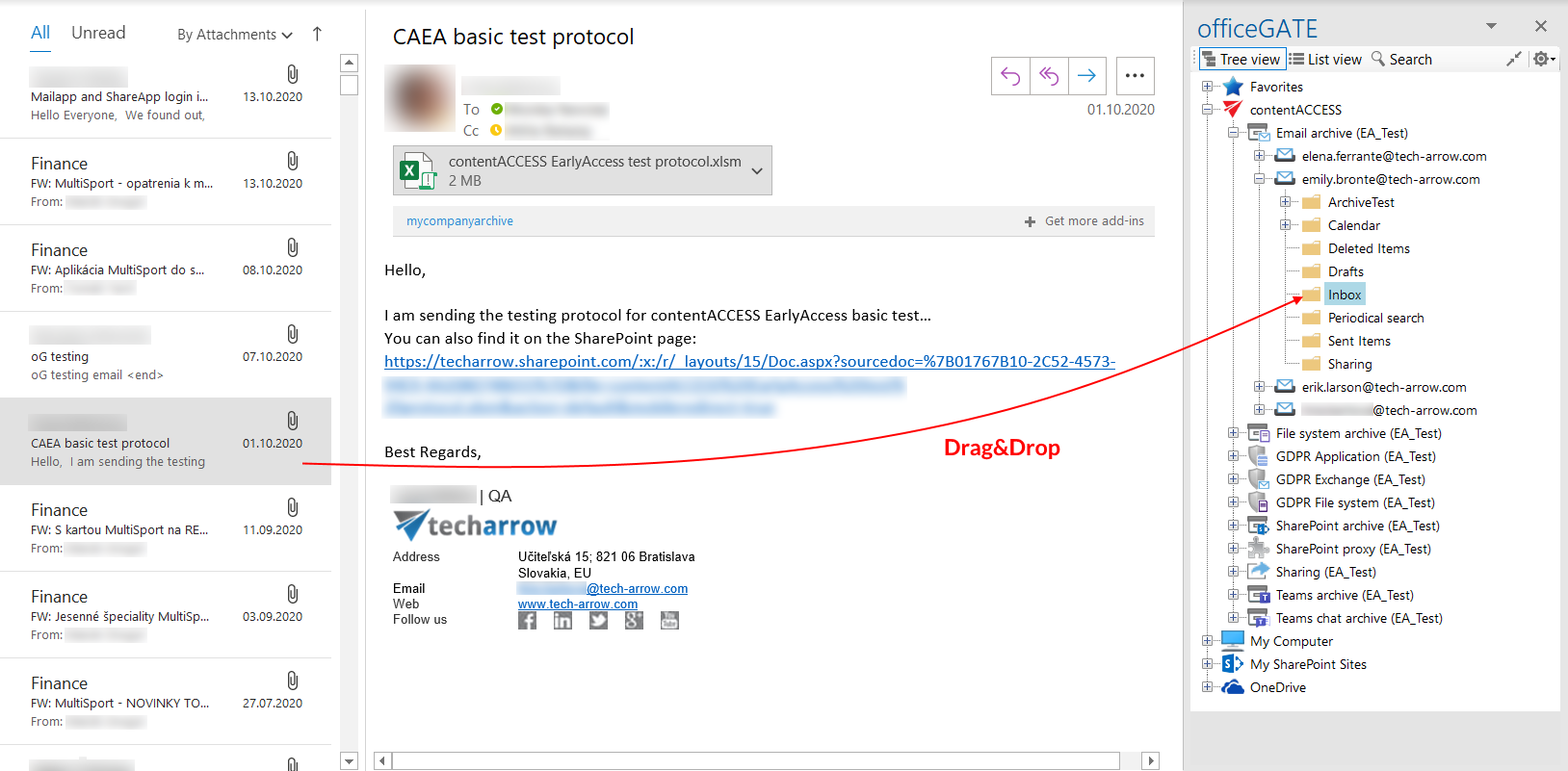
The Drag & Drop function allows users to manually archive emails from Microsoft Outlook to contentACCESS. By dragging an email to the email archive folder under the contentACCESS node, the message is automatically archived.
Archive emails using Drag & Drop
To manually archive an email:
- In Microsoft Outlook, select the email that you want to archive.
- Drag and drop the email into the email archive folder under the contentACCESS node in the officeGATE pane.
- The email is automatically archived in contentACCESS.
If the email has already been archived and you drag and drop it to officeGATE, the application displays a warning. You are asked whether you want to archive the original email instead.
