Open contentACCESS Portal
Introduction
The Open contentACCESS Portal function allows users to open the contentACCESS Portal directly from officeGATE in Outlook. Depending on the selected node, users can open the provider, a specific entity, folder, or document in the contentACCESS Portal.
Note: This option is active only on the contentACCESS provider.
Open contentACCESS Portal
The function can be used on the following nodes:
-
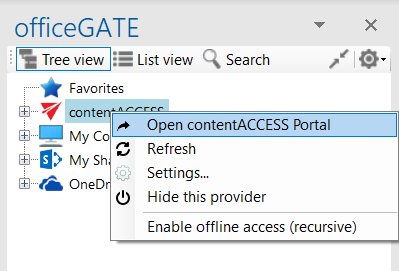
Provider node – redirects the user to the contentACCESS Portal; no specific entity, folder, or item is selected.
-
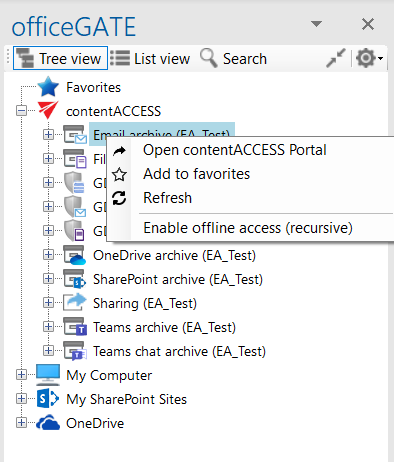
Entity node – opens the selected entity, such as a mailbox or file archive root, in the contentACCESS Portal, depending on the model type.
-
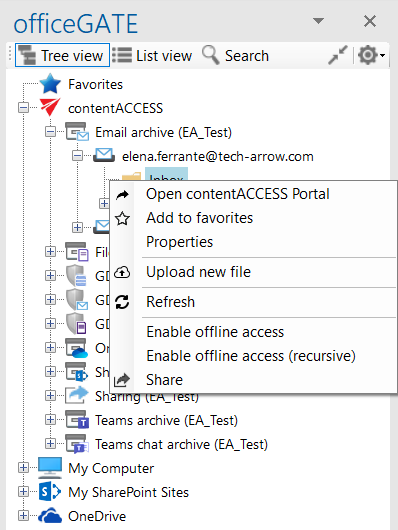
Folder node – opens the selected folder in the contentACCESS Portal.
-
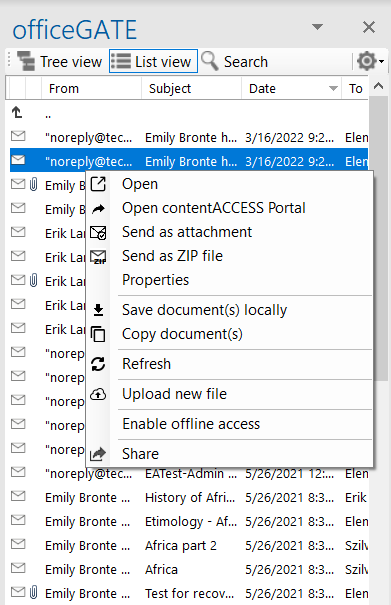
Document node – displays the selected document, such as an email or file, in the contentACCESS Portal.