Renaming document(s)
Introduction
The Rename document function allows users to rename a document in the file system.
Rename a document
To rename a document:
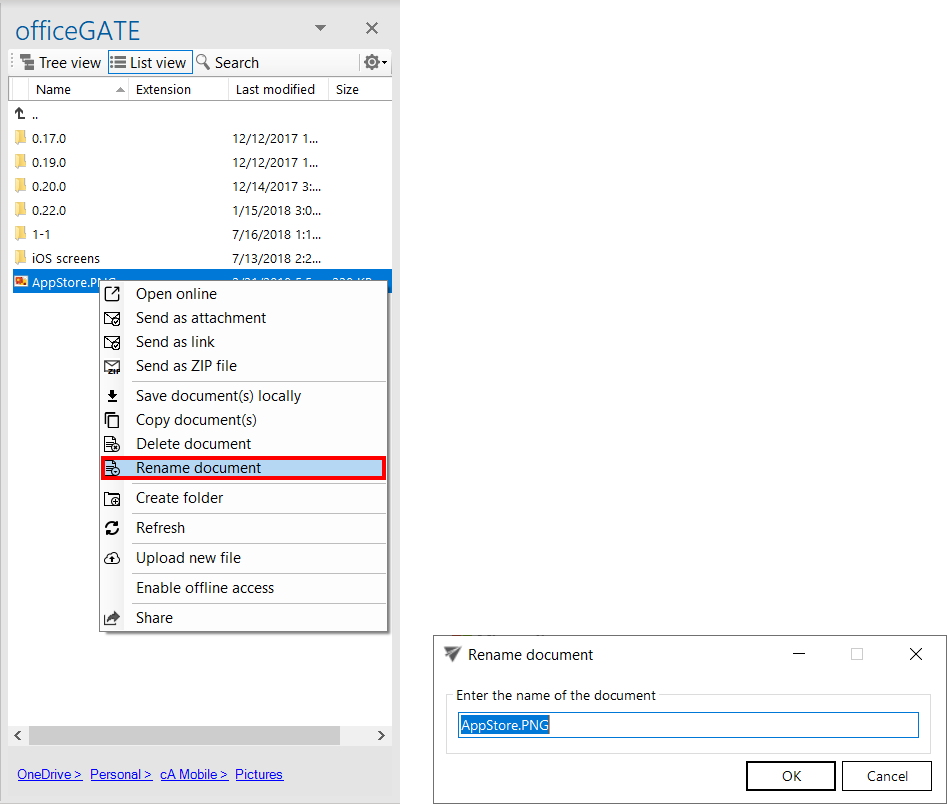
- In List view, open the document's context menu.
- Select Rename document.
- In the Rename document dialog, enter the desired document name in the text field.
- Click OK.