Saving document(s) locally
Introduction
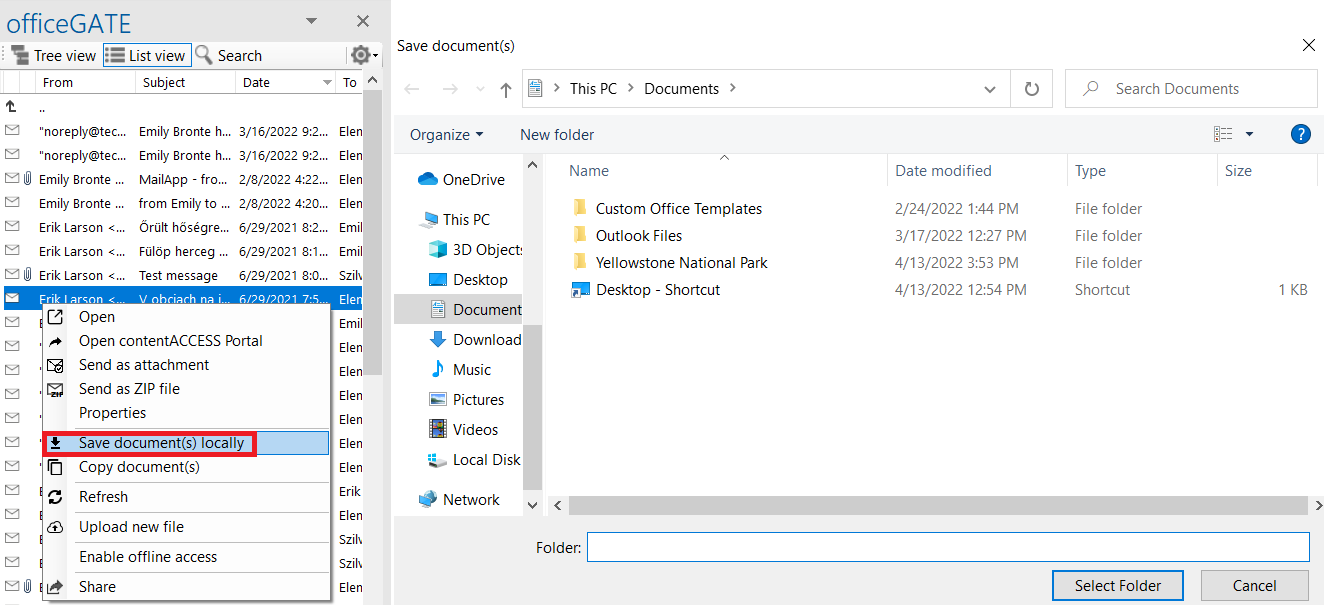
The Save document(s) locally function allows users to save one or more selected documents to a folder on their local disk.
Save documents locally
To save documents locally:
- Select the items that you want to save and open the context menu.
- Select Save document(s) locally.
- Locate the folder where you want to save the selected items.
- Click Select folder to save the items.