Layout selector
Introduction
The layout selector allows users to choose where the item preview is displayed in the contentACCESS Portal interface. The reading pane can be positioned either at the bottom or on the right side of the view, depending on the user's preference.
Select the layout
Open the layout selector above the navigation pane on the left side and select the preferred layout:
-
Reading pane at the bottom of the view
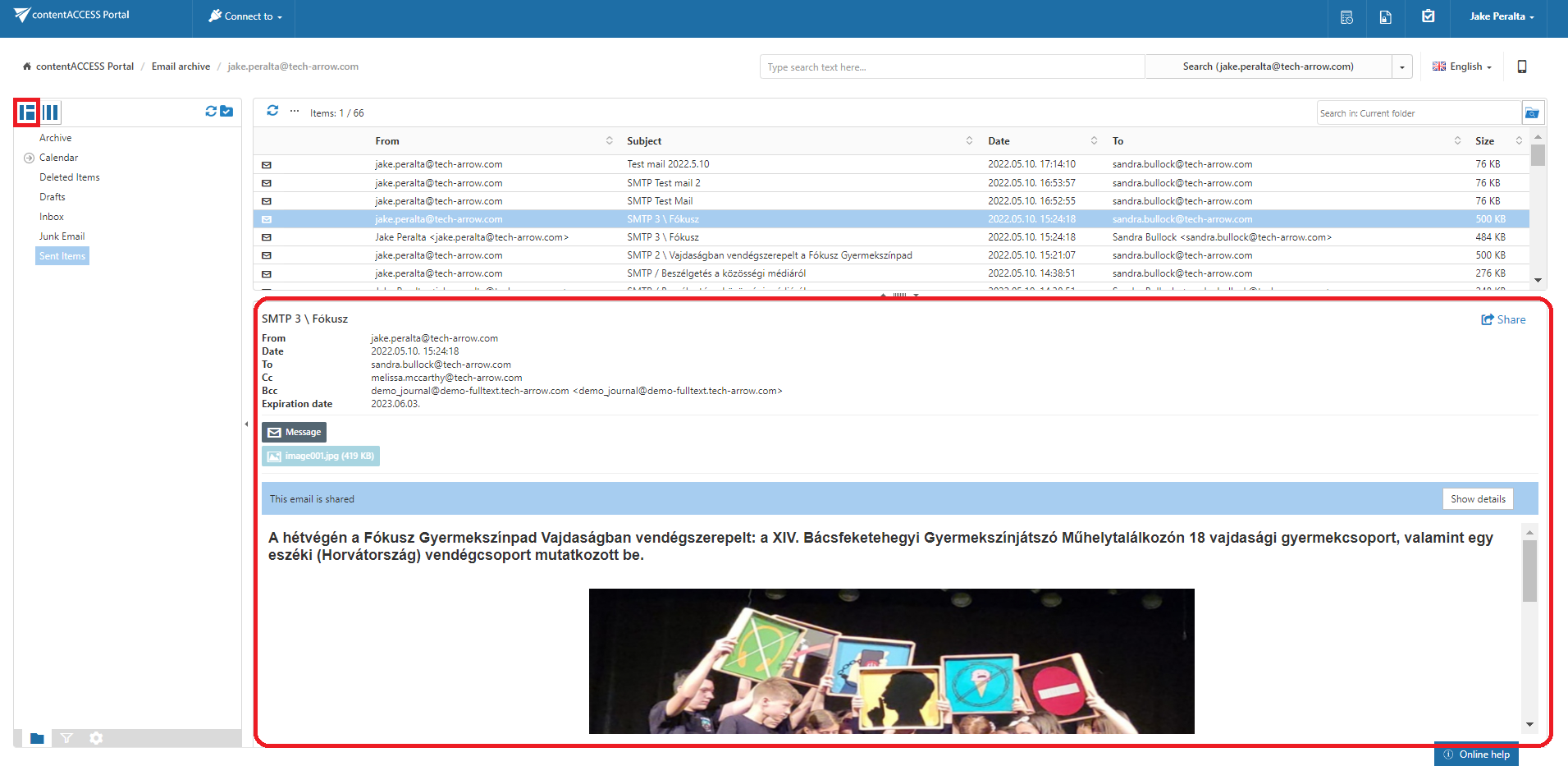
Screenshot A: Reading pane at the bottom of the view
-
Reading pane at the right side of the view
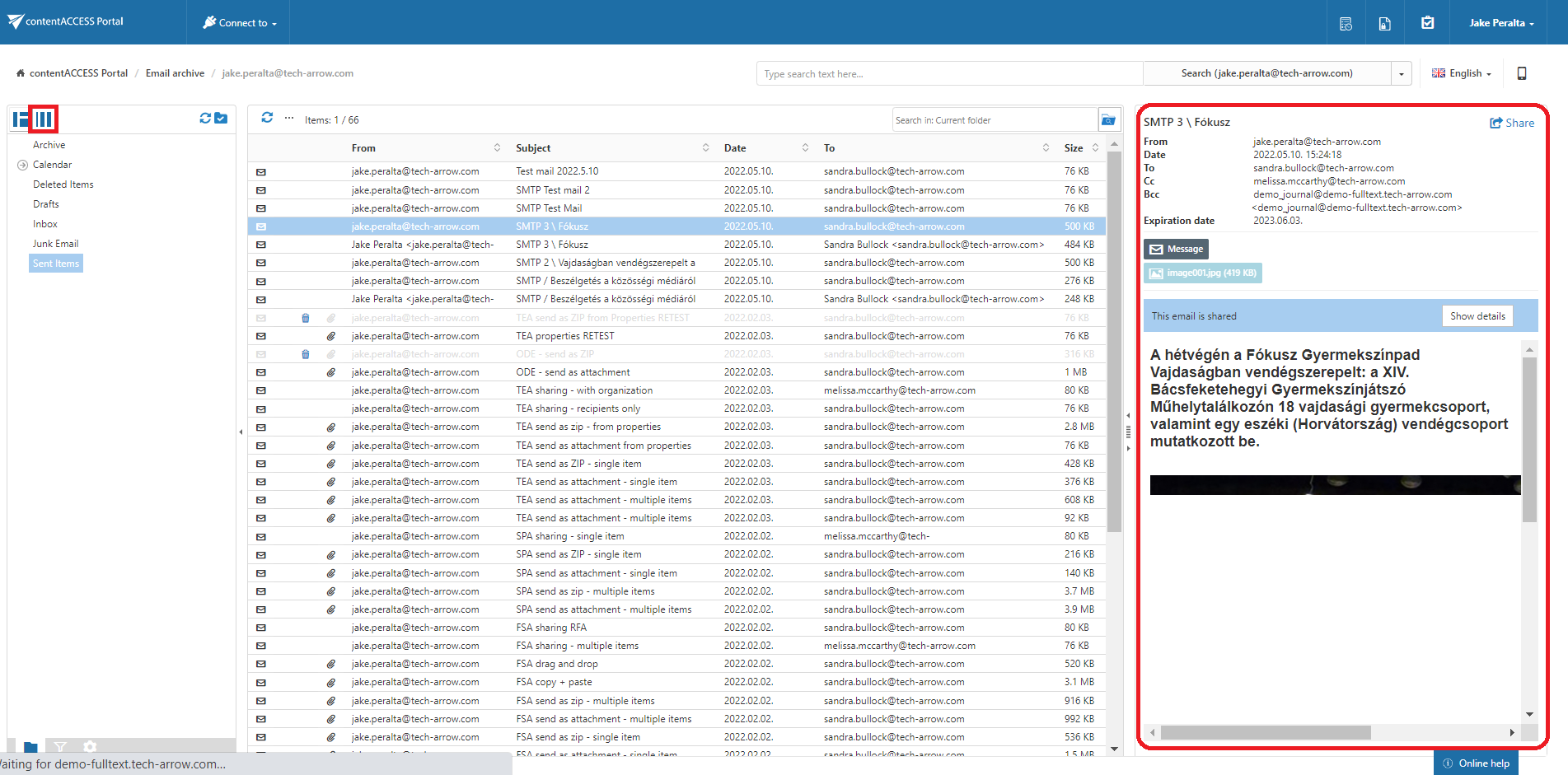
Screenshot B: Reading pane at the right side of the view