Multi-selection
Introduction
contentACCESS Portal allows users to select multiple items in the item grid or multiple folders in the navigation pane and perform operations on them simultaneously. Multiple items can be selected using CTRL, SHIFT, or CTRL + A, while folder selection must first be enabled with Enable folder selection.
Multiple item selection
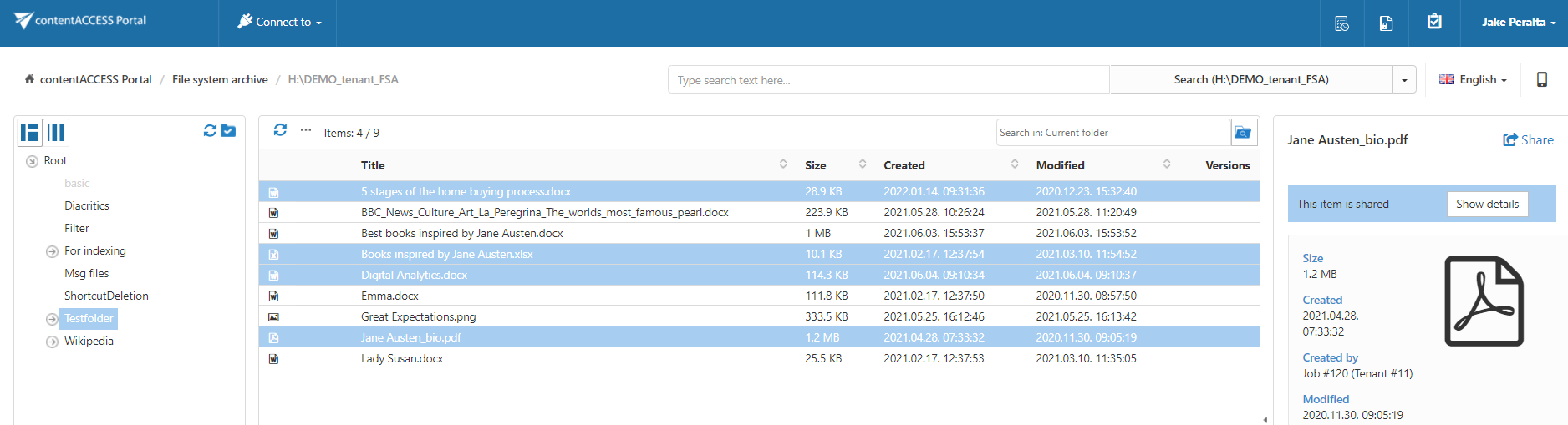
Users can select multiple items in the item grid to perform operations on them simultaneously.
The following methods can be used to select multiple items:
-
Hold CTRL or SHIFT and select the items you want to process.
-
Press CTRL + A to select the first 200 items displayed in the grid.
Multiple folder selection
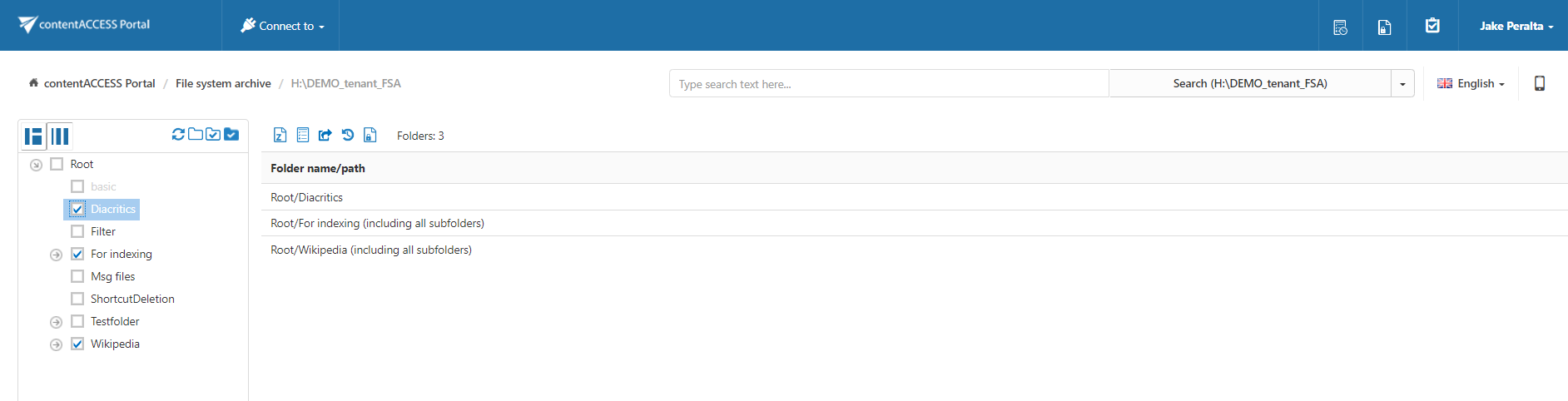
An action can be performed simultaneously on one or multiple folders. Before selecting folders, click Enable folder selection.

To select one or multiple folders for processing:
- Select the checkboxes next to the required folders in the navigation pane.
- The paths of the selected folders are displayed in the grid.
- Run the required action to process all selected folders simultaneously.